

Master Claude Code, Anthropic's agentic coding tool. Learn installation across CLI, desktop, web, and IDE extensions. Master core workflows for reading, writing, debugging, and refactoring code. Configure CLAUDE.md files, memory, slash commands, MCP servers, and hooks. Build real features and compare Claude Code with Cursor and Copilot.
Claude Code is Anthropic's agentic coding tool that works directly from your terminal, desktop app, browser, or IDE extension. This free course walks you through everything from first installation to production-ready workflows, covering how the permission system works, how to read and write code collaboratively with Claude, and how to debug and refactor with confidence. Whether you are a developer looking to speed up your daily work or a student who wants to build real projects faster, you will find practical, hands-on lessons that map to how Claude Code actually behaves.
Beyond the basics, the course dives into the configuration layer that most tutorials skip: writing CLAUDE.md files so Claude understands your specific project, managing memory and context across sessions, and setting up custom slash commands, keybindings, and settings. You will also explore two of Claude Code's most powerful features, MCP servers for connecting external tools and hooks for automating repetitive steps in your workflow.
The final module puts everything together with a full feature build from scratch and a clear-eyed comparison of Claude Code against Cursor and Copilot, so you can choose the right tool for your situation. The course is completely free, and completing all lessons plus the final exam earns you a certificate of completion you can add to your LinkedIn profile or resume.
5 modules • 14 lessons
Finish every lesson and pass the final exam to earn this free, shareable certificate.

Certificate of Completion
has successfully completed
14 lessons · Final exam passed

Michail Ouroumis
Founder, FreeAcademy.ai
Sample preview. Your name appears on the certificate when you complete the course. Learn more
Teaching a class or training a team? Assign this course for free
The course covers the full Claude Code toolkit across five modules: installation and setup, core coding workflows like reading, writing, debugging, and refactoring, configuration through CLAUDE.md files and slash commands, advanced features including MCP servers and hooks, and a final module that builds a real feature and compares Claude Code with Cursor and Copilot.
Yes, the course is completely free. You can work through all 14 lessons at your own pace, and completing the course plus the final exam earns you a certificate of completion you can share on LinkedIn or add to your resume.
No prior experience with AI coding assistants is required. The course is designed for beginners and starts from the very first installation step, explaining the permission system and core concepts before moving to more advanced configuration and automation topics.
The course focuses specifically on Claude Code by Anthropic. It covers the CLI, desktop app, web interface, and IDE extensions, and goes into depth on CLAUDE.md configuration, memory management, custom slash commands, MCP servers for connecting external tools, and hooks for workflow automation.
This course is built around Claude Code's specific features and mental model rather than generic prompt tips. You will learn how to structure CLAUDE.md files for your own project, how hooks work to automate your personal workflow, and how Claude Code's agentic approach compares concretely to alternatives like Cursor and Copilot.
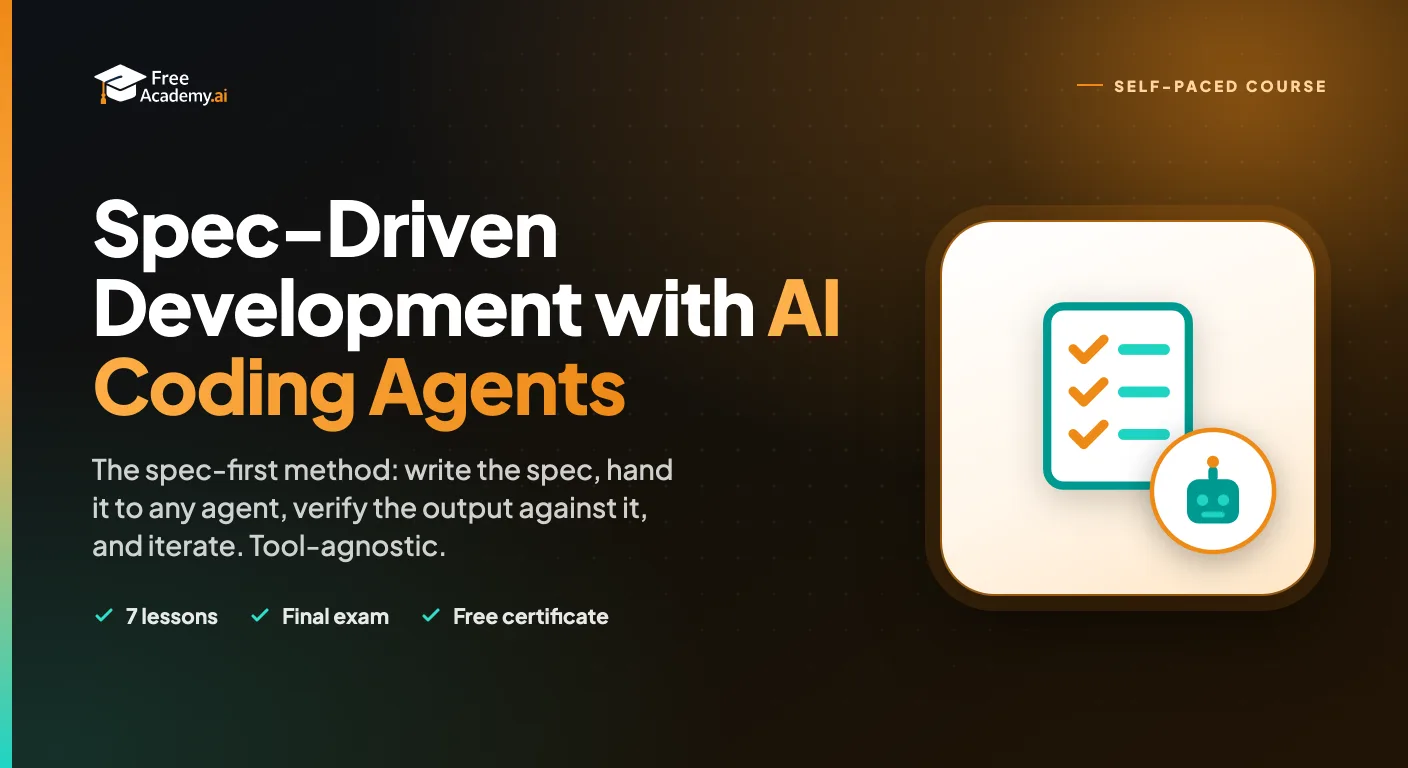
Learn the spec-first method for building software with AI coding agents. Write specs with acceptance criteria, edge cases, and constraints, structure context for any agent, verify output against the spec with tests, iterate on failures, and know when to hand-code. Tool-agnostic across Claude Code, Cursor, Copilot, Devin, and any agent.
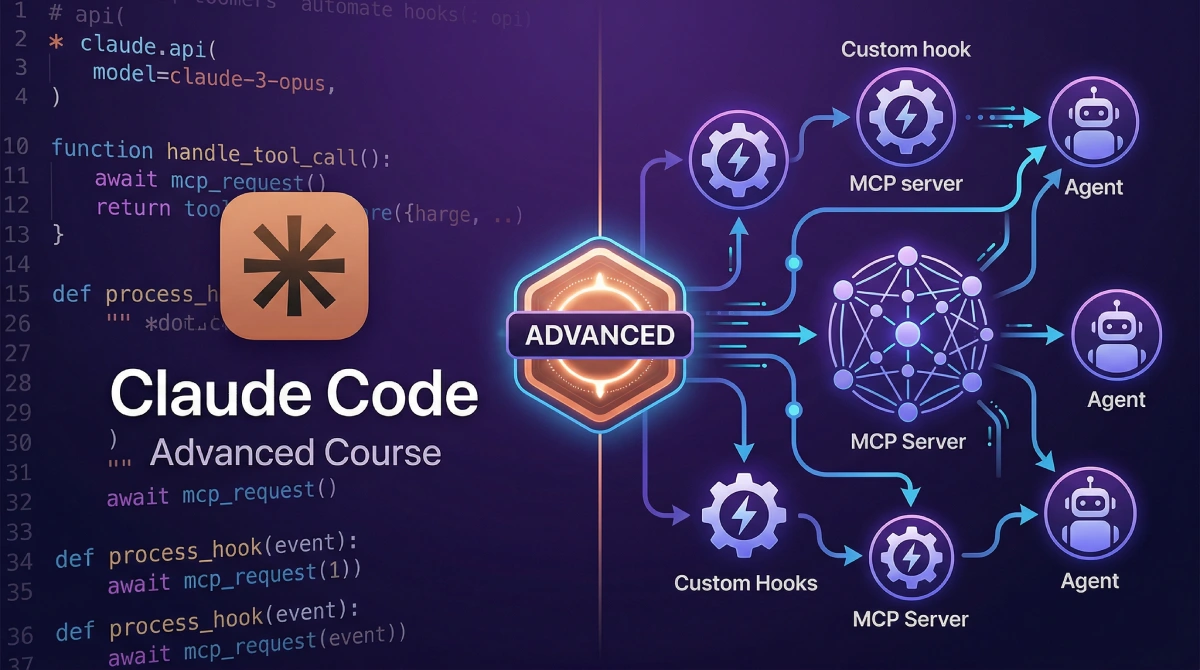
Master advanced Claude Code workflows including agent mode, multi-agent orchestration with subagents, custom slash commands and agents, hooks automation, memory systems, MCP server integrations, headless CI/CD pipelines, production agent systems, and enterprise team patterns.

Master Cursor, the AI-powered code editor. Learn Agent, Ask, and Plan modes, Tab completion, Cmd+K inline editing, multi-file refactoring, context mentions, Project Rules and AGENTS.md, model selection with Auto, plus parallel agents, Cloud Agents, and Bugbot.

Master OpenAI Codex, the coding agent that works in your terminal and in the cloud. Learn the CLI with its three approval modes, run parallel sandboxed tasks with Codex Cloud, extend capabilities with the skills system, and coordinate multiple agents across large projects. Powered by GPT-5.3-Codex.
Master GitHub Copilot to boost your coding productivity. Learn setup, effective prompting, managing suggestions, using Copilot Chat, writing tests and documentation, code review best practices, and understand limitations compared to other AI coding tools.
Go beyond generic prompt engineering and master Claude-specific techniques. Learn XML tags, extended thinking, system prompt design, CLAUDE.md files, MCP integration, and agentic workflows to unlock Claude's full potential.