
Master advanced Claude Code workflows including agent mode, multi-agent orchestration with subagents, custom slash commands and agents, hooks automation, memory systems, MCP server integrations, headless CI/CD pipelines, production agent systems, and enterprise team patterns.
This free intermediate course takes you deep into the advanced capabilities of Claude Code, Anthropic's AI-powered coding assistant. You will move beyond basic prompting and into territory that most developers have not yet explored: running Claude Code in agent mode so it can work autonomously on multi-step tasks, orchestrating multiple subagents in parallel, and building your own custom slash commands and reusable agents tailored to your workflow.
The course then covers the features that make Claude Code genuinely automatable: hooks that trigger scripts before and after any action, a memory and auto-memory system that preserves project context across sessions, and fine-grained configuration of models, permissions, and profiles. From there you will connect Claude Code to external tools through MCP servers, run it in headless mode inside CI/CD pipelines, and explore bash mode for scripted automation without a terminal prompt.
The final module focuses on applying everything in production. You will see how to architect a real agent system that can run reliably at scale, and how engineering teams can adopt shared patterns, permissions, and workflows to collaborate effectively. The course is free, and passing the final exam earns a certificate of completion you can add to your LinkedIn profile or resume.
4 modules • 10 lessons
Finish every lesson and pass the final exam to earn this free, shareable certificate.

Certificate of Completion
has successfully completed
10 lessons · Final exam passed

Michail Ouroumis
Founder, FreeAcademy.ai
Sample preview. Your name appears on the certificate when you complete the course. Learn more
The course covers advanced Claude Code features across four modules: agent mode and multi-agent orchestration with subagents, hooks and memory systems, MCP server integrations and headless CI/CD pipelines, and building production agent systems with enterprise team workflows.
Yes, the course is completely free. Completing all lessons and passing the final exam earns a certificate of completion that you can share on LinkedIn or add to your resume.
This is an intermediate course, so you should already be comfortable using Claude Code for basic coding tasks. Prior experience writing code in any language and running commands in a terminal will help you follow along with the automation and CI/CD lessons.
The course focuses on Claude Code itself, covering its built-in agent and subagent system, hooks, memory, configuration profiles, MCP servers for connecting to external tools, and headless and bash modes for scripted automation. No additional paid tools are required.
The final module covers enterprise patterns and team workflows, showing how to share custom agents, slash commands, and permission configurations across a development team. These patterns help teams adopt consistent Claude Code practices and scale AI-assisted development reliably.
Master Claude Code, Anthropic's agentic coding tool. Learn installation across CLI, desktop, web, and IDE extensions. Master core workflows for reading, writing, debugging, and refactoring code. Configure CLAUDE.md files, memory, slash commands, MCP servers, and hooks. Build real features and compare Claude Code with Cursor and Copilot.

Master OpenAI Codex, the coding agent that works in your terminal and in the cloud. Learn the CLI with its three approval modes, run parallel sandboxed tasks with Codex Cloud, extend capabilities with the skills system, and coordinate multiple agents across large projects. Powered by GPT-5.3-Codex.
Go beyond generic prompt engineering and master Claude-specific techniques. Learn XML tags, extended thinking, system prompt design, CLAUDE.md files, MCP integration, and agentic workflows to unlock Claude's full potential.

Master Cursor, the AI-powered code editor. Learn Agent, Ask, and Plan modes, Tab completion, Cmd+K inline editing, multi-file refactoring, context mentions, Project Rules and AGENTS.md, model selection with Auto, plus parallel agents, Cloud Agents, and Bugbot.
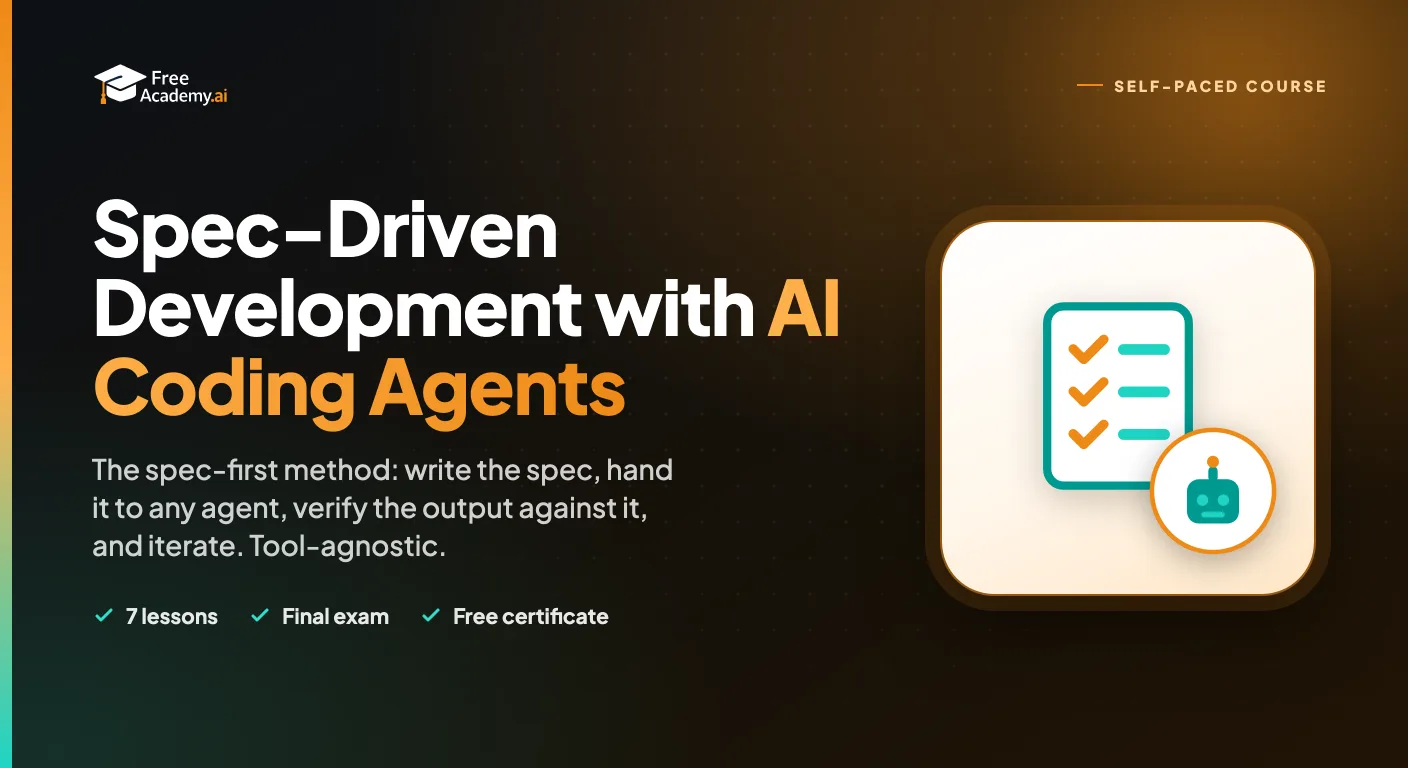
Learn the spec-first method for building software with AI coding agents. Write specs with acceptance criteria, edge cases, and constraints, structure context for any agent, verify output against the spec with tests, iterate on failures, and know when to hand-code. Tool-agnostic across Claude Code, Cursor, Copilot, Devin, and any agent.

Learn to build multi-agent AI systems with CrewAI in about 45 minutes. Understand the crew/agent/task model, define specialized agents, create tasks, and build a real-world market research crew with analyst, researcher, and writer agents.