Master Cursor, the AI-powered code editor. Learn Chat, Cmd+K inline editing, Tab completion, Agent mode, multi-file refactoring, codebase-wide context, custom rules, and productivity workflows that dramatically speed up development.
Cursor is an AI-powered code editor built on the familiar VS Code foundation, and this free course teaches you how to use it effectively from day one. Starting with setup and the interface overview, you will learn exactly how Cursor differs from a standard editor and why those differences matter for your daily workflow. The course moves through every core AI feature: the Chat interface for asking questions about your code, Tab completion for instant suggestions, inline editing with Cmd+K, and Agent mode that can plan and execute multi-step coding tasks on your behalf.
Beyond the basics, the course digs into context control, showing you how to reference specific files, folders, and symbols using @mentions, and how codebase-wide chat lets you query your entire project at once. You will also practice multi-file refactoring, write custom Cursor Rules to shape how the AI responds to your preferences, and compare the available AI models so you can choose the right one for each task.
The final module focuses on real-world workflows: common patterns developers use day to day, debugging and error fixing with AI assistance, and the pitfalls to avoid so the AI stays useful rather than getting in the way. Whether you are a student learning to code, a professional looking to work faster, or someone curious about AI coding tools, this course gives you a concrete, hands-on foundation. It is completely free, and completing the course plus the final exam earns you a certificate of completion you can add to your LinkedIn profile or resume.
5 modules • 16 lessons
Finish every lesson and pass the final exam to earn this free, shareable certificate.
Certificate of Completion
has successfully completed
12 lessons · Final exam passed

Michail Ouroumis
Founder, FreeAcademy.ai
Sample preview. Your name appears on the certificate when you complete the course. Learn more
This course is a practical introduction to Cursor, an AI-powered code editor. It covers the full range of Cursor features, from basic setup and the Chat interface to Agent mode, multi-file refactoring, and custom rules, so you can use AI assistance throughout your actual coding workflow.
Yes, the course is completely free to take. You can also earn a certificate of completion by finishing the course and passing the final exam, which you can share on LinkedIn or include on a resume.
The course is designed for beginners, so no advanced programming background is required. Basic familiarity with writing or reading code will help you follow along, but the lessons start from setup and explain each concept as it is introduced.
The course covers Cursor's Chat interface, Tab completion, inline editing with Cmd+K, Agent mode, @file and @codebase context mentions, multi-file editing, custom Cursor Rules, and model selection. It also covers debugging workflows and best practices for avoiding common mistakes.
Cursor is built on top of VS Code, so your existing extensions and keybindings carry over. The course includes a dedicated lesson on exactly what changes and what stays the same, so you can quickly orient yourself whether you are switching from VS Code or starting fresh.
Learn the spec-first method for building software with AI coding agents. Write specs with acceptance criteria, edge cases, and constraints, structure context for any agent, verify output against the spec with tests, iterate on failures, and know when to hand-code. Tool-agnostic across Claude Code, Cursor, Copilot, Devin, and any agent.
Master Claude Code, Anthropic's agentic coding tool. Learn installation across CLI, desktop, web, and IDE extensions. Master core workflows for reading, writing, debugging, and refactoring code. Configure CLAUDE.md files, memory, slash commands, MCP servers, and hooks. Build real features and compare Claude Code with Cursor and Copilot.
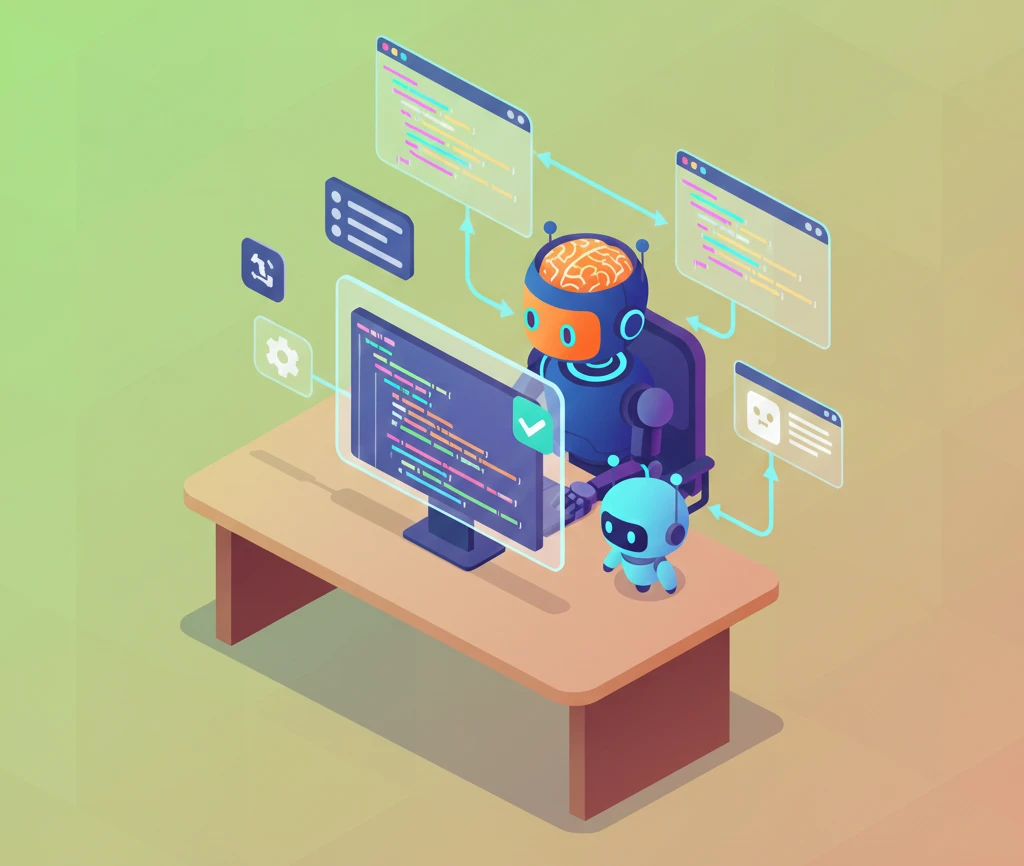
Master GitHub Copilot to boost your coding productivity. Learn setup, effective prompting, managing suggestions, using Copilot Chat, writing tests and documentation, code review best practices, and understand limitations compared to other AI coding tools.

Master OpenAI Codex, the coding agent that works in your terminal and in the cloud. Learn the CLI with its three approval modes, run parallel sandboxed tasks with Codex Cloud, extend capabilities with the skills system, and coordinate multiple agents across large projects. Powered by GPT-5.3-Codex.
Set up Hermes Agent, the open-source self-hosted AI assistant from Nous Research that writes its own reusable skills and keeps all your data on your own machine. A beginner-friendly micro course: understand what makes Hermes different, install it with a single command, run your first useful tasks, and stay safe with a practical permissions checklist. Prefer a chat-app interface instead? Try the OpenClaw micro course (/courses/micro-openclaw-ai-agent).
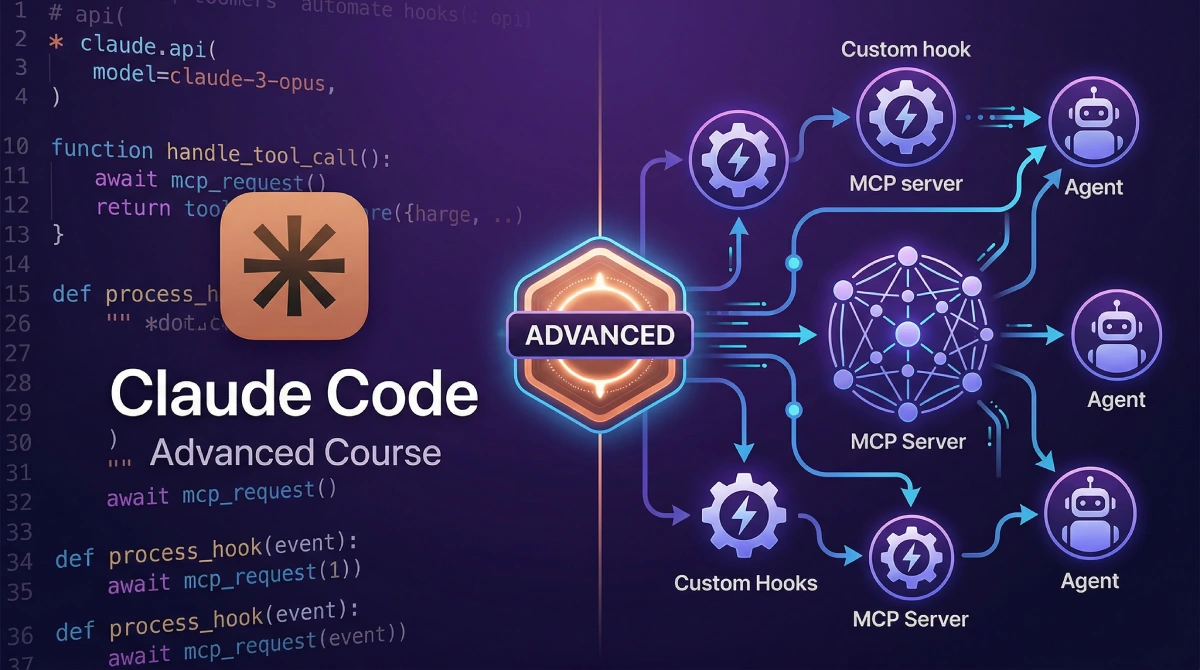
Master advanced Claude Code workflows including agent mode, multi-agent orchestration with subagents, custom slash commands and agents, hooks automation, memory systems, MCP server integrations, headless CI/CD pipelines, production agent systems, and enterprise team patterns.