Master ChatGPT for workplace efficiency. Learn practical techniques for emails, meetings, reports, data analysis, presentations, research, problem-solving, and building personal productivity workflows. Each lesson solves one real work task - perfect for office workers, managers, and knowledge workers.
If you spend your workday writing emails, sitting in meetings, and wrestling with reports, this free course shows you exactly how to use ChatGPT to handle each of those tasks faster. Starting from account setup and company privacy considerations, you will move through modules covering email drafting, meeting summaries, business report writing, spreadsheet formulas, presentation scripts, and competitive research. Each lesson is built around a specific work situation so you can apply what you learn on the same day.
The course suits office workers, managers, and students building practical workplace skills, whether you are new to AI or just new to using it professionally. You do not need a technical background. By the time you reach the later modules, you will be designing your own prompt templates and building daily productivity workflows that connect ChatGPT with tools like Microsoft Office and Google Workspace.
This course is completely free and requires no signup to start. Finishing all the lessons and passing the final exam earns you a certificate of completion you can add to your LinkedIn profile or resume. If you want a concrete way to show that you can apply AI at work, this is a practical starting point.
11 modules • 33 lessons
Finish every lesson and pass the final exam to earn this free, shareable certificate.
Certificate of Completion
has successfully completed
33 lessons · Final exam passed

Michail Ouroumis
Founder, FreeAcademy.ai
Sample preview. Your name appears on the certificate when you complete the course. Learn more
Teaching a class or training a team? Assign this course for free
The course walks through eleven practical modules covering emails, meeting notes, business reports, spreadsheet help, presentation outlines, research, brainstorming, and building personal productivity workflows. It also covers how ChatGPT integrates with Microsoft Office and Google Workspace.
Yes, the entire course is free and you do not need to create an account to start learning. Completing all lessons and passing the final exam earns you a certificate of completion at no cost.
No technical background is required. The course is designed for knowledge workers, managers, and students who want to use ChatGPT for everyday work tasks, not for people building software or AI systems.
Beyond core ChatGPT usage, the course covers Excel and Google Sheets formula generation, integration with Microsoft Office and Google Workspace, competitive research techniques, and how to construct reusable prompt templates for recurring tasks.
After completing all the lessons and passing the final exam, you receive a certificate of completion. You can share it on LinkedIn or add it to your resume to show employers or clients that you can apply AI tools in a professional setting.
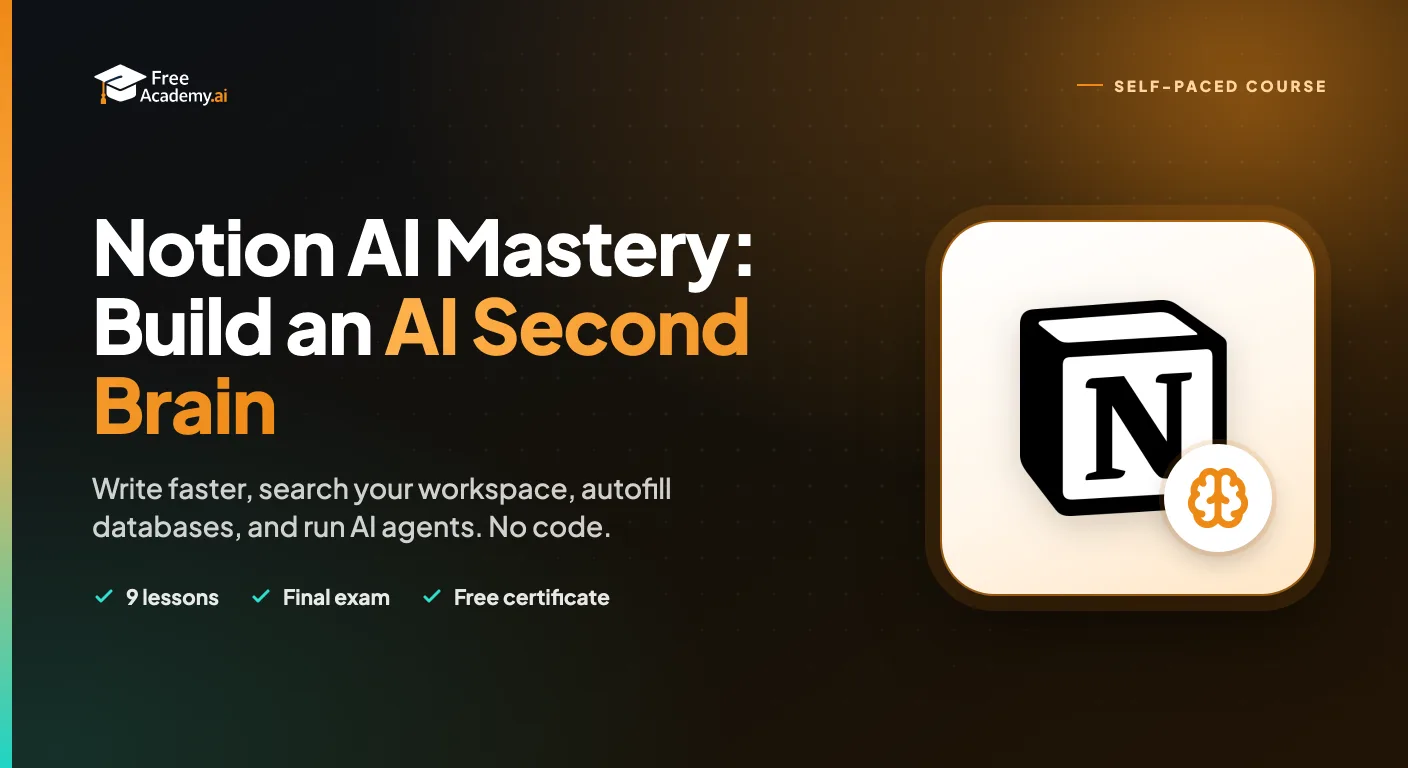
Master Notion AI to write faster, search your whole workspace with Ask Notion, autofill databases, capture meeting notes, and run AI Agents. A practical, no-code course for students, teams, and solo professionals.

Master AI-powered research techniques using Perplexity, ChatGPT, and Claude. Learn to craft effective research questions, fact-check AI responses, synthesize multiple sources, and create professional research reports.

Learn to extract structured data from PDF documents using AI tools like ChatGPT and Claude. Master techniques for tables, forms, scanned documents, and converting to spreadsheet formats.

Learn to use AI to write complex Excel formulas in just 20 minutes. Master prompting techniques for VLOOKUP, SUMIF, nested IFs, and formula debugging with practical exercises.
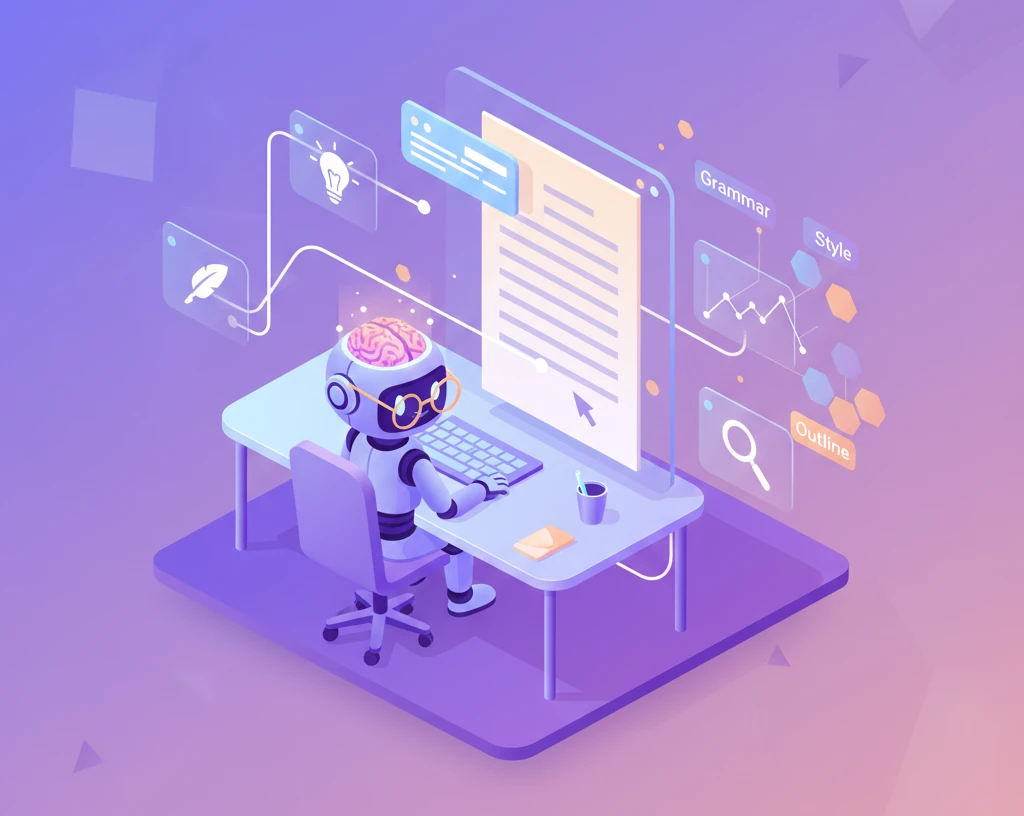
Learn to use AI as a writing partner without losing your voice. Master brainstorming, overcoming writer's block, outlining, editing, rewriting for different audiences, research assistance, and the ethics of AI in writing.
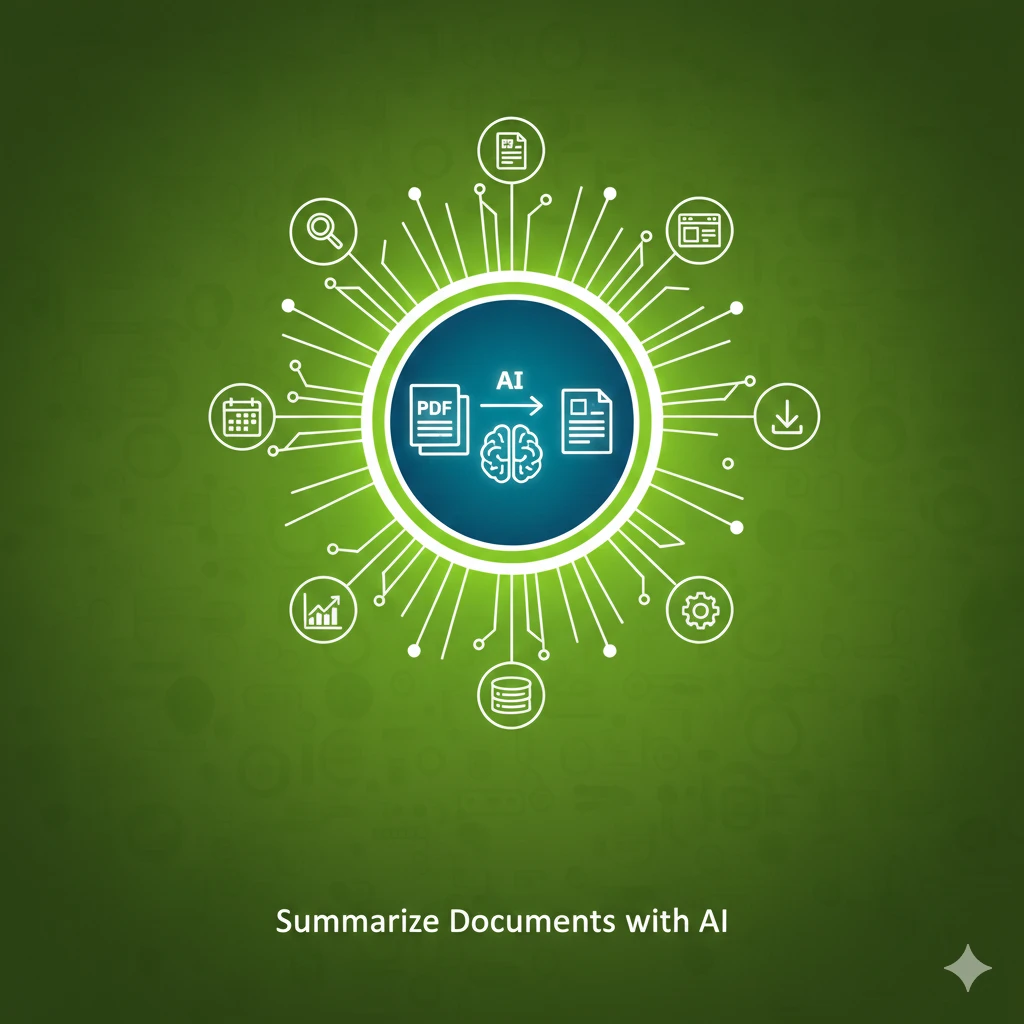
Learn to use AI to summarize long documents, articles, and PDFs effectively. Master prompting techniques for different summary types and extract key insights in minutes.