Lesson 1: What Is AI Image Generation? No sign-up needed.
Every course, exam and certificate is free. Premium only removes ads and adds extras.
Learn to create stunning images with AI tools like DALL-E, Midjourney, Gemini, and Stable Diffusion. From your first prompt to logos, social posts, and presentations, master practical AI image generation step-by-step. Built for university students and early-career learners with zero prior experience. Earn a free certificate to add to your LinkedIn and resume.
AI image generation has gone from a niche research topic to a practical skill that students, freelancers, and professionals use every day. This free beginner course walks you through the core tools side by side: DALL-E 3 inside ChatGPT, Gemini, Midjourney, and Stable Diffusion. You will start by understanding what these tools actually do and how to compare them before committing to one, then build your prompt-writing skills so your results stop looking generic.
The hands-on modules take you from your very first generated image all the way to real projects. You will create social media graphics, design simple logos and brand assets, and produce visuals for school presentations or reports. Because each lesson focuses on a specific tool or use case, you can apply what you learn immediately, whether you are working on a class assignment, a side project, or something for your job.
The final module covers editing and refining images once they are generated, plus an honest look at copyright rules and where AI imagery fits into careers today. No design background is required and no paid software is needed to get started. The course is completely free, and completing all lessons along with the final exam earns you a certificate of completion you can add to your LinkedIn profile or resume.
4 modules • 12 lessons
Finish every lesson and pass the final exam to earn this free, shareable certificate.
Certificate of Completion
has successfully completed
12 lessons · Final exam passed

Michail Ouroumis
Founder, FreeAcademy.ai
Sample preview. Your name appears on the certificate when you complete the course. Learn more
Teaching a class or training a team? Assign this course for free
The course covers four major tools: DALL-E 3, Gemini, Midjourney, and Stable Diffusion. You will learn how to write effective prompts, generate images for social media, logos, and presentations, and then refine and edit your results. A final lesson addresses copyright rules and how AI imagery fits into real careers.
Yes, the course is completely free to take. After finishing all the lessons and passing the final exam, you earn a certificate of completion that you can share on LinkedIn or add to your resume.
No prior design or technical experience is needed. The course is built for beginners, including university students and early-career learners who have never used an AI image tool before. The first module helps you choose the right tool for your situation and explains the basics from scratch.
You will get hands-on practice with DALL-E 3 through ChatGPT, Gemini, Midjourney, and Stable Diffusion along with free alternatives. Each tool has its own dedicated lesson so you understand the differences and can decide which fits your workflow.
Absolutely. The Real-World Applications module is specifically designed around practical use cases like creating visuals for presentations, designing simple logos, and producing social media content. The ethics and copyright lesson also helps you understand when and how it is appropriate to use AI-generated images in academic or professional work.
Understand how tools like Midjourney, DALL-E, and Stable Diffusion actually generate an image, in plain language with no code and no math. Learn what a diffusion model is, how starting from noise leads to a finished picture, what latent space is, how your prompt steers the process, and why diffusion beat older methods like GANs.
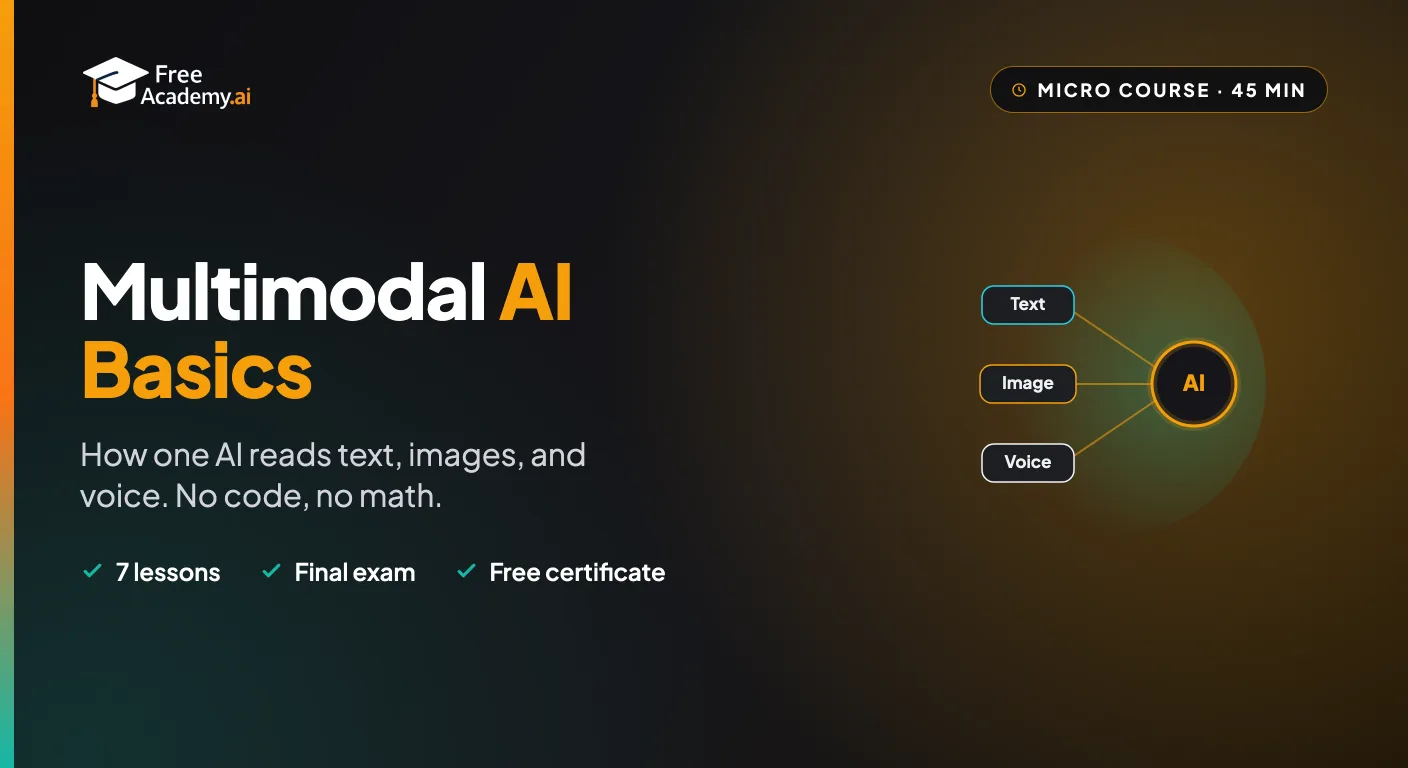
The one AI idea that ties everything together. Learn what 'multimodal' means, how a single AI model reads text, images, and voice together, what you can do with it, and where it shows up in ChatGPT, Gemini, and Claude. A short, no-code, no-math course for complete beginners.
Understand how AI recognizes what is in a picture, in plain language with no code and no math. Learn how a computer turns a photo into numbers, how it learns patterns from examples, and the core vision tasks: image classification, object detection, face recognition, and OCR. See where computer vision shows up in daily life, why it fails, and how to spot bias. Finish by testing a multimodal chatbot's vision yourself. This course is about recognizing images, not generating them.
Master Figma's built-in AI in under an hour. Use First Draft to turn a prompt into an editable design, speed up work with AI editing and layer tools, extend Figma with plugins like Magician and Automator, and build a fast prototype with Figma Make. For designers and non-designers.
Learn how to use AI tools to speed up and improve your photography workflow. Discover practical techniques for AI culling, editing, retouching, upscaling, generative fill, color grading, keywording, client delivery, and marketing. No coding required.
Make free AI images with Google's Nano Banana in the Gemini app. Learn to access it, write clear prompts, edit and refine, and create social posts, slides, and study aids without any design skills.