Last updated
Master Figma's built-in AI in under an hour. Use First Draft to turn a prompt into an editable design, speed up work with AI editing and layer tools, extend Figma with plugins like Magician and Automator, and build a fast prototype with Figma Make. For designers and non-designers.
This free micro course is a hands-on tour of the AI built into Figma, the design tool where a huge share of the world's screens get made. In under an hour you will use First Draft to turn a written prompt into an editable layout, speed up everyday work with AI editing tools, extend Figma with community plugins, and generate a clickable prototype with Figma Make. It is tool mastery, not design theory, so every lesson ends with something you can do in your own file today.
You will learn where the AI tools live and how to reach them fast, how to write prompts that produce usable designs, how to rename messy layers and fill mockups with realistic content in seconds, how to make and clean up images without leaving Figma, and when a plugin like Magician or Automator beats a native feature. A short mini project ties it all together, carrying one idea from a single prompt to a tidy, realistic, clickable prototype.
It is built for designers who want to work faster and for non-designers who need to produce real screens, mockups, or prototypes without years of training. No design background is required, only a Figma account and curiosity. The course is completely free, and once you finish the lessons and pass the final exam you earn a free certificate of completion you can add to your resume or LinkedIn.
1 modules • 5 lessons
Finish every lesson and pass the final exam to earn this free, shareable certificate.
Certificate of Completion
has successfully completed
5 lessons · Final exam passed

Michail Ouroumis
Founder, FreeAcademy.ai
Sample preview. Your name appears on the certificate when you complete the course. Learn more
Teaching a class or training a team? Assign this course for free
No. The course is built for both designers and non-designers. If you can open a Figma file, you can follow every lesson. It focuses on using Figma's AI tools rather than on design theory or years of craft.
It covers First Draft (prompt to editable design), native editing tools like rename layers, replace content, and image editing, visual search, community plugins such as Magician and Automator, and Figma Make for generating clickable prototypes.
First Draft produces an editable static design on the canvas that you refine visually. Figma Make generates a working, clickable, code-backed prototype from a prompt, which is better for interactive demos and testing an idea.
Which AI features you see can depend on your Figma plan and on settings your account or organization controls. If a feature does not appear, check your plan and workspace AI settings rather than assuming you did something wrong. The workflows work the same once a feature is available.
Yes. The course is completely free. After you finish all the lessons and pass the final exam, you earn a certificate of completion you can add to your LinkedIn profile or resume.

Learn to create stunning images with AI tools like DALL-E, Midjourney, Gemini, and Stable Diffusion. From your first prompt to logos, social posts, and presentations, master practical AI image generation step-by-step. Built for university students and early-career learners with zero prior experience. Earn a free certificate to add to your LinkedIn and resume.

Learn how to use AI tools to transform your UX design workflow. From user research synthesis and persona creation to wireframing, UX copy, usability testing analysis, and accessibility auditing — discover practical AI techniques that save hours every week. No coding required.
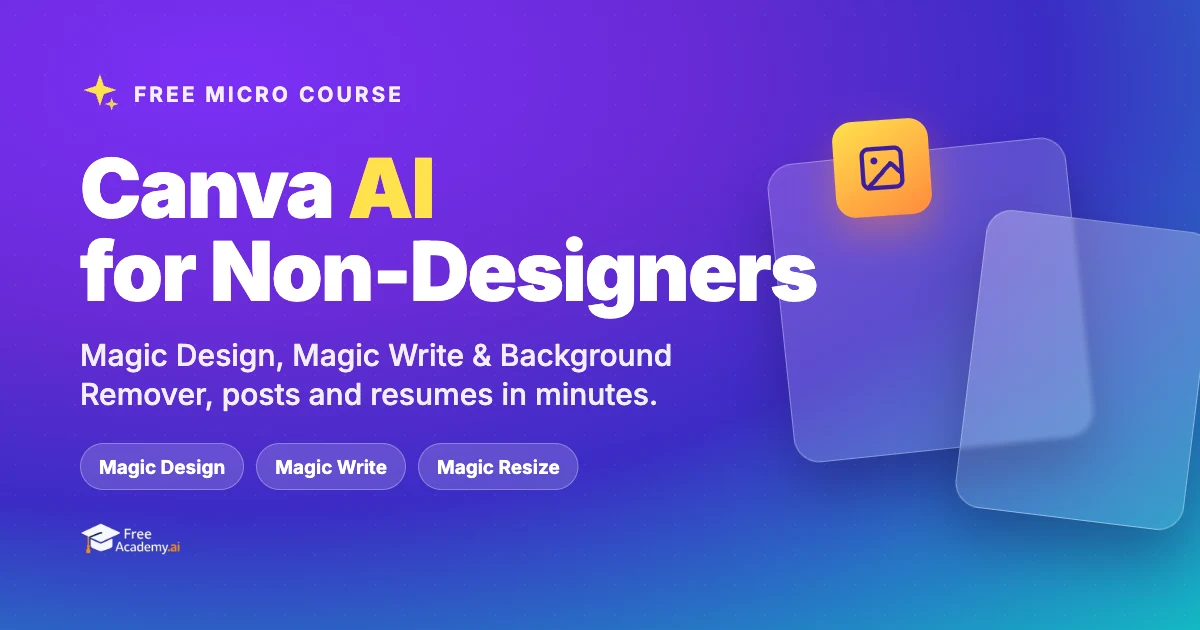
Make professional social graphics, resumes, and one-pagers in minutes using Canva built-in AI tools. Learn Magic Design, Magic Write, text-to-image, Background Remover, and Magic Resize with hands-on workflows. No design experience required.

Learn how to use AI tools to transform your interior design practice. Discover practical techniques for mood boards, room renderings, client proposals, product sourcing, and project management. No coding required.
Create full songs from a text prompt with Suno, the AI music generator. Learn to prompt for genre, style, and mood, write and format lyrics, control song structure and vocals, extend and remix tracks, download stems, and understand copyright and commercial-use rules so you can use your music with confidence.
Turn text into natural narration, clone a voice with consent, transcribe and caption audio, dub into other languages, and build a full podcast or voiceover workflow using free AI tools.