Last updated
Learn how to use AI tools to speed up and improve your photography workflow. Discover practical techniques for AI culling, editing, retouching, upscaling, generative fill, color grading, keywording, client delivery, and marketing. No coding required.
Working photographers spend far more time at the computer than behind the camera. Culling thousands of frames, editing full galleries, retouching distractions, keywording archives, and writing the marketing copy that brings in bookings can swallow an entire week before the next shoot. This free course shows you how AI tools, including Adobe Lightroom, Photoshop, Topaz, dedicated culling apps, and assistants like ChatGPT and Claude, can take over that repetitive groundwork so you can focus on shooting and serving clients. No coding is required, and every technique is built for real photography work at any experience level.
The course follows a photographer's actual workflow from start to finish. You begin with what AI does and does not do behind the camera, then map a lean, affordable toolkit for your genre. From there you work through AI culling, style-matched editing and personalized profiles, retouching and distraction removal, upscaling and restoration, generative fill and expand, and AI-assisted color grading for a consistent gallery. The final module covers cataloging and keywording, marketing your business with AI, and the ethics and disclosure questions every photographer now faces.
Whether you shoot weddings, portraits, real estate, or fine art, you will finish with a concrete, tool-by-tool playbook for working faster without giving up creative control. Complete all the lessons and pass the final exam to earn a free certificate of completion you can add to your website, LinkedIn, or portfolio.
4 modules • 11 lessons
Finish every lesson and pass the final exam to earn this free, shareable certificate.
Certificate of Completion
has successfully completed
11 lessons · Final exam passed

Michail Ouroumis
Founder, FreeAcademy.ai
Sample preview. Your name appears on the certificate when you complete the course. Learn more
Teaching a class or training a team? Assign this course for free
The course covers AI across the full photography workflow, from culling and style-matched editing to retouching, upscaling, generative fill, color grading, keywording, client delivery, and marketing. Every lesson is grounded in real photography tasks rather than generic AI theory, and a final lesson covers the ethics and disclosure of AI editing.
Yes, the entire course is free to take at your own pace. Completing all lessons and passing the final exam earns you a certificate of completion you can share on LinkedIn or add to your photography website and portfolio.
No coding or technical background is required. The course is designed for working and aspiring photographers and focuses entirely on using AI tools through their normal interfaces and plain-language prompts.
It references real tools photographers use, including Adobe Lightroom and Photoshop, Topaz Photo AI and Gigapixel, AI culling apps like Aftershoot and Narrative Select, and assistants like ChatGPT and Claude for keywording and marketing. Tool pricing changes often, so the course points you to verify current prices on each vendor's site.
Not if you use it the way the course teaches. AI handles the repetitive first pass, but you stay the creative decision-maker. Dedicated lessons cover keeping your color signature and editing style your own, verifying every generative edit, and using AI honestly so your work stays authentic and trustworthy.
Edit the photos you already have using free AI tools. Remove and replace backgrounds, erase unwanted objects and people, retouch portraits naturally, upscale and restore old photos, and make quick edits by typing plain English. No design skills or paid software required.

Learn to create stunning images with AI tools like DALL-E, Midjourney, Gemini, and Stable Diffusion. From your first prompt to logos, social posts, and presentations, master practical AI image generation step-by-step. Built for university students and early-career learners with zero prior experience. Earn a free certificate to add to your LinkedIn and resume.

Learn how to use AI tools to transform your interior design practice. Discover practical techniques for mood boards, room renderings, client proposals, product sourcing, and project management. No coding required.
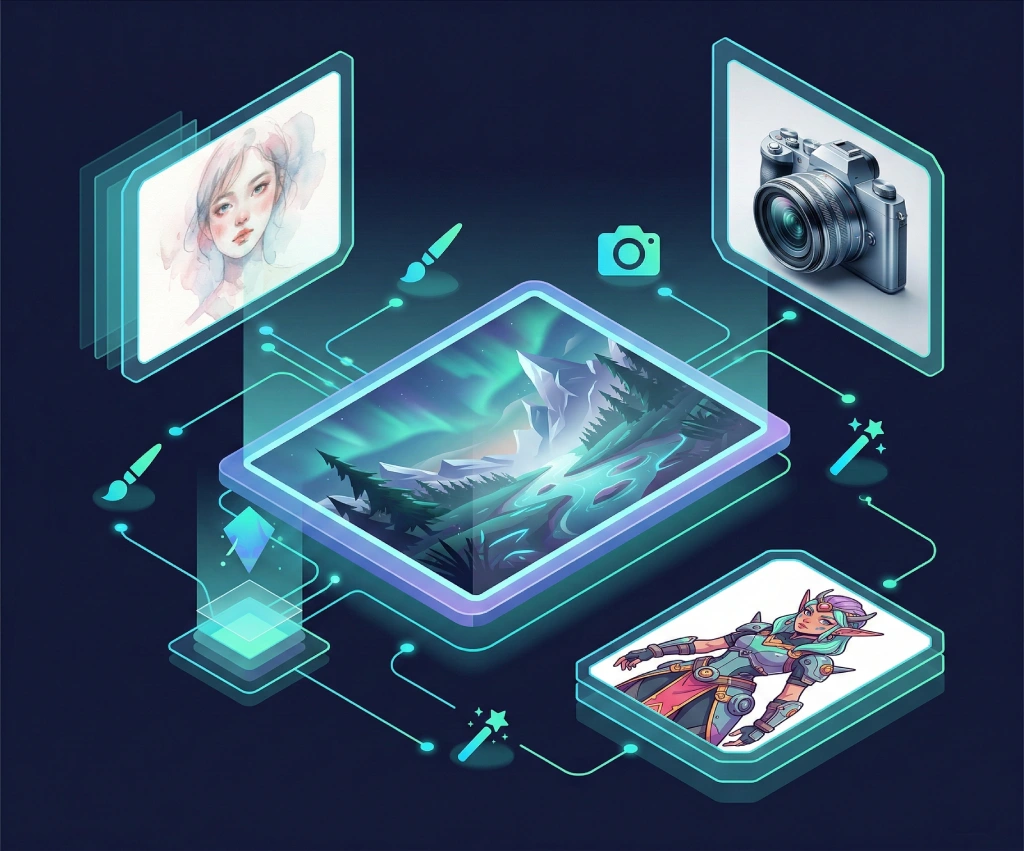
Go beyond basic prompts and master professional AI image generation. Learn Midjourney parameters and styles, DALL-E 3 techniques via ChatGPT, advanced prompting with weights and negative prompts, consistent character generation, AI inpainting, and real-world workflows for social media and marketing assets.
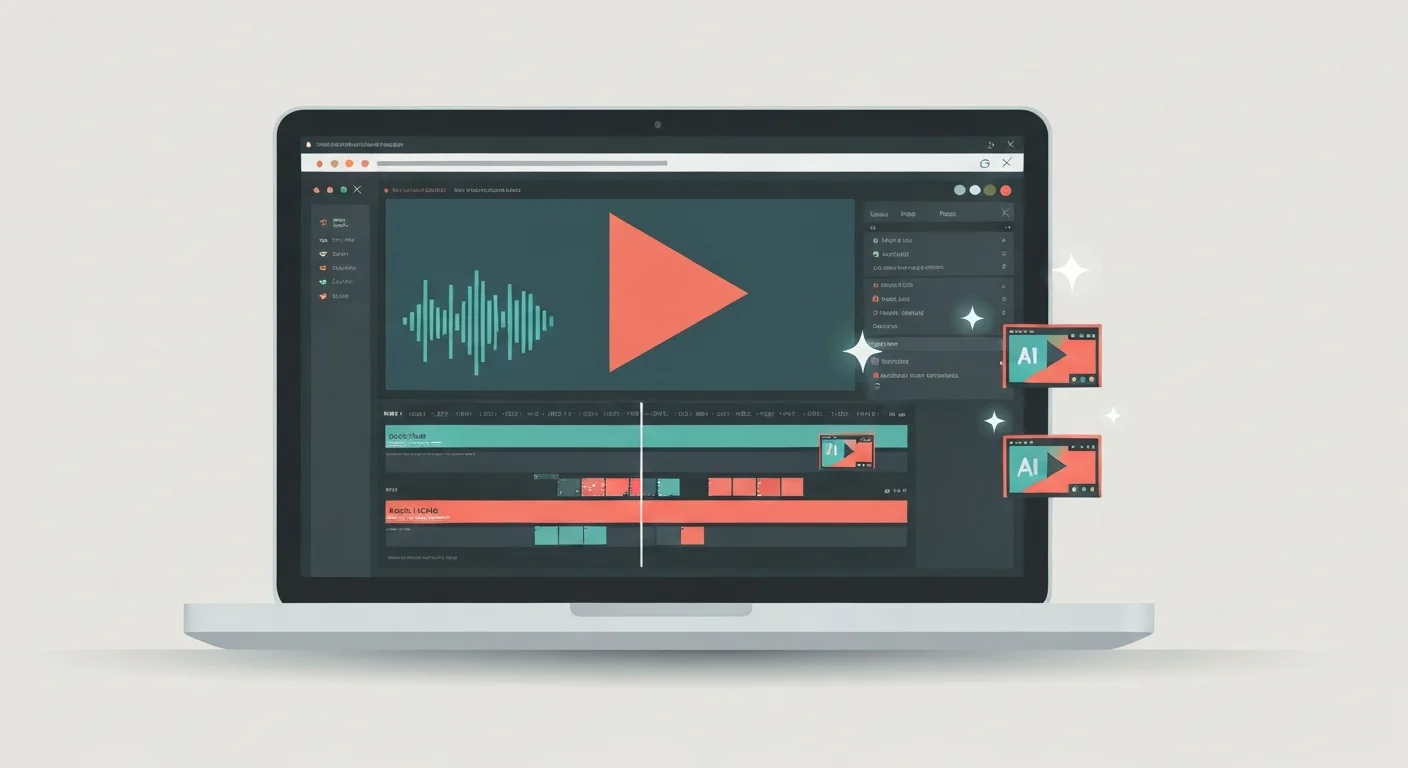
Turn raw talking-head footage into a clean, watchable video using CapCut and AI. You will add auto-captions, cut silences and filler words, and layer in B-roll, using ChatGPT, Claude, and Gemini to plan cuts and fix caption text. Edit-focused, no filming or AI video generation, and it awards a free certificate.

Learn how to use AI tools to transform your UX design workflow. From user research synthesis and persona creation to wireframing, UX copy, usability testing analysis, and accessibility auditing — discover practical AI techniques that save hours every week. No coding required.