Make your first AI animations with zero design or coding experience. Turn text prompts into short video clips, animate characters and motion, and assemble simple explainer videos using Runway, Pika, and Canva. Every lesson has a hands-on exercise and reusable prompt templates, and you finish with a free certificate for your LinkedIn and resume.
Ever wanted to turn an idea into a moving clip without learning complex software or hiring a studio? This free course shows you how to create animations with AI from a standing start, with no design degree, no coding, and no expensive gear. You will type a sentence, get a short video back, and learn how to shape the result like a director instead of leaving it to chance.
Across four hands-on modules you will write text-to-video prompts that actually work, animate a still image so a logo or portrait comes to life, coax believable character and motion out of the tools, and assemble everything into a simple explainer video with voiceover, music, and captions. You will work in beginner-friendly tools, using Runway and Pika for generation and Canva for editing and animated design, plus free chatbots like ChatGPT, Claude, and Gemini to plan shots and refine prompts before spending a single credit. Every lesson ends with a practical exercise you can do immediately.
This course is designed for university students, early-career creators, marketers, and total beginners who want a modern, in-demand skill. It is 100% free, and when you finish you earn a free certificate of completion you can add to your LinkedIn profile and resume. By the end you will have real clips, an explainer video, and a small portfolio that proves you can take an idea and make it move.
4 modules • 13 lessons
Finish every lesson and pass the final exam to earn this free, shareable certificate.
Certificate of Completion
has successfully completed
13 lessons · Final exam passed

Michail Ouroumis
Founder, FreeAcademy.ai
Sample preview. Your name appears on the certificate when you complete the course. Learn more
No. This course is built for complete beginners. You type prompts in plain English and let the tools do the animation, and every lesson has a hands-on exercise with reusable prompt templates.
It uses Runway and Pika to generate clips and Canva to edit and add captions, plus free chatbots like ChatGPT, Claude, and Gemini to plan shots. Each has a free tier, though credit limits and prices change often, so you confirm the current plan on each tool's pricing page.
You will produce real text-to-video clips, a still image brought to life, animated characters, and a short explainer video with voiceover, music, and captions that you can post or add to a portfolio.
It is a micro course of about three hours across short lessons, and it is fully self-paced, so you can finish it in an afternoon or spread it across a week.
Yes. The course is 100% free, and you earn a free certificate of completion when you finish the lessons, quizzes, and final exam that you can add to your LinkedIn profile and resume.
Create and edit videos using AI tools. Master text-to-video generation with Runway and Pika, AI editing with CapCut and Descript, avatar videos with HeyGen and Synthesia, and complete video production workflows.
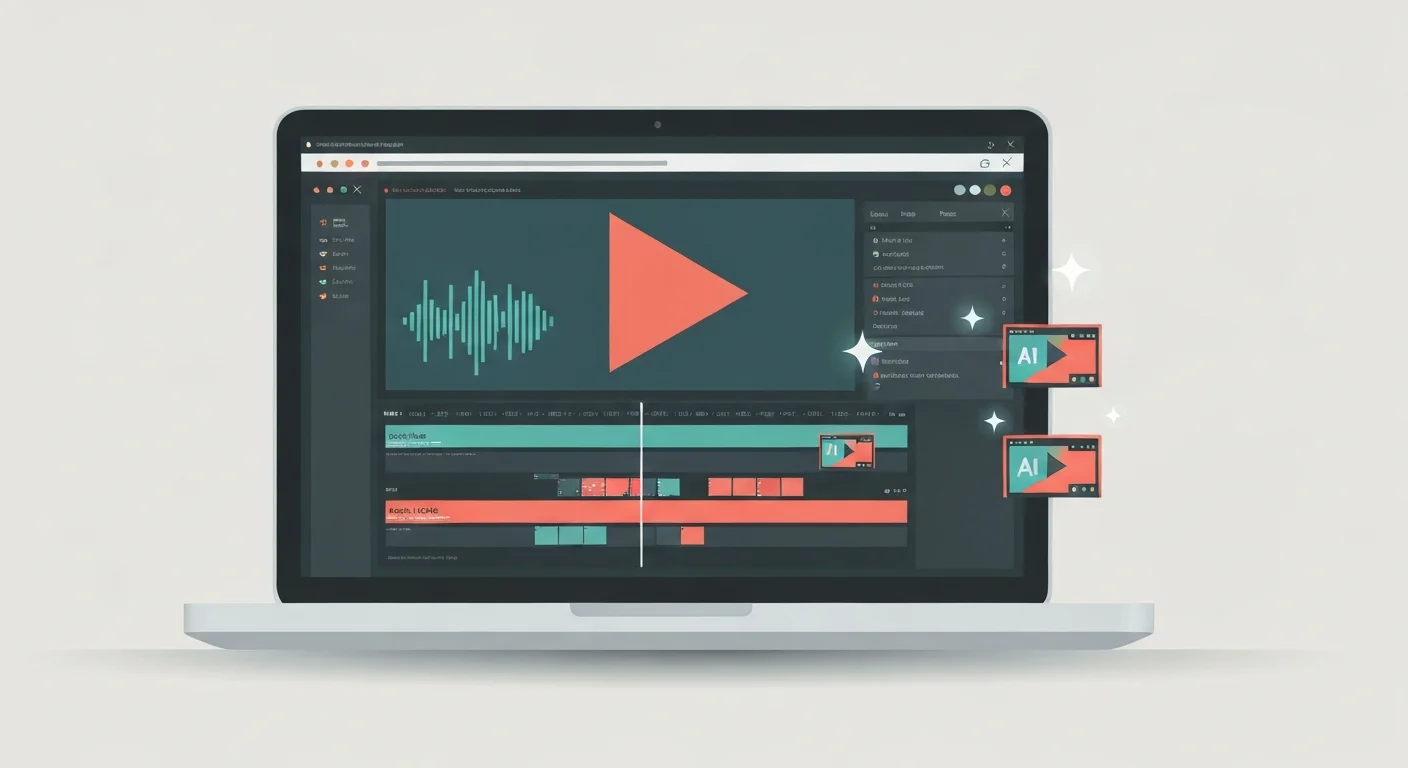
Turn raw talking-head footage into a clean, watchable video using CapCut and AI. You will add auto-captions, cut silences and filler words, and layer in B-roll, using ChatGPT, Claude, and Gemini to plan cuts and fix caption text. Edit-focused, no filming or AI video generation, and it awards a free certificate.
Turn text into natural narration, clone a voice with consent, transcribe and caption audio, dub into other languages, and build a full podcast or voiceover workflow using free AI tools.
Create full songs from a text prompt with Suno, the AI music generator. Learn to prompt for genre, style, and mood, write and format lyrics, control song structure and vocals, extend and remix tracks, download stems, and understand copyright and commercial-use rules so you can use your music with confidence.

Learn to write effective prompts for AI image generators like Midjourney, DALL-E, and Stable Diffusion. Master the anatomy of good prompts, style keywords, composition techniques, and avoid common mistakes.
Make professional social graphics, resumes, and one-pagers in minutes using Canva built-in AI tools. Learn Magic Design, Magic Write, text-to-image, Background Remover, and Magic Resize with hands-on workflows. No design experience required.