Lesson 1: Introduction to AI Video No sign-up needed.
Every course, exam and certificate is free. Premium only removes ads and adds extras.
Last updated
Create and edit videos using AI tools. Master text-to-video generation with Google Veo, Kling, Runway, and Pika, AI editing with CapCut and Descript, avatar videos with HeyGen and Synthesia, and complete video production workflows.
AI has quietly rewritten how video gets made, and this free AI video course on making, generating and editing video shows you the exact tools and workflows creators are using to produce clips in a fraction of the time. You'll learn text-to-video generation with Google Veo, Kling, Runway, and Pika, turning a written idea into moving footage with sound, then move into AI-assisted editing with CapCut and Descript, where you can cut a video as easily as editing a document. Along the way you'll create realistic avatar presenters with HeyGen and Synthesia, generate captions and B-roll, and add AI music and sound effects.
This is a hands-on, intermediate course built around real production rather than theory. Each module ends with something you can use, from a short-form social clip to a full YouTube workflow and a marketing video you build start to finish. You'll also learn the part that separates good AI video from obvious AI slop: how to write effective video prompts, choose the right tool for each job, and combine generation and editing into a repeatable process.
It is a great fit for content creators, marketers, students, and small business owners who want professional-looking video without a studio, a big budget, or years of editing experience. Like everything on FreeAcademy, the course is 100% free with no signup required to begin. Finish the lessons and pass the final exam to earn a certificate of completion for your LinkedIn or resume, and walk away able to plan, generate, and edit AI video on your own.
7 modules • 24 lessons
Finish every lesson and pass the final exam to earn this free, shareable certificate.
Certificate of Completion
has successfully completed
24 lessons · Final exam passed
Michail Ouroumis
Founder, FreeAcademy.ai
Sample preview. Your name appears on the certificate when you complete the course. Learn more
Teaching a class or training a team? Assign this course for free
You'll work with text-to-video tools like Google Veo, Kling, Runway, and Pika, AI editors like CapCut and Descript, avatar tools like HeyGen and Synthesia, plus AI captions, thumbnails, B-roll, and music.
Some basic familiarity helps, but the course is built to take you step by step. If you can edit a document, you can learn AI editors like Descript, and each module includes practical exercises.
The course is free, and most tools covered offer free tiers you can learn with. Some advanced features are paid, and the lessons point out where free limits apply so you can decide what is worth upgrading.
You'll be able to generate video from text, edit clips with AI, create avatar presenter videos, produce short-form social content, and follow complete YouTube and marketing video workflows.
Yes. Complete the lessons and pass the final exam to earn a certificate of completion you can add to your LinkedIn profile, resume, or creator portfolio.
Learn how AI turns a text prompt into a moving video clip. See how video models build on image diffusion and clean up a whole clip at once, why characters and objects drift between frames, why motion, physics and hands go wrong, why clips are short, how prompts and reference images steer the model, and how to judge AI video and spot the tells. No code, no math.
Create full songs from a text prompt with Suno, the AI music generator. Learn to prompt for genre, style, and mood, write and format lyrics, control song structure and vocals, extend and remix tracks, download stems, and understand copyright and commercial-use rules so you can use your music with confidence.
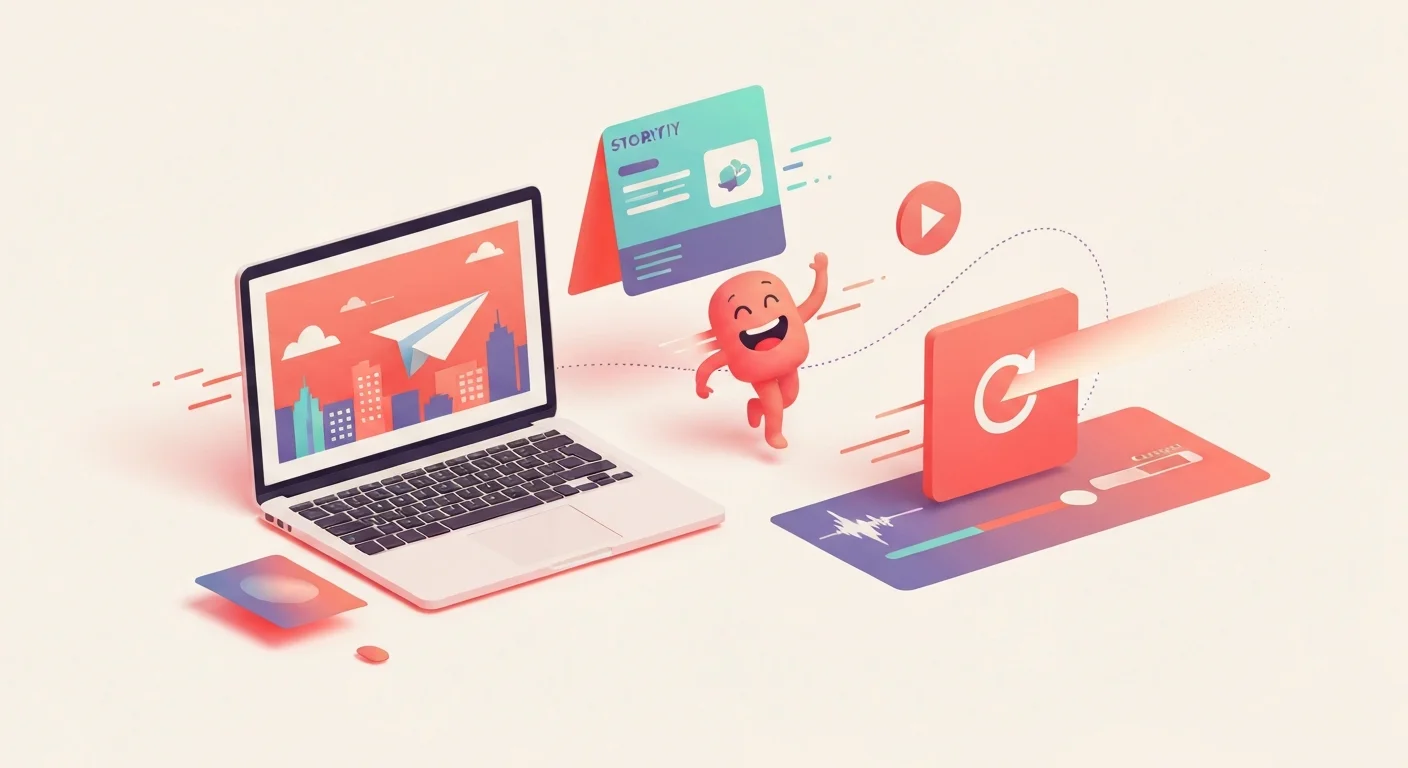
Make your first AI animations with zero design or coding experience. Turn text prompts into short video clips, animate characters and motion, and assemble simple explainer videos using Runway, Pika, and Canva. Every lesson has a hands-on exercise and reusable prompt templates, and you finish with a free certificate for your LinkedIn and resume.
Make free AI images with Google's Nano Banana in the Gemini app. Learn to access it, write clear prompts, edit and refine, and create social posts, slides, and study aids without any design skills.
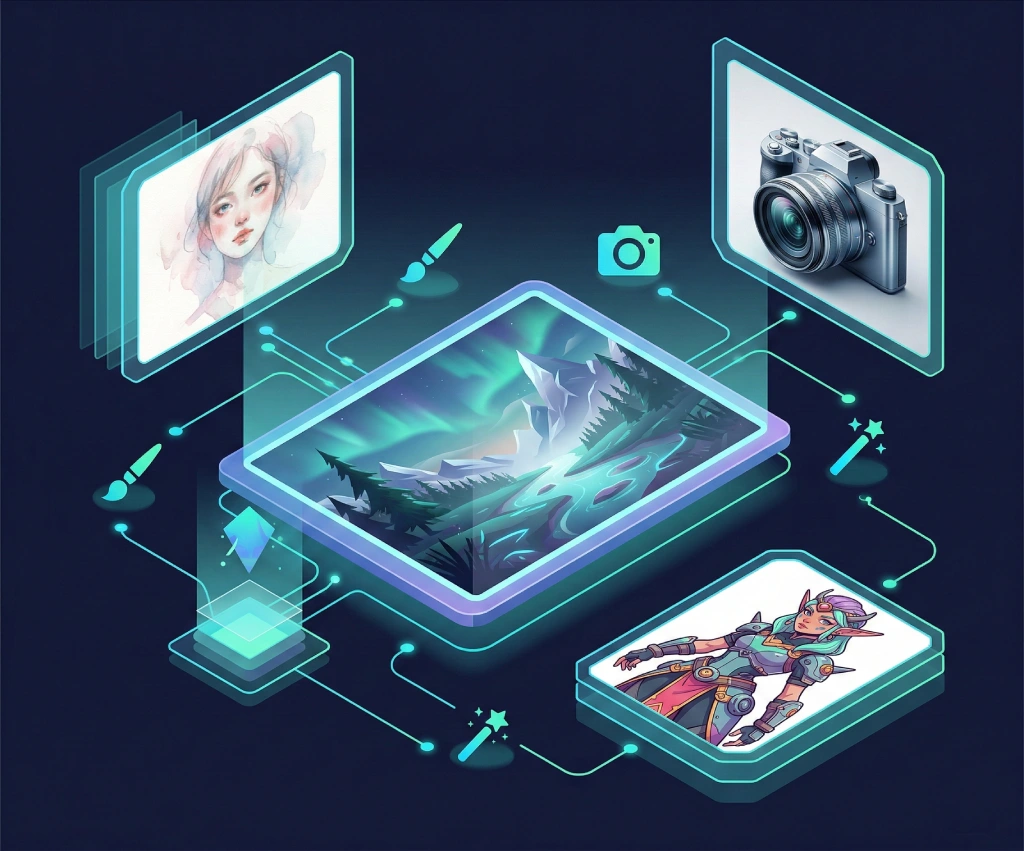
Go beyond basic prompts and master professional AI image generation. Learn Midjourney parameters and styles, DALL-E 3 techniques via ChatGPT, advanced prompting with weights and negative prompts, consistent character generation, AI inpainting, and real-world workflows for social media and marketing assets.

Learn to write effective prompts for AI image generators like Midjourney, DALL-E, and Stable Diffusion. Master the anatomy of good prompts, style keywords, composition techniques, and avoid common mistakes.