Turn text into natural narration, clone a voice with consent, transcribe and caption audio, dub into other languages, and build a full podcast or voiceover workflow using free AI tools.
If you want to narrate a video, turn an article into a podcast, caption a lecture, or reach listeners in another language, AI voice and audio tools make it possible in minutes and without expensive equipment. This free course walks you through the full toolkit: generating natural sounding speech from text, cloning a voice responsibly, transcribing audio into accurate text and captions, and dubbing recordings into other languages. Every tool covered has a free tier, so you can practice everything without spending anything.
Across six short lessons you will start with a clear map of what AI can and cannot do with voice and audio today. You will then create your first text-to-speech voiceover, learn how voice cloning works alongside the consent rules that keep it ethical, and use AI transcription to caption and summarize spoken content. A lesson on dubbing and translation shows how to take one recording and make it understandable to a wider audience, and a final walkthrough ties everything together into a repeatable podcast and voiceover workflow from script to finished audio.
This course is designed for students, creators, and anyone who wants to add audio to their work without a studio or a budget. No audio editing or technical background is needed. It is completely free, and finishing the lessons together with the final exam earns you a certificate of completion you can add to your LinkedIn profile or resume.
3 modules • 6 lessons
Finish every lesson and pass the final exam to earn this free, shareable certificate.
Certificate of Completion
has successfully completed
12 lessons · Final exam passed

Michail Ouroumis
Founder, FreeAcademy.ai
Sample preview. Your name appears on the certificate when you complete the course. Learn more
It teaches you to use AI for voice and audio: turning text into natural voiceovers, cloning a voice with consent, transcribing and captioning audio, dubbing recordings into other languages, and assembling a full podcast or voiceover workflow. Each lesson focuses on free tools and hands-on steps.
No. The course is built for beginners and does not assume any audio editing background. You do not need a studio, a microphone, or paid software. A computer and an internet connection are enough to follow along with the free tools covered.
Yes. The course includes a dedicated lesson on how voice cloning works and the consent rules around it. The clear guidance is to never clone a person's voice without their explicit permission, and the lesson explains legitimate uses alongside the risks to avoid.
The course focuses on tools that offer a free tier, so you can practice text-to-speech, transcription, and dubbing without paying. The lessons point out where free limits apply so you can plan around them.
Yes. Completing all lessons and passing the final exam earns you a certificate of completion that you can download and add to your LinkedIn profile or resume to show your AI voice and audio skills.
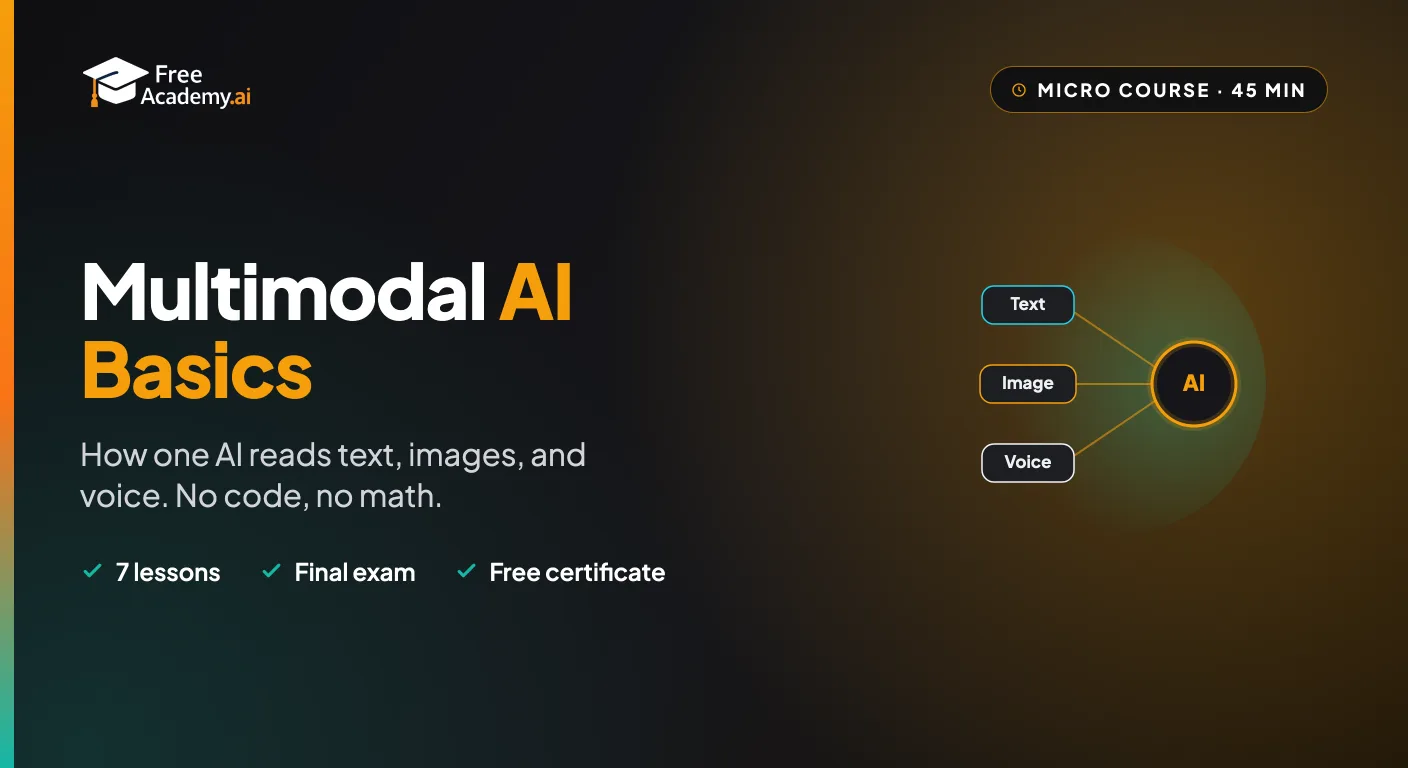
The one AI idea that ties everything together. Learn what 'multimodal' means, how a single AI model reads text, images, and voice together, what you can do with it, and where it shows up in ChatGPT, Gemini, and Claude. A short, no-code, no-math course for complete beginners.
Create full songs from a text prompt with Suno, the AI music generator. Learn to prompt for genre, style, and mood, write and format lyrics, control song structure and vocals, extend and remix tracks, download stems, and understand copyright and commercial-use rules so you can use your music with confidence.
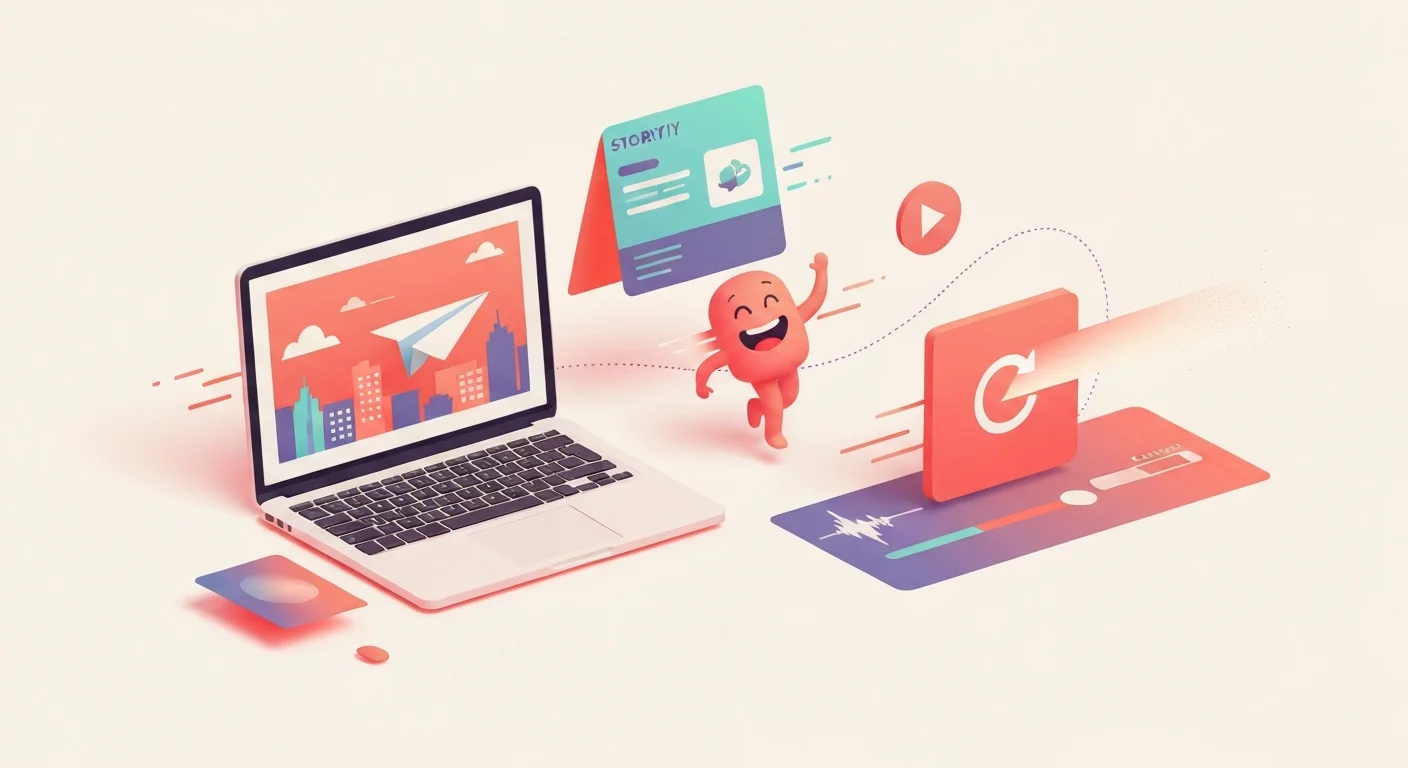
Make your first AI animations with zero design or coding experience. Turn text prompts into short video clips, animate characters and motion, and assemble simple explainer videos using Runway, Pika, and Canva. Every lesson has a hands-on exercise and reusable prompt templates, and you finish with a free certificate for your LinkedIn and resume.
Turn raw talking-head footage into a clean, watchable video using CapCut and AI. You will add auto-captions, cut silences and filler words, and layer in B-roll, using ChatGPT, Claude, and Gemini to plan cuts and fix caption text. Edit-focused, no filming or AI video generation, and it awards a free certificate.
Master Figma's built-in AI in under an hour. Use First Draft to turn a prompt into an editable design, speed up work with AI editing and layer tools, extend Figma with plugins like Magician and Automator, and build a fast prototype with Figma Make. For designers and non-designers.
Get productive with Grok, the AI assistant from xAI. Learn what Grok is, how to set it up, how to use its real-time web and X integration, and how to prompt it for everyday work and study tasks.