Lesson 1: Your Free Video Plan: What Free Plans Really Give You No sign-up needed.
Every course, exam and certificate is free. Premium only removes ads and adds extras.
Last updated
Make one finished 30 to 60 second vertical video for YouTube Shorts or Instagram Reels using only free plans. Write the script with a free chatbot, make images and a few short clips, add a free AI voice in Hindi or any language, edit with captions, export and post. Learn what each free plan really gives you. No code. Free certificate.
You can make a good short video with AI without paying anything, but every free plan has its own catch. This short, hands-on course walks you through one complete project: a 30 to 60 second vertical video for YouTube Shorts or Instagram Reels, made only with free plans. First you write a 45-second script and a shot list with a free chatbot such as ChatGPT, Gemini or Claude, in English, Hindi or any language you like. Then you make one vertical image for every scene, keep your main character looking the same, and turn just two or three images into short moving clips with free daily credits. Next you add a free AI voice with Clipchamp, the ElevenLabs free plan or your own recording. You put it all together in Clipchamp or CapCut with slow zooms, captions and quiet music, export in 1080p and post with the right AI label. Along the way you learn the five things to check on any free plan: credits, watermark, resolution, clip length and usage rights. It is a great first project for students who want a real skill and something to show. Six short lessons, quizzes, a final exam and a free certificate.
3 modules • 6 lessons
Finish every lesson and pass the final exam to earn this free, shareable certificate.
Certificate of Completion
has successfully completed
6 lessons · Final exam passed
Michail Ouroumis
Founder, FreeAcademy.ai
Sample preview. Your name appears on the certificate when you complete the course. Learn more
Teaching a class or training a team? Assign this course for free
Yes. This course uses only free plans: a free chatbot for the script, free image tools, free daily video credits for a few short clips, free AI voices and a free editor that exports 1080p without a watermark.
Yes. Clipchamp's free AI voices cover 80+ languages including Hindi, and ElevenLabs supports Hindi too. You can also record your own voice.
Clipchamp's free export has no watermark. Some free video generators, such as Kling, add a watermark to free clips. The course shows how to use fewer clips and still images with a slow zoom to keep watermarks to a minimum.
It depends on each tool's terms. Several free plans, including Kling free and ElevenLabs free, do not allow commercial use. The course explains what that means and how to check.
No. A normal laptop or a recent phone is enough, and every step is explained from zero.
About 50 minutes across six short lessons. Each lesson has a quiz, and there is a final exam with a free certificate when you pass.
Learn how AI turns a text prompt into a moving video clip. See how video models build on image diffusion and clean up a whole clip at once, why characters and objects drift between frames, why motion, physics and hands go wrong, why clips are short, how prompts and reference images steer the model, and how to judge AI video and spot the tells. No code, no math.
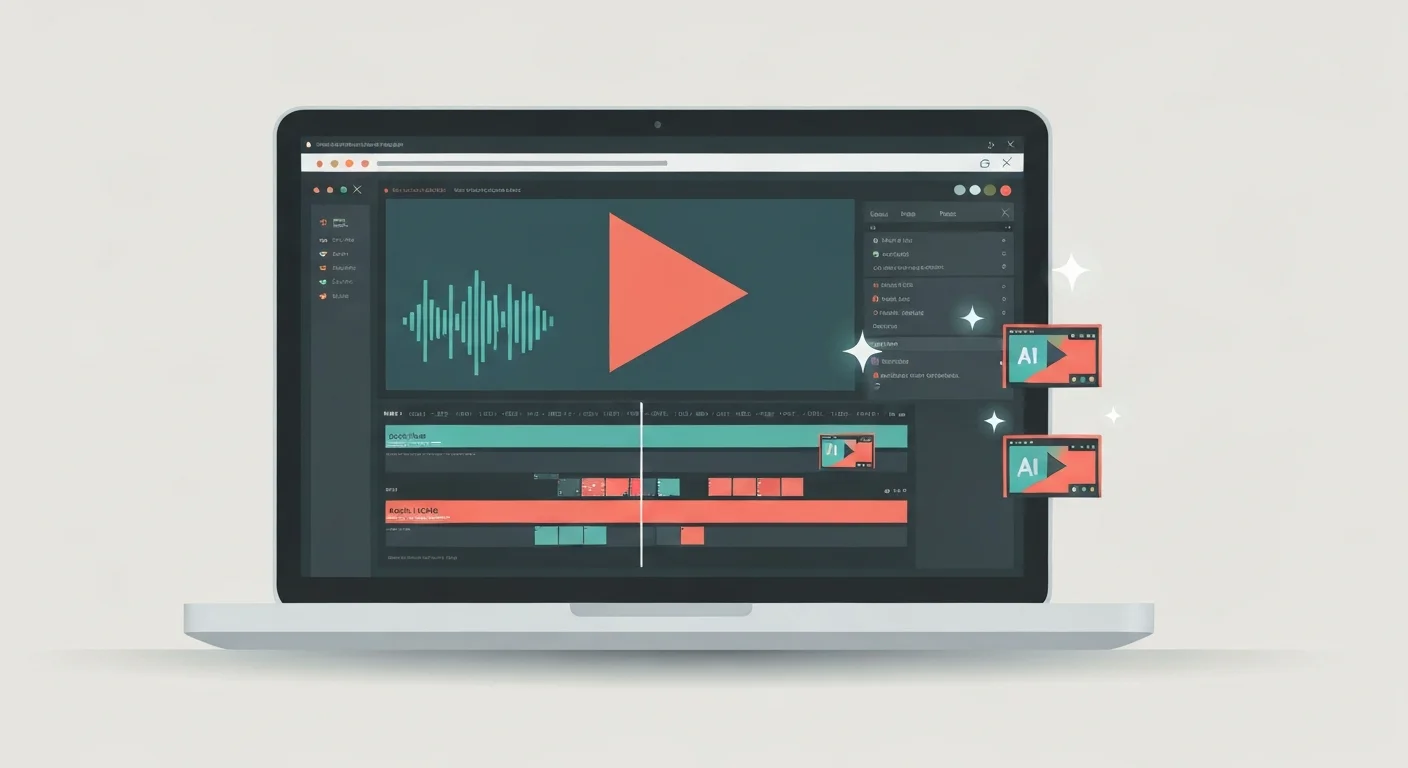
Turn raw talking-head footage into a clean, watchable video using CapCut and AI. You will add auto-captions, cut silences and filler words, and layer in B-roll, using ChatGPT, Claude, and Gemini to plan cuts and fix caption text. Edit-focused, no filming or AI video generation, and it awards a free certificate.
Learn to use AI for creating engaging social media content across platforms. Master writing captions, short-form video for Reels, Shorts, and TikTok, photo captions and alt text, content ideas and calendars, hooks and headlines, hashtags, carousels, and repurposing, all with AI assistance.
Create and edit videos using AI tools. Master text-to-video generation with Google Veo, Kling, Runway, and Pika, AI editing with CapCut and Descript, avatar videos with HeyGen and Synthesia, and complete video production workflows.
Turn text into natural narration, clone a voice with consent, transcribe and caption audio, dub into other languages, and build a full podcast or voiceover workflow using free AI tools.
Make your first AI animations with zero design or coding experience. Turn text prompts into short video clips, animate characters and motion, and assemble simple explainer videos using Runway, Pika, and Canva. Every lesson has a hands-on exercise and reusable prompt templates, and you finish with a free certificate for your LinkedIn and resume.