Lesson 1: What AI Photo Editing Is (and Your Free Toolkit)
Free, no sign-up needed.
Last updated
Edit the photos you already have using free AI tools. Remove and replace backgrounds, erase unwanted objects and people, retouch portraits naturally, upscale and restore old photos, and make quick edits by typing plain English. No design skills or paid software required.
This free micro course teaches you how to edit the photos you already own using AI tools that are free to start and simple enough for a complete beginner. Instead of generating brand-new pictures from a prompt, you learn to fix and improve real photos: cut out a messy background, erase a photobomber or a stray object, gently retouch a portrait, sharpen a small or blurry image, and bring an old faded print back to life. Every tool runs in a web browser or a free phone app, so there is nothing expensive to install and no Photoshop skills to learn first.
Written for students and everyday users applying AI to real tasks, the course walks through five practical jobs, one lesson at a time, using well-known free tools like remove.bg, Photoroom, Cleanup.pictures, Snapseed, Upscayl, and Google's Nano Banana editing inside the free Gemini app. You will follow one repeatable workflow, learn where each free tier stops (watermarks, resolution caps, daily limits), and pick up a light-touch, honest approach to retouching and restoration so your edits improve a photo without faking reality.
Every lesson is hands-on, with a photo of your own to edit and a short quiz to lock in what you learned. Finish the lessons and pass the final exam to earn a free certificate of completion you can add to your LinkedIn profile or resume.
3 modules • 6 lessons
Finish every lesson and pass the final exam to earn this free, shareable certificate.
Certificate of Completion
has successfully completed
6 lessons · Final exam passed
Michail Ouroumis
Founder, FreeAcademy.ai
Sample preview. Your name appears on the certificate when you complete the course. Learn more
Teaching a class or training a team? Assign this course for free
No. Every tool in the course is free to start and runs in a web browser or a free phone app, including remove.bg, Photoroom, Cleanup.pictures, Snapseed, Upscayl, and Nano Banana in the Gemini app. You can complete the whole course without paying for anything.
Image generation invents brand-new pictures from a text prompt. This course is about editing photos you already have: removing backgrounds, erasing objects, retouching, upscaling, and restoring. You always start from a real photo and keep your real subject.
You will remove and replace backgrounds, erase unwanted objects and people, retouch portraits without overdoing it, upscale and sharpen small or blurry images, restore old or faded prints, and make quick edits by describing the change in plain English.
The editing is free, but most tools are freemium, so the free tier may add a watermark, cap the download resolution, or limit how many images you can do per day. Each lesson tells you exactly where the free line sits and how to work around it.
Yes. After completing all the lessons and passing the final exam you receive a free certificate of completion that you can share on LinkedIn or add to a resume or portfolio.
Learn how to use AI tools to speed up and improve your photography workflow. Discover practical techniques for AI culling, editing, retouching, upscaling, generative fill, color grading, keywording, client delivery, and marketing. No coding required.
Make free AI images with Google's Nano Banana in the Gemini app. Learn to access it, write clear prompts, edit and refine, and create social posts, slides, and study aids without any design skills.
Make professional social graphics, resumes, and one-pagers in minutes using Canva built-in AI tools. Learn Magic Design, Magic Write, text-to-image, Background Remover, and Magic Resize with hands-on workflows. No design experience required.
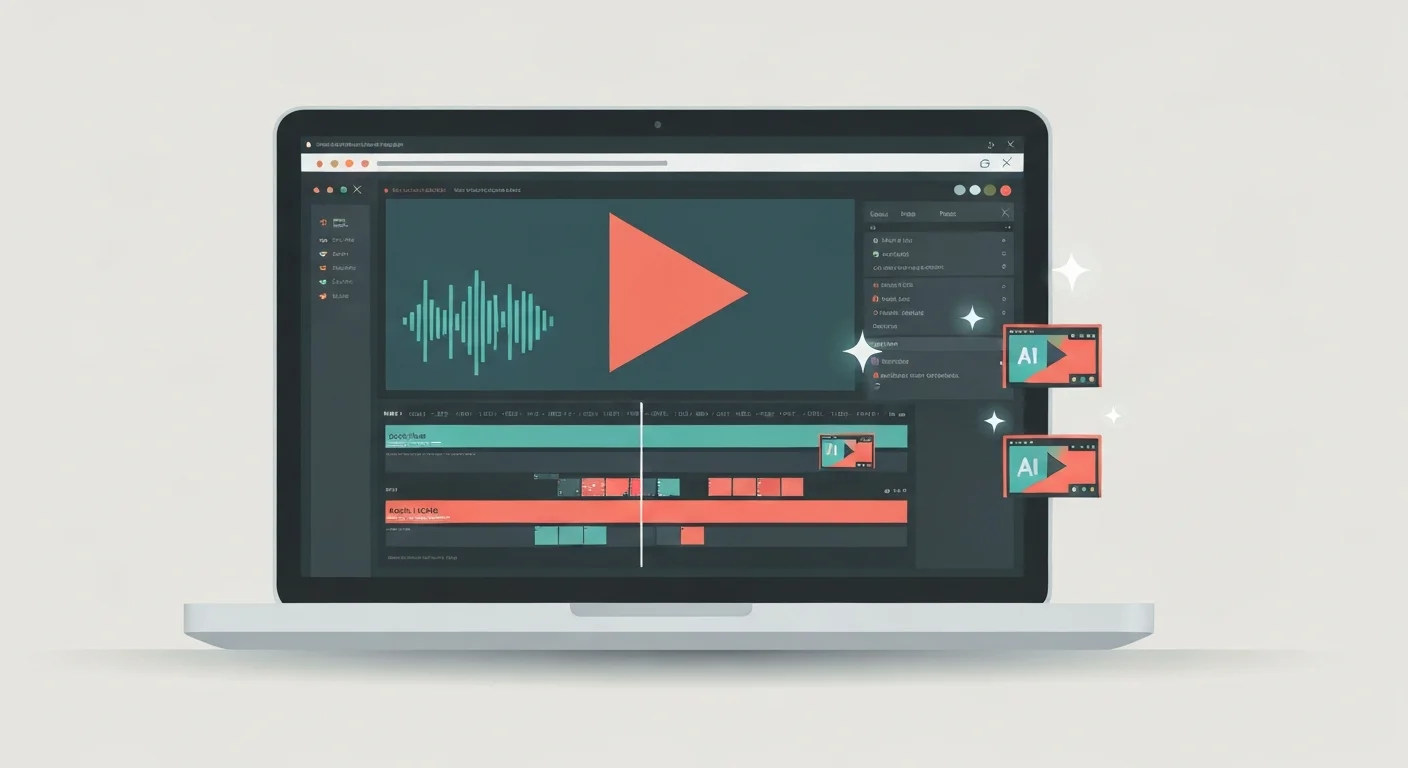
Turn raw talking-head footage into a clean, watchable video using CapCut and AI. You will add auto-captions, cut silences and filler words, and layer in B-roll, using ChatGPT, Claude, and Gemini to plan cuts and fix caption text. Edit-focused, no filming or AI video generation, and it awards a free certificate.

Learn to write effective prompts for AI image generators like Midjourney, DALL-E, and Stable Diffusion. Master the anatomy of good prompts, style keywords, composition techniques, and avoid common mistakes.
A fast, practical micro course that teaches you to evaluate what you read and see online. Detect AI-generated text and images, recognize deepfakes, catch AI hallucinations, fact-check AI output against primary sources, and judge source credibility. Built for students, educators, and anyone who wants a verify-don't-trust mindset. No coding required, and you earn a free certificate of completion.