Last updated
Make professional social graphics, resumes, and one-pagers in minutes using Canva built-in AI tools. Learn Magic Design, Magic Write, text-to-image, Background Remover, and Magic Resize with hands-on workflows. No design experience required.
This free micro course teaches Canva AI for non-designers: the practical, button-by-button workflow for making graphics that look professional without any design training. In about 35 minutes you will use Canva built-in AI tools to produce two things you can actually use, a finished social media post and a clean resume, and you will leave with a routine you can repeat for flyers, banners, and one-pagers.
You will learn Canva Magic Design for beginners (turn one sentence into an editable template), Magic Write for captions and resume bullets, Text to Image for custom visuals, Background Remover for clean cutouts, and Magic Resize to repurpose a single graphic across platforms. Every lesson is short and hands-on, with real prompts you can paste in and free-account workarounds for the premium features, so you are never blocked. This is visual execution, not social media strategy or raw image prompting.
It is built for students, job seekers, freelancers, and small business owners who need good-looking visuals fast and have zero patience for complicated design software. No signup is required to start, the course is completely free, and you earn a free certificate of completion you can add to your resume or LinkedIn.
1 modules • 5 lessons
Finish every lesson and pass the final exam to earn this free, shareable certificate.
Certificate of Completion
has successfully completed
5 lessons · Final exam passed

Michail Ouroumis
Founder, FreeAcademy.ai
Sample preview. Your name appears on the certificate when you complete the course. Learn more
Teaching a class or training a team? Assign this course for free
No design background is needed at all. The course is built specifically for people who have never used design software before, guiding you through each Canva AI tool with hands-on, step-by-step workflows.
Yes, the course is completely free to take. Once you finish all the lessons and pass the final exam, you earn a certificate of completion you can add to your LinkedIn profile or resume.
The course covers five built-in Canva AI tools: Magic Design, Magic Write, text-to-image generation, Background Remover, and Magic Resize. You will use all of them in practical workflows, not just learn about them in theory.
It is a micro course designed to fit into about 35 minutes. The single module walks you from a quick tour of the Canva AI toolkit through a final mini project where you produce a social post and a resume in one sitting.
You will be able to produce professional-looking social media graphics, resumes, and one-pagers quickly using Canva's AI tools, without relying on a designer or spending hours on formatting.
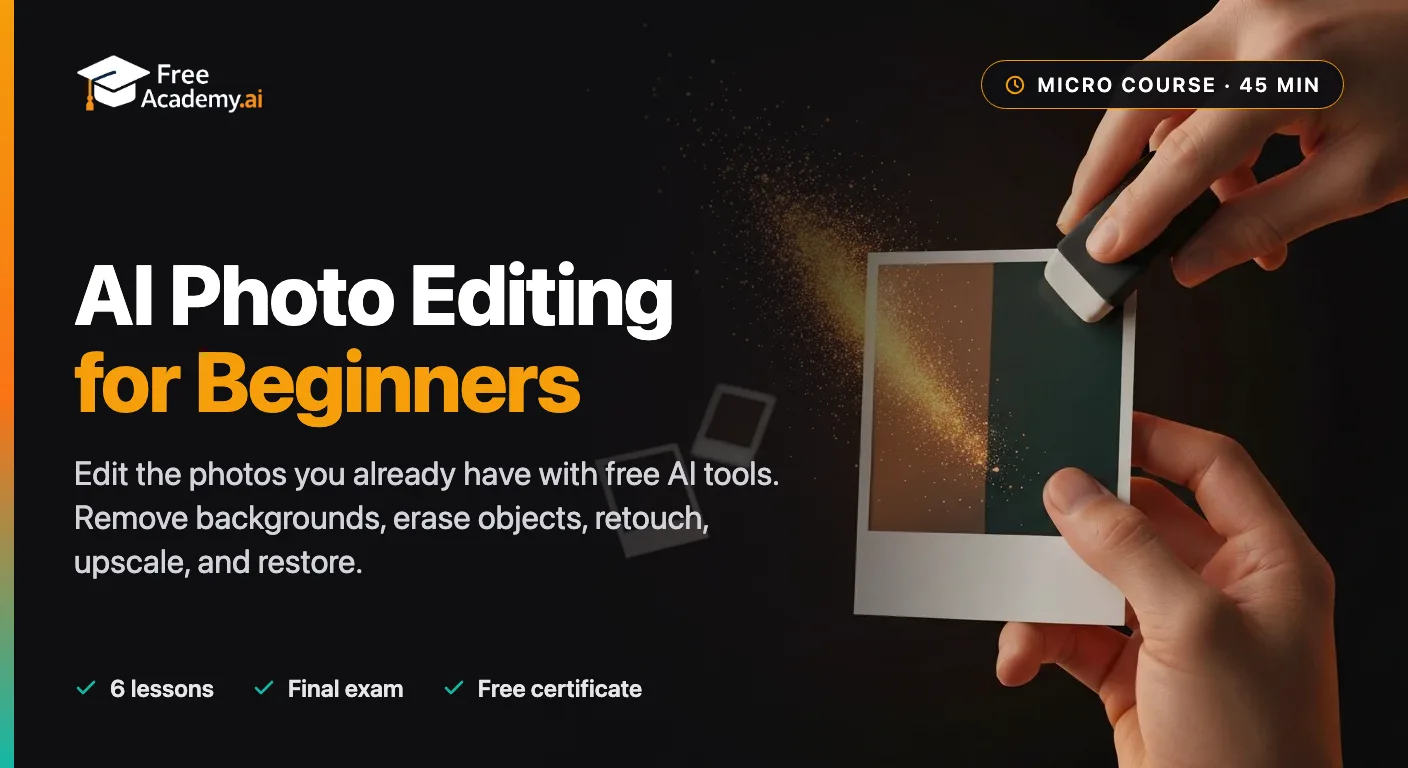
Edit the photos you already have using free AI tools. Remove and replace backgrounds, erase unwanted objects and people, retouch portraits naturally, upscale and restore old photos, and make quick edits by typing plain English. No design skills or paid software required.
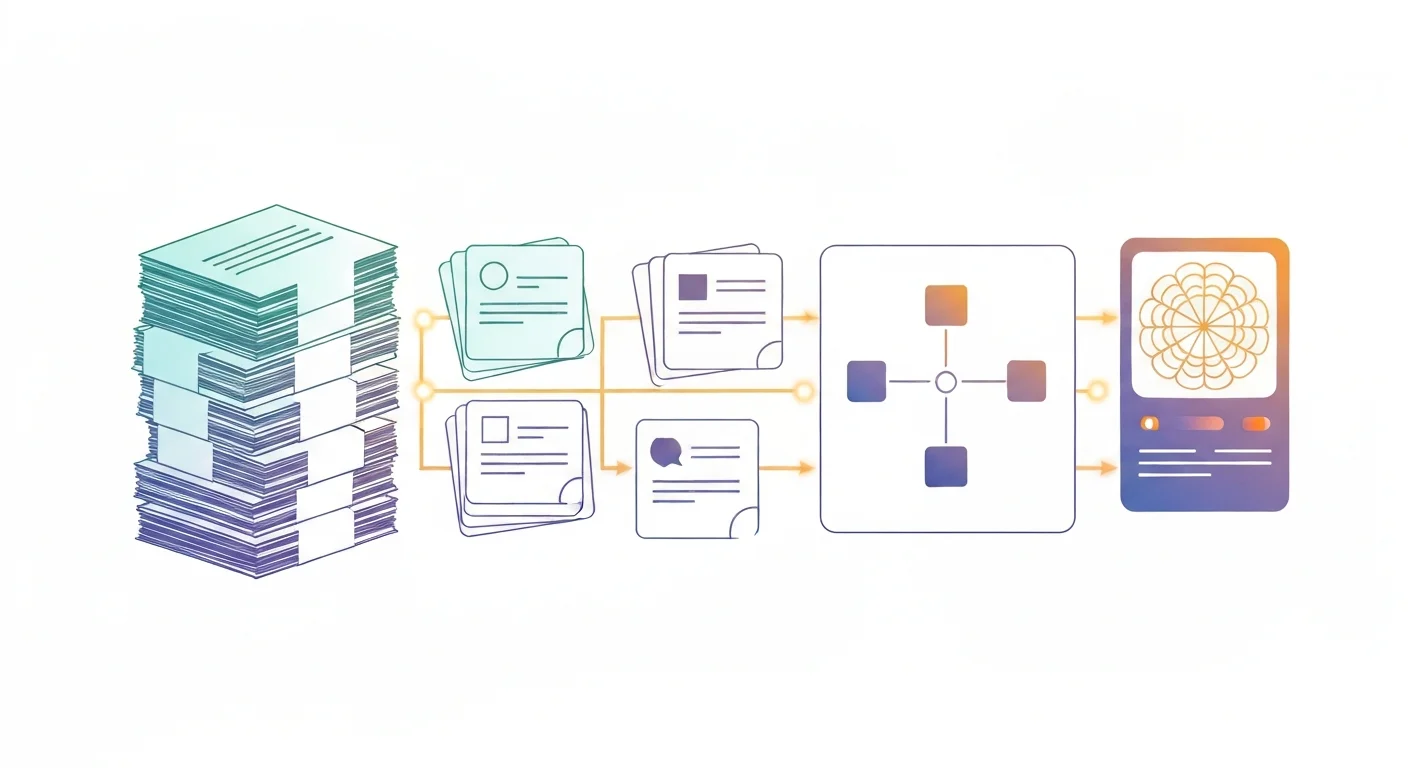
Turn dense notes, textbooks, and lecture slides into flashcards, summaries, diagrams, and simple visuals using free AI tools like ChatGPT, Claude, and Gemini. A hands-on micro course for students and teachers who want to study smarter and teach clearer. No design or coding skills required, and you earn a free certificate.
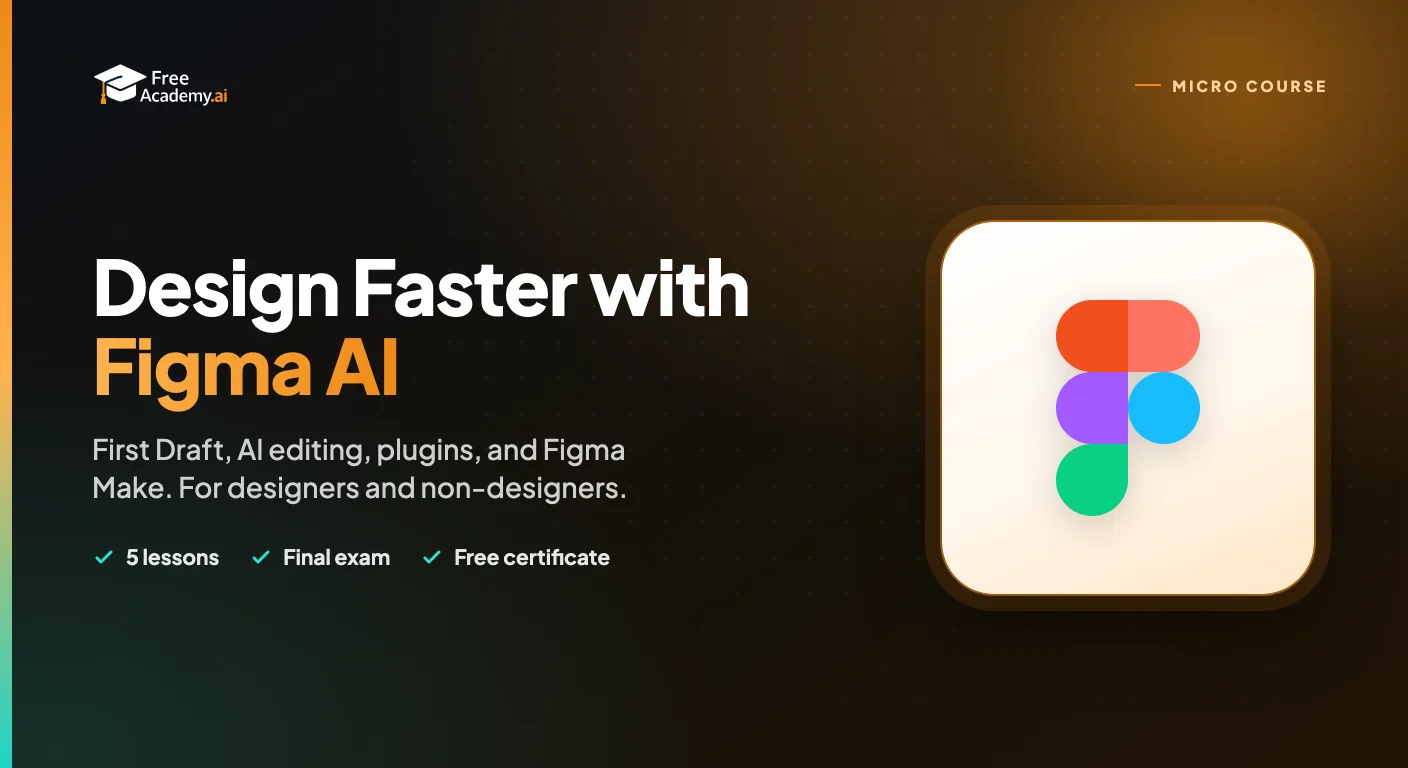
Master Figma's built-in AI in under an hour. Use First Draft to turn a prompt into an editable design, speed up work with AI editing and layer tools, extend Figma with plugins like Magician and Automator, and build a fast prototype with Figma Make. For designers and non-designers.

Make your first AI animations with zero design or coding experience. Turn text prompts into short video clips, animate characters and motion, and assemble simple explainer videos using Runway, Pika, and Canva. Every lesson has a hands-on exercise and reusable prompt templates, and you finish with a free certificate for your LinkedIn and resume.

Learn how to use AI tools to transform your interior design practice. Discover practical techniques for mood boards, room renderings, client proposals, product sourcing, and project management. No coding required.

Learn how to use AI tools to transform your UX design workflow. From user research synthesis and persona creation to wireframing, UX copy, usability testing analysis, and accessibility auditing — discover practical AI techniques that save hours every week. No coding required.