FreeAcademy vs Codecademy Free Tier: Which Free Coding Platform Is Better?

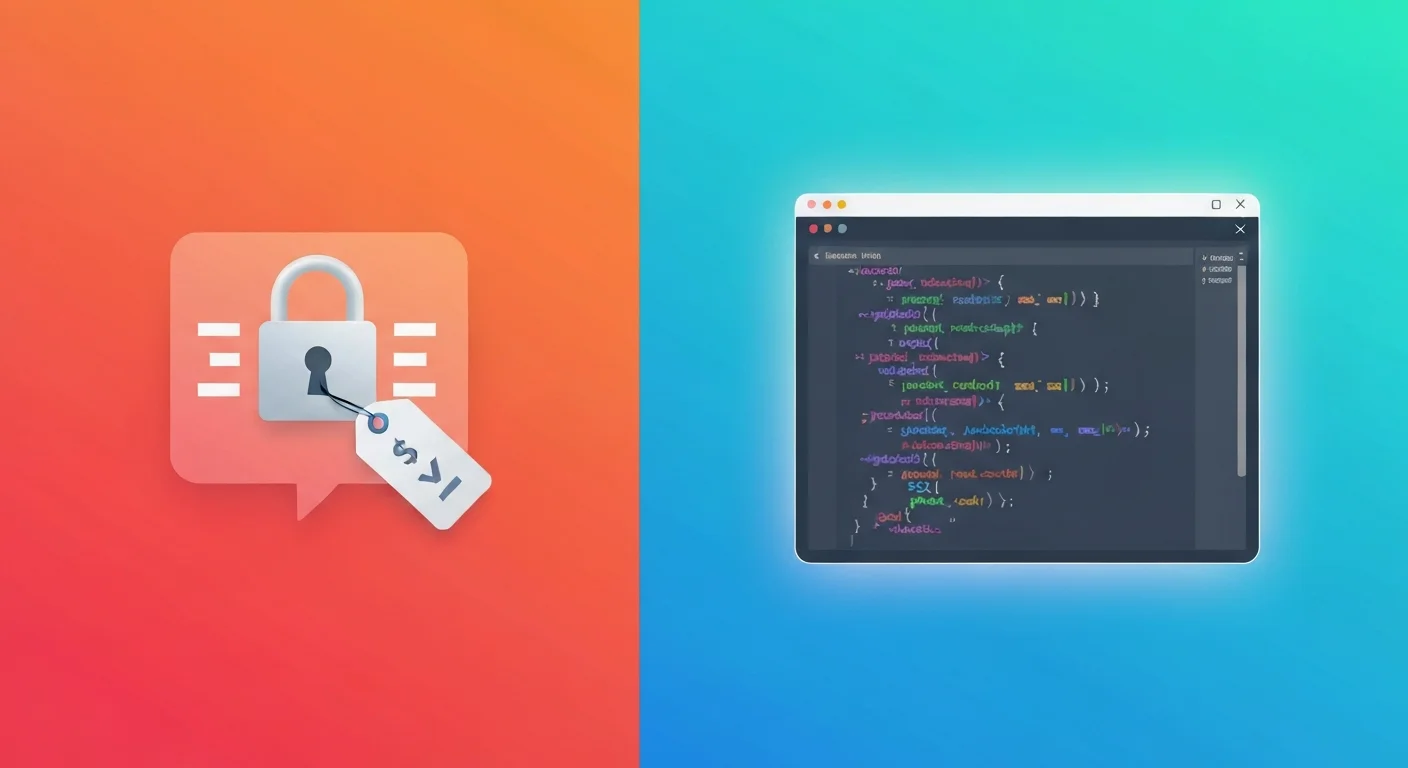
Codecademy was one of the first platforms to make coding interactive. Instead of watching videos and copying code, you type real code in the browser and see results immediately. That approach works — and it helped millions of people write their first line of code.
But Codecademy in 2026 is very different from the Codecademy that launched in 2011. Most courses now sit behind the Pro paywall at $17.49-34.99/month. The free tier gives you access to a handful of introductory courses with no certificates, no projects, and no career paths. If you want the full experience, you pay.
FreeAcademy takes the same interactive approach — browser-based code playgrounds, hands-on exercises, structured courses — and makes all of the learning free. No paywalled courses. No certificate fees. This post breaks down exactly what each platform offers so you can decide which one is right for you.
What Codecademy's Free Tier Actually Includes
Codecademy's free tier has been gradually stripped down over the years. Here's what you get in 2026 without paying:
- Limited course access: Only a small selection of introductory courses are available for free. Most courses, including popular ones like "Learn Python 3" and "Full-Stack Engineer," require Pro
- No certificates: Certificates of completion are a Pro-only feature. You can finish a free course and have nothing to show for it
- No projects: Codecademy's portfolio projects, which let you apply what you've learned, are locked behind Pro
- No career paths: Structured learning paths like "Front-End Engineer" and "Data Scientist" require a Pro subscription
- Basic exercises only: You get access to basic coding exercises, but advanced practice, quizzes, and assessments are Pro features
- No offline access: Mobile offline content requires Pro
The free tier works as a sample — enough to see if you like the teaching style, but not enough to learn a complete skill. Codecademy is transparent about this: the free plan is designed to convert you into a paying subscriber.
What Codecademy Pro Costs
- Pro Individual: $17.49/month (billed annually) or $34.99/month (monthly billing)
- Pro Plus: $27.99/month (billed annually) — adds interview prep, professional certifications, and priority support
- Pro Teams: Custom pricing for organizations
Over a year, that's $210-420 for Pro, or $336 for Plus. If you're a student or career changer on a tight budget, that's a real barrier.
What FreeAcademy Offers for Free
FreeAcademy was built on a simple principle: if the course is good enough to teach you a skill, it should be good enough to certify you — without charging for either.
Here's what you get at no cost:
- A full, growing course catalog: Every course is complete and unrestricted. Topics span JavaScript, Python, TypeScript, SQL, React, Node.js, AI, data analytics, finance, and business
- Free certificates for every course: Complete a course and earn a QR-verified certificate. No upgrade required, no hidden fee, no application process
- Interactive code playgrounds: Write and run SQL, Python, JavaScript, TypeScript, and React code directly in your browser — no local setup needed
- Structured learning paths: Courses are organized by topic and difficulty level, with clear progression from beginner to intermediate
- No "Pro" tier: There is no paid version of FreeAcademy. Every user gets the same complete experience
There's no catch. No trial period that expires, no feature that unlocks after payment, no "upgrade to get your certificate" prompt after you finish a course.
Interactive Playgrounds: A Closer Look
Both Codecademy and FreeAcademy made the same smart bet: people learn to code faster when they write code, not when they watch someone else write code. Both platforms have browser-based coding environments where you type code and see output in real time.
Here's how they compare:
Codecademy's Code Environment
Codecademy's interactive editor is embedded directly into lessons. You see instructions on one side and a code editor on the other. You type your solution, click "Run," and the platform checks your output. It's a proven format that works well for structured, step-by-step lessons.
Strengths:
- Clean, distraction-free interface
- Immediate feedback on whether your code is correct
- Hints available when you're stuck
Limitations:
- Most interactive courses are Pro-only
- The free tier limits which exercises you can access
- No standalone playground for experimentation outside of lessons
FreeAcademy's Code Playgrounds
FreeAcademy offers dedicated code playgrounds for multiple languages — SQL, Python, JavaScript, TypeScript, and React. Each playground is purpose-built for its language:
- SQL Playground: Runs SQLite directly in the browser via sql.js. You get a pre-loaded database with sample tables, write queries, and see results in a formatted table — no database setup required
- Python Playground: Execute Python code in the browser with real-time output
- JavaScript/TypeScript Playgrounds: Write and run JS/TS with console output, syntax highlighting, and error reporting
- React Playground: Build and preview React components live in the browser
Strengths:
- All playgrounds are free and unrestricted
- Available both within lessons (as guided exercises) and as standalone practice tools
- No installation, no signup required to start coding
- Purpose-built for each language rather than a one-size-fits-all editor
Limitations:
- Browser-based environments can't replicate the full experience of a local development setup
- Not designed for building large applications
The Key Difference
Codecademy has interactive coding, but gates most of it behind Pro. FreeAcademy gives you the same interactive experience — code in your browser, get feedback, learn by doing — without any paywall.
Side-by-Side Comparison
| Feature | FreeAcademy | Codecademy Free | Codecademy Pro |
|---|---|---|---|
| Number of courses | 100+ and growing (all free) | ~20 intro courses | 300+ |
| Certificates | Free for every course | No | Yes |
| Interactive coding | Yes — all courses | Limited | Yes |
| Code playgrounds | SQL, Python, JS, TS, React | Basic editor | Full editor |
| Career paths | No | No | Yes |
| Projects | Guided exercises | No | Yes |
| Languages covered | Python, JS, TS, SQL, HTML, CSS, React, Node.js, Git, Bash | Python, HTML, CSS, JS (limited) | Python, JS, Java, C++, Ruby, Go, Swift, and more |
| Non-coding courses | AI, finance, business, marketing, data analytics | No | Limited (data science, cybersecurity) |
| Mobile app | No | Yes (limited free) | Yes |
| Community features | No | Forums (limited) | Forums, Discord |
| Price | $0 | $0 | $17.49-34.99/month |
Who Each Platform Is Best For
Choose FreeAcademy if you:
- Want certificates without paying: Every course comes with a free, QR-verified certificate. If proving your skills to employers matters, this is the most cost-effective option available
- Want to learn by writing code: The interactive playgrounds let you practice SQL, Python, JavaScript, TypeScript, and React directly in your browser from day one
- Are on a tight budget: There's genuinely nothing to pay for. No trial, no upgrade, no hidden cost
- Want breadth beyond coding: FreeAcademy covers AI and machine learning, prompt engineering, data analytics, personal finance, and marketing — topics Codecademy doesn't touch
- Prefer focused, self-paced learning: Courses are structured with clear modules and lessons, without the pressure of deadlines or cohort schedules
Choose Codecademy (Pro) if you:
- Want a mobile app: Codecademy's mobile app lets you practice coding on the go, including offline access with Pro
- Need career path structure: Codecademy Pro's career paths (like "Front-End Engineer" or "Data Scientist") bundle multiple courses into a guided sequence with projects and assessments
- Want more languages: Codecademy Pro covers languages like Java, C++, Ruby, Go, Kotlin, and Swift that FreeAcademy doesn't currently offer
- Value community features: Codecademy's forums and Discord community can help when you're stuck
- Can afford $17-35/month: If the budget works for you, Codecademy Pro is a polished, comprehensive platform
When Codecademy Free Is Enough
Codecademy's free tier can work if you just want to try coding for the first time. The introductory courses in Python, HTML/CSS, and JavaScript give you a taste of what coding feels like. But if you want to go beyond the basics — or want any proof that you completed something — you'll hit the paywall quickly.
Frequently Asked Questions
Is Codecademy free in 2026?
Codecademy offers a limited free tier with access to about 20 introductory courses. However, most courses, all certificates, projects, career paths, and advanced features require a Pro subscription ($17.49-34.99/month). The free tier is designed as an introduction, not a complete learning experience.
What is the best free alternative to Codecademy?
FreeAcademy.ai is the best free alternative to Codecademy for interactive coding courses. It offers a growing catalog of more than 100 courses with browser-based code playgrounds for SQL, Python, JavaScript, TypeScript, and React — plus free certificates for every course. Unlike Codecademy, no course or certificate sits behind a paywall.
Can I get a Codecademy certificate for free?
No. Codecademy certificates are exclusively a Pro feature. You cannot earn a certificate on Codecademy without a paid subscription. If you want free coding certificates, FreeAcademy.ai offers QR-verified certificates at no cost for every course.
Does Codecademy have interactive coding?
Yes, Codecademy pioneered browser-based interactive coding lessons. However, on the free tier, most interactive courses are locked behind the Pro paywall. FreeAcademy offers a similar interactive experience — browser-based playgrounds where you write and run real code — with all courses and exercises completely free.
Are FreeAcademy courses as good as Codecademy?
FreeAcademy and Codecademy both use an interactive, learn-by-doing approach. FreeAcademy courses cover programming, AI, data analytics, finance, and business with structured lessons and browser-based code playgrounds. The main difference is access: FreeAcademy gives you every course and certificate for free, while Codecademy reserves most content and all certificates for paying subscribers.
Is FreeAcademy really 100% free?
Yes. Every course, interactive playground, exam, and QR-verified certificate is completely free for every user, with no certificate fees and no paywalled content. An optional Premium plan removes ads and upgrades the AI tutor, but no course, lesson, or certificate ever sits behind it.
Start Learning for Free Today
You shouldn't have to choose between learning to code and paying your bills. Codecademy's interactive approach is excellent, but locking most of it behind a $17-35/month paywall puts it out of reach for many learners.
FreeAcademy gives you the same hands-on experience — interactive code playgrounds, structured courses, real exercises — with free certificates to prove what you've learned. No credit card. No trial. No upgrade prompts.
Ready to start?
- Browse the full course catalog and pick a language or topic
- Start coding in the browser immediately — no setup required
- Complete the course at your own pace
- Earn your free, QR-verified certificate
- Add it to your resume and LinkedIn profile
Whether you're learning SQL, Python, JavaScript, React, or AI, every course is completely free.
Tags
Enjoyed this article?
Join The FreeAcademy Weekly
One practical AI email every Tuesday. New free courses, AI tips, and a short note from the founder.
Free forever. Unsubscribe anytime.
Related articles
Best Free Alternatives to Coursera Certificates in 2026
Coursera certificates cost $49-99+. Discover the best free alternatives for online course certificates in 2026, including FreeAcademy.ai, freeCodeCamp, MIT OpenCourseWare, Khan Academy, and The Odin Project.
Best Free Claude Code Courses in 2026 — Learn AI Coding
Discover the best free Claude Code courses in 2026. Compare top picks from FreeAcademy, Anthropic Academy, freeCodeCamp, and more to master AI-powered coding.
The Stack I Would Learn in 2026 If I Were Starting Over
The tech stack I would learn in 2026 if I were starting from zero: JavaScript, TypeScript, React, Next.js, SQL, and one AI coding agent. With the order and the reasons.