Best Free AI Image Generation Courses for Beginners 2026

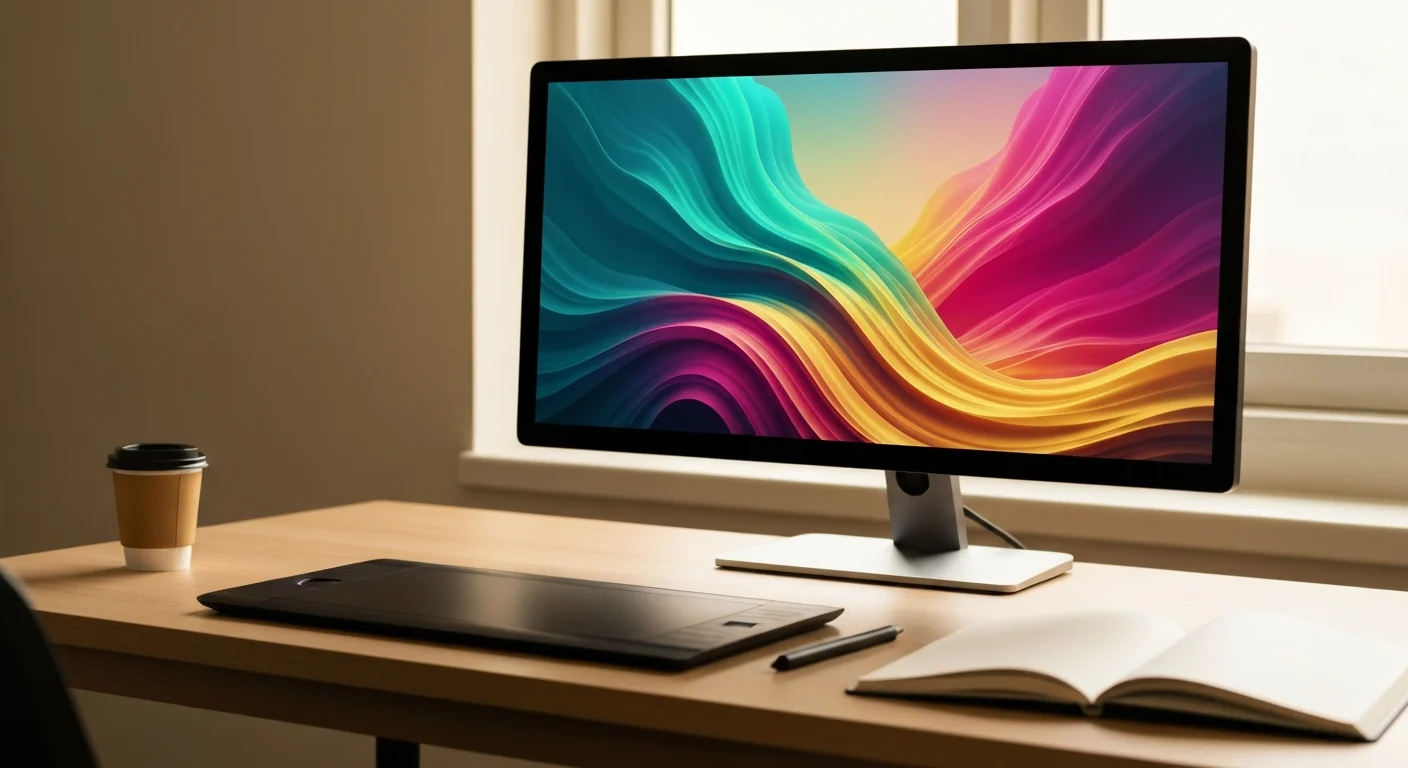
AI image generation has gone from a niche curiosity to a core creative skill in just a few years. Whether you want to design marketing visuals, build a portfolio, or simply experiment with creative tools, the right training makes the difference between fighting the tool and flowing with it. In this guide, we round up the best free AI image generation courses for beginners in 2026 — from quick crash courses to deeper tutorials that cover Midjourney, DALL-E, Stable Diffusion, and Flux.
Every course on this list is free to start, beginner-friendly, and focused on practical results you can apply the same day.
Why Take AI Image Generation Courses in 2026?
Text-to-image models have become dramatically more capable, but the tools have also fragmented. Midjourney V8.1, ChatGPT Images 2.0 (OpenAI's successor to DALL-E), Stable Diffusion XL, and Flux each have their own strengths, syntax, and quirks. Trying to learn them by trial and error works, but it is slow. A structured course shortens the learning curve from weeks to hours.
Good AI image generation courses teach you:
- How prompts actually work under the hood (tokens, weights, modifiers)
- Style control with reference images, ControlNet, and LoRAs
- Composition, lighting, and aspect ratio fundamentals
- Post-processing with inpainting, outpainting, and upscaling
- Ethical and copyright considerations for commercial use
If you are completely new to AI, start by browsing our AI Image Generation for Beginners course — it covers the entire workflow from your first prompt to a finished, print-ready image.
The Best Free AI Image Generation Courses for Beginners
Here are the top free courses we recommend in 2026, ordered roughly from absolute beginner to more advanced.
1. FreeAcademy — AI Image Generation for Beginners
Our own AI Image Generation for Beginners course is the fastest way to go from zero to your first portfolio-quality image. It covers prompt structure, the four major models, and a complete creative workflow with downloadable templates.
2. DeepLearning.AI — How Diffusion Models Work
A free short course from Andrew Ng's team that explains the math behind diffusion models in plain language. Best after you have made a few images and want to understand what is happening under the hood.
3. NVIDIA Deep Learning Institute — Generative AI with Diffusion Models
NVIDIA's official course on building and using diffusion models, hosted on their Deep Learning Institute platform. The full certificate course is reportedly paid, but NVIDIA periodically offers free seats. Excellent if you have some Python background.
4. YouTube — Olivio Sarikas' Stable Diffusion Series
The most comprehensive free YouTube channel for Stable Diffusion users. New videos every week covering ControlNet, LoRAs, IPAdapter, and the latest open-source releases.
5. Hugging Face — Diffusion Models Course
A free, hands-on course that walks you through fine-tuning your own image models in Google Colab. Code-heavy but well-paced for self-learners.
6. FreeAcademy — AI for Writing & Content Creation
Generating great images often starts with generating great prompts. Our AI for Writing & Content Creation course teaches prompt craft and creative briefs that translate directly to better image outputs.
7. Midjourney Official Documentation Walkthrough
Midjourney's own docs are now structured as a free mini-course, with embedded exercises for parameters like --ar, --stylize, --chaos, and --sref. Read it cover to cover in an afternoon.
8. Civitai Education Hub
Free articles and tutorials from the open-source community covering LoRA training, model merging, and image-to-image workflows. The best free resource for the Stable Diffusion ecosystem.
9. FreeAcademy — ChatGPT vs Claude vs Gemini: Complete Guide
The big chat assistants all now have built-in image generation. Our ChatGPT vs Claude vs Gemini: Complete Guide course covers when to use each, and how their image tools compare for everyday tasks.
10. FreeAcademy — AI for Interior Designers
A niche but excellent applied course. AI for Interior Designers shows how professionals use image generation for moodboards, renders, and client presentations — a great way to see image AI in a real workflow.
11. FreeAcademy — Create Images with Nano Banana
Want the free, no-setup option? Create Images with Nano Banana is a 30-minute micro course on Google's image generation inside the Gemini app. You learn how to access it, write prompts, edit and refine, and make posts, slides, and study aids without a subscription or any design skills.
Comparison Table
| Course | Platform | Duration | Level | Certificate |
|---|---|---|---|---|
| AI Image Generation for Beginners | FreeAcademy | 3 hrs | Beginner | Free |
| How Diffusion Models Work | DeepLearning.AI | 1 hr | Beginner | No |
| Generative AI with Diffusion Models | NVIDIA DLI | 8 hrs | Intermediate | Paid |
| Olivio Sarikas Stable Diffusion | YouTube | Ongoing | All levels | No |
| Diffusion Models Course | Hugging Face | 12 hrs | Intermediate | Free |
| AI for Writing & Content Creation | FreeAcademy | 4 hrs | Beginner | Free |
| Midjourney Docs Walkthrough | Midjourney | 2 hrs | Beginner | No |
| Civitai Education Hub | Civitai | Self-paced | Intermediate | No |
| AI Tools Comparison 2026 | FreeAcademy | 3 hrs | Beginner | Free |
| AI for Interior Designers | FreeAcademy | 4 hrs | Beginner | Free |
Suggested Learning Path
If you are starting from scratch, follow this order. It builds skills layer by layer instead of overwhelming you with every tool at once.
- Week 1 — Foundations. Take AI Image Generation for Beginners to learn prompts, aspect ratios, and basic style control.
- Week 2 — Pick a primary tool. Choose Midjourney (easiest, paid trial), DALL-E in ChatGPT, or Stable Diffusion (free, more setup). Work through the official docs or Olivio Sarikas' channel.
- Week 3 — Understand the science. Watch DeepLearning.AI's free How Diffusion Models Work to demystify the technology.
- Week 4 — Specialize. Move into LoRAs, ControlNet, and image-to-image workflows via the Hugging Face course or Civitai tutorials.
- Week 5 — Apply it. Take an applied course like AI for Interior Designers or build a personal portfolio project.
By the end of five weeks, you will have made hundreds of images, understand the underlying tech, and have a public portfolio piece to show.
What to Look for in Free AI Image Generation Courses
Not every free course is worth your time. When evaluating AI image generation courses, check for:
- Recency. The field changes monthly. Anything older than 12 months is likely outdated.
- Hands-on exercises. Watching is not learning — you need to prompt, render, and iterate.
- Multi-tool coverage. A course that only teaches one tool leaves you locked in.
- Ethics and licensing. Commercial-use rules differ by model. Good courses explain this clearly.
Frequently Asked Questions
Are AI image generation courses really free?
Many are completely free, including FreeAcademy's catalog, Hugging Face's course, and most YouTube channels. Coursera offers audit-mode access free; certificates cost extra.
Do I need a powerful computer?
For Midjourney and DALL-E, no — they run in the cloud. For local Stable Diffusion, you need an NVIDIA GPU with at least 8GB VRAM, or you can use free cloud notebooks like Google Colab.
Which AI image tool is best for beginners?
Midjourney has the easiest learning curve and most consistent quality. DALL-E inside ChatGPT is the most accessible if you already pay for ChatGPT. Stable Diffusion has the steepest curve but is fully free and open-source.
Can I use AI-generated images commercially?
It depends on the tool and your subscription tier. Midjourney's paid plans grant commercial rights; DALL-E images via ChatGPT can be used commercially; Stable Diffusion outputs are generally free for any use. Always check the current terms.
How long does it take to learn AI image generation?
Most people produce shareable images in a few hours and reach professional-quality results in 4–6 weeks with daily practice.
Do AI image generation courses include certificates?
FreeAcademy courses include free completion certificates. Coursera and edX charge for verified certificates but allow free auditing of content.
What is the best free AI image generator in 2026?
For pure quality, Flux and Stable Diffusion XL lead the open-source pack. ChatGPT's built-in image tool is the easiest free option for casual users.
Should I learn prompt engineering before image generation?
Yes — prompt skills transfer directly. Our AI for Writing & Content Creation course covers prompt fundamentals that apply to both text and image tools.
Conclusion
The best AI image generation courses for beginners in 2026 combine clear fundamentals, hands-on practice, and coverage of multiple tools. Start with AI Image Generation for Beginners, pick one tool to specialize in, and commit to daily practice for a month. By the end, you will have a portfolio, a workflow, and the confidence to use AI image generation in real creative or professional projects — all without spending a cent.
Enjoyed this article?
Join The FreeAcademy Weekly
One practical AI email every Tuesday. New free courses, AI tips, and a short note from the founder.
Free forever. Unsubscribe anytime.
Related articles
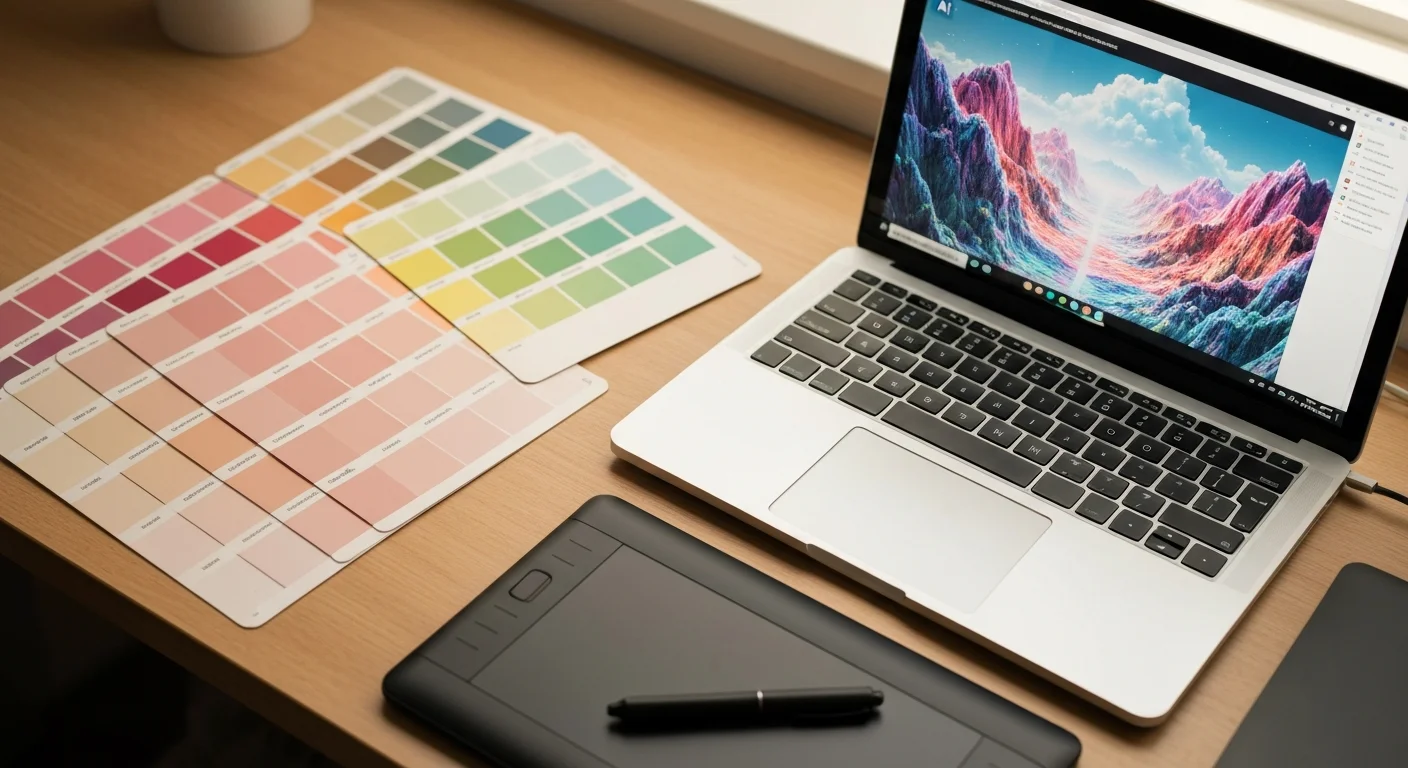
How to Generate AI Images: Beginner's Guide to 2026 Tools
Follow this ai image generation guide to create stunning visuals with text-to-image tools. Learn prompts, platforms, and tips for beginners in 2026.
Midjourney vs DALL-E vs Gemini Imagen: AI Image Generation Comparison 2026
Compare Midjourney, DALL-E 3, and Google Gemini Imagen for AI image generation in 2026. Pricing, quality, ease of use, and best use cases compared side-by-side.
Midjourney vs ChatGPT Images vs Stable Diffusion vs Flux: AI Image Generation Comparison 2026
Compare the top AI image generators in 2026: Midjourney V8, ChatGPT Images 2.0 (GPT Image 2), Stable Diffusion 3.5, and Flux 2. Pricing, image quality, ease of use, and best use cases compared side-by-side.