Master Google Gemini from scratch, then go deeper. Learn what Gemini is, set up your account, write effective prompts, and use it across Google Workspace. Then run Deep Research reports you can actually trust, build and tune custom Gems, and analyze whole document sets and long video in one pass.
Google Gemini is one of the most capable AI assistants available today, and this free course takes you from your first conversation to the features most people never touch. You will learn what Gemini actually is and how it differs from other AI tools, how to set up your account and get productive quickly, how to write prompts that return useful results, and where Gemini genuinely shines compared to its competitors. The lessons are focused and practical, so you can finish the course, pass the final exam, and earn a certificate of completion to share on LinkedIn or add to your resume.
The first half covers the essentials: prompting, using Gemini inside Google Workspace apps like Docs, Sheets, and Gmail, and an honest comparison of Gemini, ChatGPT, and Claude so you can choose the right tool for each task. The second half is where most Gemini users stop and this course keeps going. You will run a Deep Research report end to end, including the steps almost everyone skips, such as editing the research plan before it runs and checking whether the sources actually support the claims. You will build a custom Gem from scratch and tune it across real uses, since a Gem judged on its first output is what makes most people abandon the feature. And you will learn to put whole document sets and long recordings in front of Gemini and ask the cross-cutting questions that only work when everything is in the same conversation.
No prior AI experience is needed. Whether you are a student exploring AI tools for the first time, a professional who relies on Google products, or someone who already uses Gemini casually and wants to get real work out of it, this course gives you a grounded, honest guide with zero jargon and no cost.
2 modules • 10 lessons
Finish every lesson and pass the final exam to earn this free, shareable certificate.
Certificate of Completion
has successfully completed
10 lessons · Final exam passed

Michail Ouroumis
Founder, FreeAcademy.ai
Sample preview. Your name appears on the certificate when you complete the course. Learn more
It covers the essentials first: what Gemini is, how to set it up, how to write effective prompts, how to use it inside Google Workspace tools like Docs and Gmail, and how it compares to ChatGPT and Claude. It then goes deeper into Deep Research, building and tuning custom Gems, and analyzing large document sets and long video in a single conversation.
Yes, the course is completely free. No credit card or subscription is required. You can also take the final exam at no cost, and passing it earns you a certificate of completion you can add to your LinkedIn profile or resume.
No prior experience is needed. The course is designed for beginners and assumes no background in AI or machine learning. Basic familiarity with Google products like Docs or Gmail helps with the Workspace lesson, but it is not required.
No. The free tier of Gemini covers most of what the course teaches, including prompting, uploads, and building Gems. Some features such as the full Workspace integration and the largest context windows sit on paid Google AI plans, and the lessons say clearly when that is the case.
They focus on judgment rather than button locations. You learn when Deep Research is worth the wait and how to audit its sources, how to turn a disappointing Gem into a reliable one, and how to spot the two quiet failure modes of long-context analysis. That reasoning stays useful as the interface changes.
Yes. Completing all lessons and passing the final exam earns you a certificate of completion. You can download it and share it on LinkedIn, include it in a job application, or keep it as a record of what you have learned.
Get productive with Grok, the AI assistant from xAI. Learn what Grok is, how to set it up, how to use its real-time web and X integration, and how to prompt it for everyday work and study tasks.
Get productive with DeepSeek, the low-cost, open-weight AI from China. Learn what DeepSeek is, how to use the free chat app, DeepThink reasoning and web search, strong prompting, coding help, the API, running models locally, and the privacy trade-offs you should understand.

Learn the principles, practices, and skills to use AI responsibly. Explore bias, fairness, privacy, transparency, hallucinations, deepfakes, and the EU AI Act through hands-on exercises with ChatGPT, Claude, and Gemini. Perfect for university students and early-career learners. No coding required, and you earn a free certificate to add to your LinkedIn and resume.
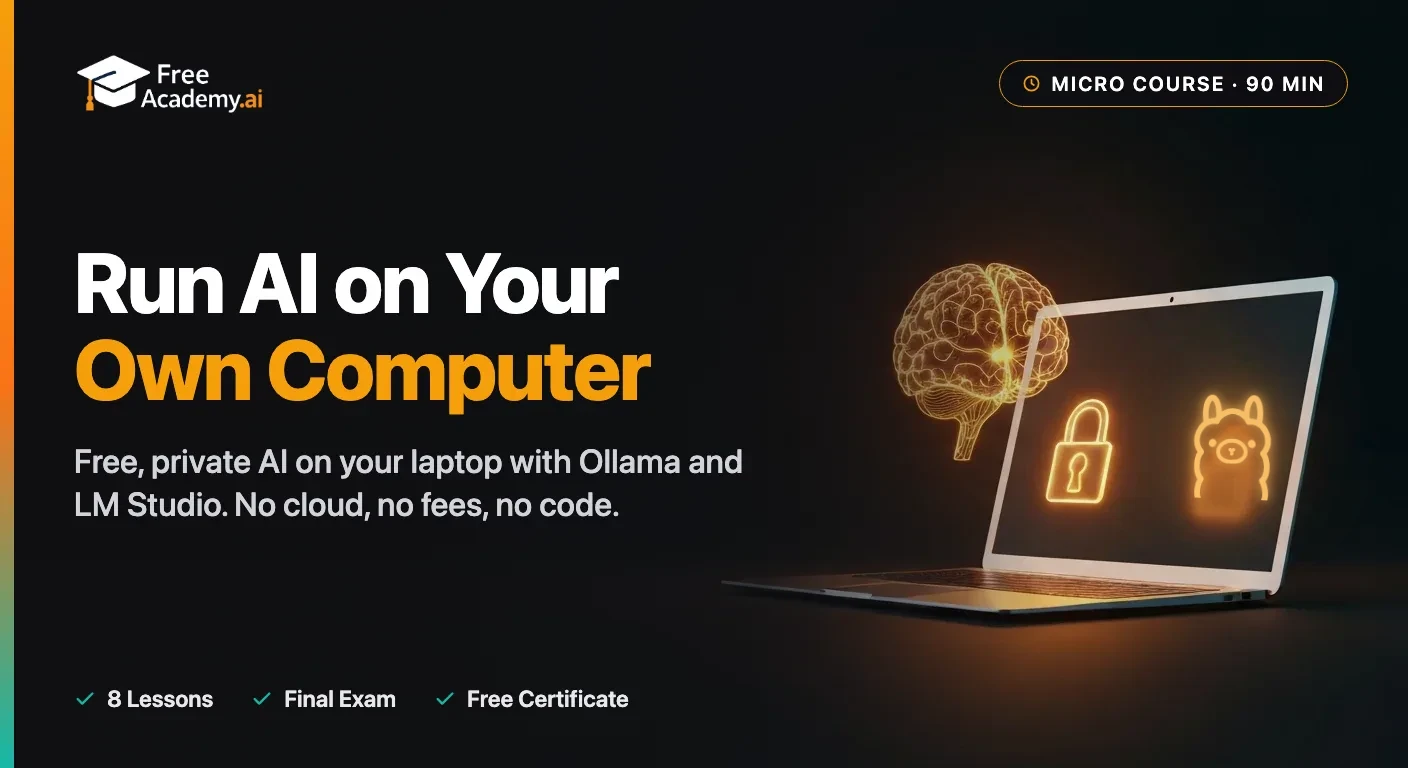
Run a free, private ChatGPT-style AI model right on your own laptop with Ollama and LM Studio. A beginner micro course: understand why local AI is private and free, check what your computer can actually run, install both tools, choose the right model, and use it every day to chat, draft, and summarize documents. No coding background needed, and your data never leaves your machine.

Discover the economic forces driving AI products. Learn cost structures, pricing strategies, two-sided markets, compute commodities, and network effects through the lens of ChatGPT and other AI services.

Getting vague, generic, or off-target answers from ChatGPT? This 25-minute course shows you why prompts fail and how to fix them, using the RICE framework, specificity techniques, and chain-of-thought to turn weak prompts into reliable ones.