Master Claude's Projects and Artifacts features with hands-on walkthroughs. Learn to set up organized workflows with custom instructions and knowledge files, create interactive artifacts for code, documents, and diagrams, understand the context window, and compare Projects with ChatGPT Custom GPTs.
Claude Projects and Artifacts are two of the most practical features in Anthropic's Claude, and this free 30-minute course shows you how to use both from scratch. You will learn to create and configure Projects with custom instructions and knowledge files so that Claude remembers your preferences and context across every conversation. You will also learn to generate and edit Artifacts, the interactive outputs Claude produces for code, documents, and diagrams, giving you reusable deliverables you can copy, refine, and share.
The course is structured as a single focused module with six lessons covering the full workflow: from initial setup and context window basics through to real-world use cases in research, writing, and coding. Whether you are a student managing study notes, a professional drafting documents, or someone building small tools without writing much code, the lessons are designed to be immediately applicable to your own work.
By the end you will also understand how Claude Projects compare to ChatGPT Custom GPTs, so you can make an informed choice about which tool fits your needs. The course is completely free, and finishing all six lessons plus the final exam earns you a certificate of completion you can add to your LinkedIn profile or resume.
1 modules • 6 lessons
Finish every lesson and pass the final exam to earn this free, shareable certificate.
Certificate of Completion
has successfully completed
6 lessons · Final exam passed

Michail Ouroumis
Founder, FreeAcademy.ai
Sample preview. Your name appears on the certificate when you complete the course. Learn more
Teaching a class or training a team? Assign this course for free
The course walks you through setting up Claude Projects with custom instructions and knowledge files so Claude retains context across sessions. You will also learn how to use Artifacts to generate interactive code snippets, documents, and diagrams during your conversations.
Yes, the course is completely free to take on FreeAcademy.ai. Completing all lessons and passing the final exam also earns you a certificate of completion at no cost.
No prior experience is required. The course is rated beginner and assumes only that you have a Claude account and basic familiarity with using a chat interface. All features are introduced from the ground up.
Projects and Artifacts are available on Claude.ai, primarily on paid plans such as Claude Pro. The course lessons explain what is accessible on each plan so you know what to expect before you begin.
This course focuses specifically on the Projects and Artifacts workflow inside Claude, including a dedicated lesson comparing Claude Projects with ChatGPT Custom GPTs. It covers context window management and real-world use cases in research, writing, and coding rather than generic prompting tips.
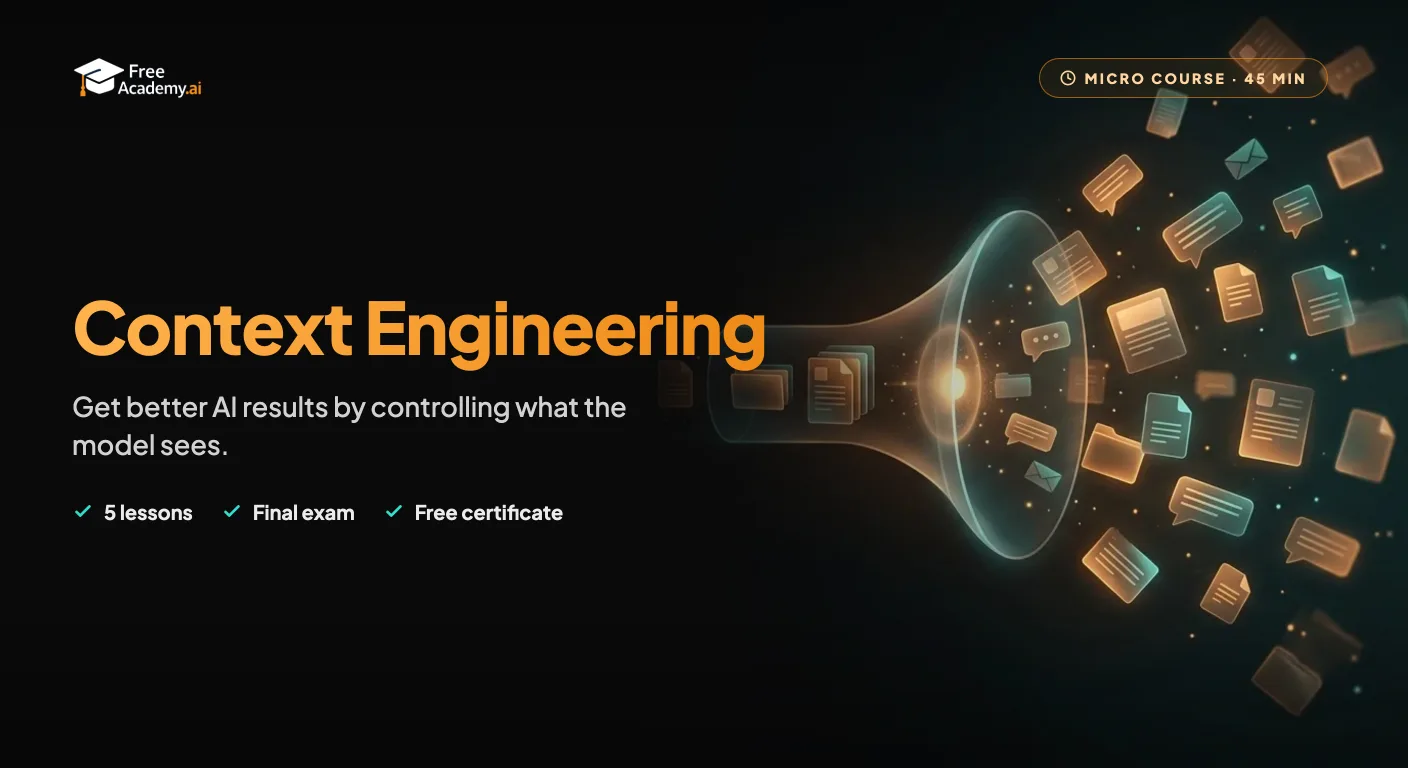
Go beyond wording a single prompt. Learn to control everything an AI model sees: build a reusable context pack, feed long documents so nothing gets lost, choose between pasting and retrieval, and manage long conversations with clean handoffs. Works with ChatGPT, Claude, Gemini, and any other assistant. No code.
Learn to use Claude, Anthropic's powerful AI assistant. Understand what Claude is, set up your account, master effective prompts, use Projects, analyze documents, write code, and choose the right AI tool for every task.
Master the three most popular AI assistants side-by-side. Learn exactly when to use ChatGPT, Claude, or Gemini for writing, coding, research, and study, with real prompts you can copy today. Built for university students and early-career learners with no prior AI experience. Earn a free certificate to add to your LinkedIn and resume.
Go beyond generic prompt engineering and master Claude-specific techniques. Learn XML tags, extended thinking, system prompt design, CLAUDE.md files, MCP integration, and agentic workflows to unlock Claude's full potential.
Get productive with DeepSeek, the low-cost, open-weight AI from China. Learn what DeepSeek is, how to use the free chat app, DeepThink reasoning and web search, strong prompting, coding help, the API, running models locally, and the privacy trade-offs you should understand.
Learn the most practical prompt engineering techniques in just 30 minutes. Master the 4-part prompt formula, specificity, iteration, and 5 power techniques that work across all AI tools.