Get productive with Grok, the AI assistant from xAI. Learn what Grok is, how to set it up, how to use its real-time web and X integration, and how to prompt it for everyday work and study tasks.
Grok is the AI assistant built by xAI, and it has one clear advantage over most of the crowd: it can pull in live information from the web and from X while it answers. That makes it a natural fit for current-events questions, checking what people are saying about a topic right now, and fast everyday knowledge work. This free micro course gets you productive with Grok without any prior AI experience.
Across five short lessons you will learn what Grok is and who makes it, how to set it up on the web, in the app, or inside X, and how to choose between the free tier and the paid plans. You will then put its real-time web and X search to work on purpose, learn a simple prompt structure that produces sharper answers, and copy ready-to-use prompts for writing, summarizing, studying, and planning. A final lesson helps you judge when Grok is the right tool and when to reach for something else, so you build a toolkit that fits how you actually work.
The course is completely free and takes about 35 minutes. After you finish the lessons and pass the final exam, you earn a free certificate of completion you can add to your LinkedIn profile or resume. If you have ever wanted a straightforward, practical guide to the Grok AI assistant, start here.
3 modules • 5 lessons
Finish every lesson and pass the final exam to earn this free, shareable certificate.
Certificate of Completion
has successfully completed
5 lessons · Final exam passed

Michail Ouroumis
Founder, FreeAcademy.ai
Sample preview. Your name appears on the certificate when you complete the course. Learn more
Grok is a conversational AI assistant built by xAI, the AI company founded by Elon Musk in 2023. You chat with it in plain language and it answers questions, writes and edits text, helps with analysis, and generates images. Its standout feature is a built-in connection to live web results and X posts.
The course is completely free and awards a certificate of completion. Grok itself has a free tier you can start with, plus paid SuperGrok plans and X Premium bundles that raise usage limits and unlock stronger models. Prices change often, so confirm current details on grok.com.
No. This is a beginner micro course that starts from what Grok is and how to set it up, then builds up to real-time search and practical prompting. No technical background is required.
No. This course focuses on getting productive with Grok specifically. It briefly notes when Grok fits versus other tools, but it is a single-tool guide, not a head-to-head comparison.
Yes. Completing all lessons and passing the final exam earns a free certificate of completion you can add to your LinkedIn profile or resume.
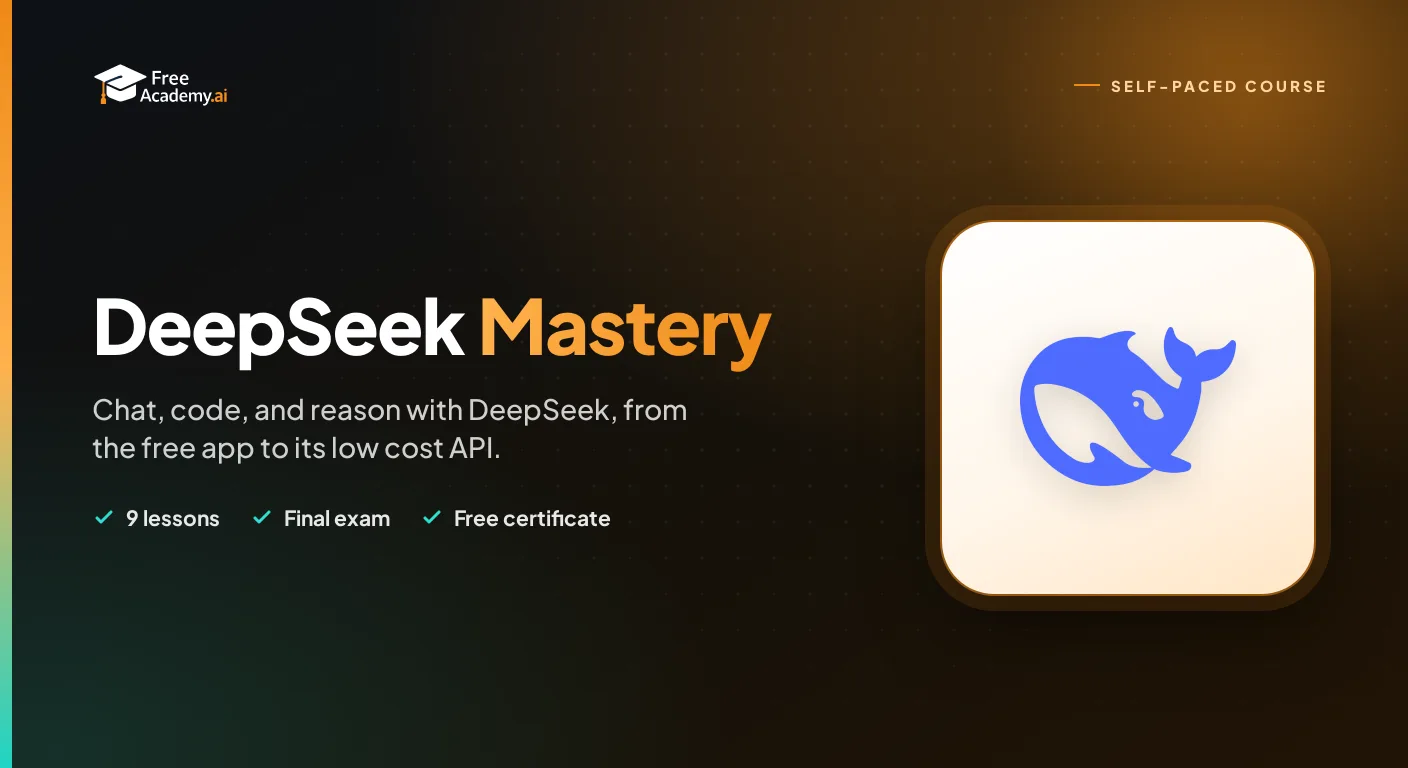
Get productive with DeepSeek, the low-cost, open-weight AI from China. Learn what DeepSeek is, how to use the free chat app, DeepThink reasoning and web search, strong prompting, coding help, the API, running models locally, and the privacy trade-offs you should understand.

Master the three most popular AI assistants side-by-side. Learn exactly when to use ChatGPT, Claude, or Gemini for writing, coding, research, and study, with real prompts you can copy today. Built for university students and early-career learners with no prior AI experience. Earn a free certificate to add to your LinkedIn and resume.
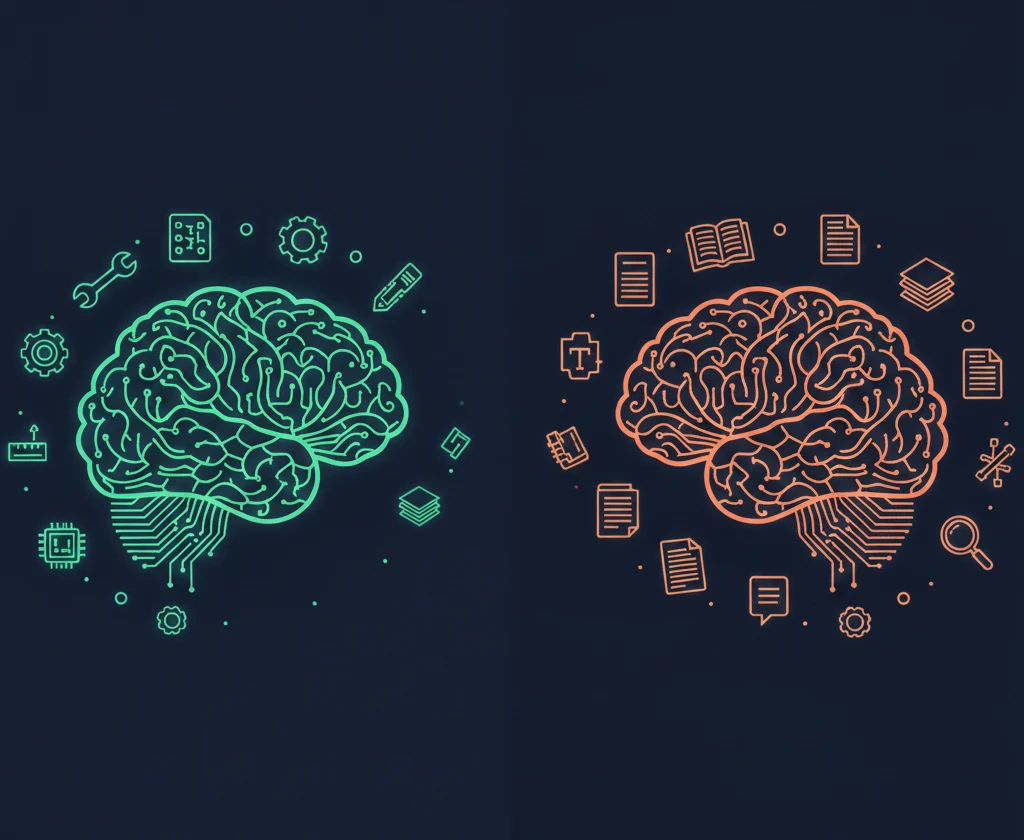
Learn when to use ChatGPT vs Claude for different tasks. Compare strengths, weaknesses, pricing, context windows, and best use cases to make strategic decisions about which AI assistant to use.

Your friendly guide to getting started with ChatGPT. Learn what it is, how to set up your account, have your first conversations, write better prompts, and use it safely. No technical background needed - perfect for anyone curious about AI.
Master Google Gemini from scratch, then go deeper. Learn what Gemini is, set up your account, write effective prompts, and use it across Google Workspace. Then run Deep Research reports you can actually trust, build and tune custom Gems, and analyze whole document sets and long video in one pass.
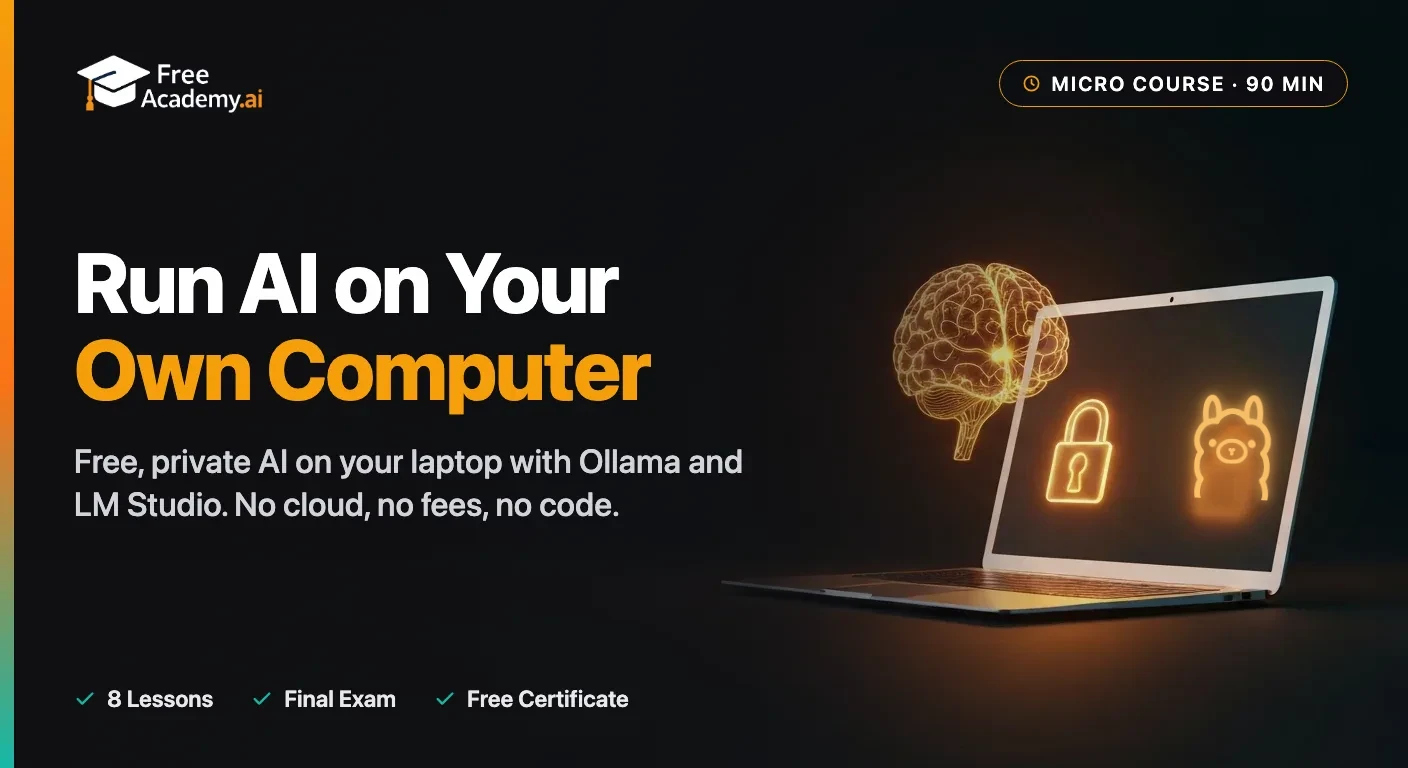
Run a free, private ChatGPT-style AI model right on your own laptop with Ollama and LM Studio. A beginner micro course: understand why local AI is private and free, check what your computer can actually run, install both tools, choose the right model, and use it every day to chat, draft, and summarize documents. No coding background needed, and your data never leaves your machine.