

No-Code AI Tools vs Coding Your Own AI App: Which Approach Is Right for You?

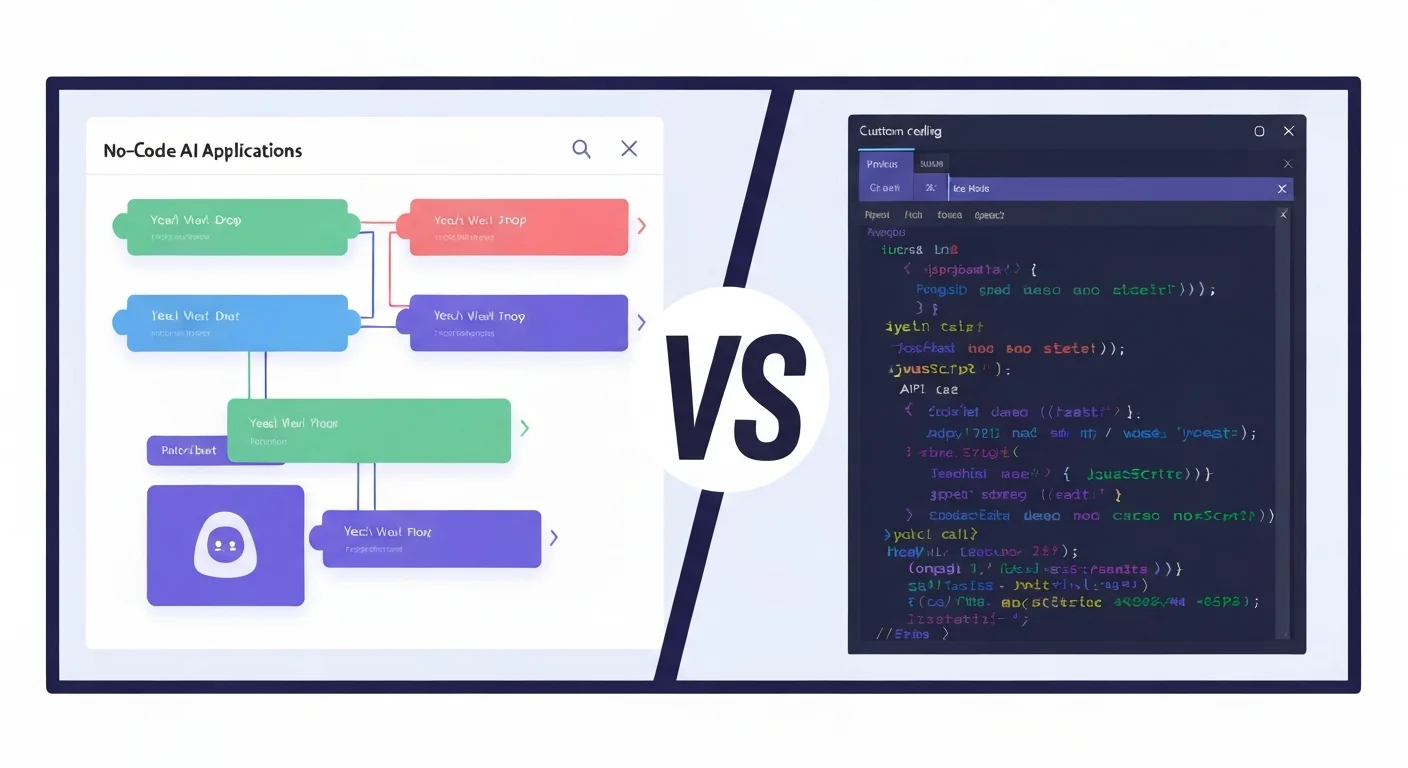
You have an idea for an AI-powered application. Maybe it's a customer support chatbot, a document summarizer, or an automated workflow that saves your team hours every week. The first question isn't what to build—it's how to build it.
Two paths sit in front of you: no-code AI platforms that let you drag, drop, and configure your way to a working app, or custom code where you build everything from scratch using APIs, frameworks, and your own logic. Each path has real trade-offs in cost, speed, control, and scalability.
This guide breaks down both approaches honestly so you can pick the one that fits your situation. If you're making this decision for a company rather than a personal project, Cynked's guide on how to identify which parts of your business are ready for AI is a useful first step before either path.
What Are No-Code AI Tools?
No-code AI platforms let you build AI-powered applications without writing a single line of code. Instead of programming, you work with visual interfaces: drag-and-drop workflows, pre-built connectors, and configuration panels.
These platforms abstract away the complexity of API calls, model management, prompt engineering, and deployment. You focus on what you want the AI to do, and the platform handles how it gets done.
Popular No-Code AI Platforms
| Platform | Best For | Starting Price |
|---|---|---|
| Zapier AI | Automating workflows between apps | Free (100 tasks/month) |
| Make (formerly Integromat) | Complex multi-step automations | Free (1,000 ops/month) |
| Flowise | Building LLM chatbots and RAG pipelines | Free (open source) |
| Stack AI | Enterprise AI workflows and agents | Free tier available |
| Voiceflow | Conversational AI and chatbots | Free (up to 2 agents) |
| Relevance AI | AI agents and workforce automation | Free tier available |
What You Can Build Without Code
No-code AI tools have come a long way. Here's what's realistically possible today without writing code:
Chatbots and Conversational AI
Build customer support bots that answer questions from your knowledge base, qualify leads, or route conversations to the right team. Tools like Voiceflow and Flowise let you design conversation flows visually and connect them to LLMs like GPT-4 or Claude.
Workflow Automations
Connect your existing tools with AI in between. Examples:
- Incoming email → AI classifies urgency → routes to the right Slack channel
- New support ticket → AI drafts a response → human reviews and sends
- Form submission → AI extracts key data → updates your CRM
Zapier AI and Make excel here, with thousands of pre-built integrations. Finance teams in particular get a lot of value out of no-code AI for invoice processing and reconciliation — Cynked's How to Upskill Your Finance Team with AI Tools covers a realistic rollout path that doesn't require hiring a developer.
Document Processing
Summarize PDFs, extract data from invoices, classify documents by type. Stack AI and Relevance AI provide visual pipelines that chain together document parsing, AI analysis, and output formatting.
RAG-Powered Knowledge Bases
Build chatbots that answer questions based on your own documents. Upload PDFs, websites, or databases, and the platform handles chunking, embedding, vector storage, and retrieval. Flowise is particularly popular for this since it's open-source and highly customizable within its visual interface.
Content Generation Workflows
Automate content creation pipelines: generate blog drafts, social media posts, product descriptions, or email sequences using AI with your brand guidelines baked in.
Limitations of No-Code AI
No-code platforms are powerful for standard use cases, but they have real boundaries:
Customization Ceiling
Every no-code platform has a point where you hit a wall. You need a feature the platform doesn't support, a model configuration it doesn't expose, or a workflow pattern it can't express. At that point, you either work around the limitation or start writing code.
Scalability Constraints
No-code tools are priced by usage: tasks, operations, API calls, or messages. A workflow that costs $20/month at 1,000 executions might cost $500/month at 50,000. Custom code running on your own infrastructure scales differently—compute costs grow, but there are no per-execution platform fees.
Vendor Lock-In
Your workflows, configurations, and data live inside the platform. If the platform changes pricing, shuts down, or removes a feature you depend on, migration is painful. There's no standard format for "export my Zapier workflows as code."
Limited Model Control
Most no-code platforms give you a dropdown to select a model and a text field for your prompt. You can't fine-tune models, implement custom retrieval strategies, control token streaming, or optimize inference costs at a granular level.
Performance and Latency
No-code platforms add overhead. Each step in a visual workflow is an API call with its own latency. A pipeline that takes 200ms in custom code might take 2-3 seconds through a no-code orchestration layer.
Data Privacy Concerns
Your data flows through the platform's servers. For regulated industries (healthcare, finance, legal), this can be a compliance issue. Self-hosted options like Flowise mitigate this, but most no-code platforms are cloud-only.
When Custom Code Is Necessary
Sometimes no-code isn't an option. Here are the scenarios where writing your own AI application is the right call:
Complex Business Logic
If your AI needs to make decisions based on multiple data sources, apply industry-specific rules, or handle edge cases that vary by customer, you need custom logic that no-code tools can't express.
High-Volume or Real-Time Processing
Applications processing thousands of requests per minute, streaming responses in real-time, or requiring sub-100ms latency need optimized custom code. No-code platforms aren't built for this.
Custom Model Integration
If you're fine-tuning models, running local LLMs with Ollama, implementing custom embedding strategies, or using models that no-code platforms don't support, you need code. Cynked's RAG vs Fine-Tuning: A Business Guide is a good non-technical primer on when each approach is worth the engineering investment.
Data-Sensitive Applications
Healthcare, legal, and financial applications often require data to stay within specific infrastructure boundaries. Custom code on your own servers gives you full control over where data flows.
Competitive Differentiation
If your AI application is the product (not a feature bolted onto an existing business), the limitations of no-code platforms will constrain what makes you unique. Custom code gives you unlimited flexibility to differentiate.
Integration With Existing Systems
When you need deep integration with internal APIs, legacy databases, or proprietary systems, custom code provides the flexibility to handle authentication, data transformation, and error handling exactly as needed.
Cost Comparison: Platform Fees vs Development Time
The cost equation is more nuanced than "no-code is cheaper."
No-Code Costs
| Cost Type | Typical Range |
|---|---|
| Platform subscription | $0-$200/month |
| Per-execution fees | $0.001-$0.05 per task |
| AI model API costs | Passed through (same as code) |
| Maintenance time | 2-5 hours/month |
| Total (small scale) | $50-$300/month |
| Total (medium scale) | $300-$2,000/month |
Custom Code Costs
| Cost Type | Typical Range |
|---|---|
| Developer time (initial build) | 40-200 hours |
| Infrastructure (hosting, DB) | $20-$200/month |
| AI model API costs | Same as no-code |
| Maintenance and updates | 5-20 hours/month |
| Total (first year, small) | $5,000-$15,000 |
| Total (ongoing, small) | $200-$1,000/month |
The Crossover Point
For most applications, no-code is cheaper up to about 10,000-50,000 monthly executions. Beyond that, custom code becomes more cost-effective because you avoid per-execution platform fees.
But cost isn't just money. No-code saves time—you can have a working prototype in hours instead of weeks. For validating ideas and building internal tools, that speed advantage often outweighs the higher per-unit cost.
The Middle Ground: Low-Code Approaches
You don't have to choose one extreme or the other. Low-code approaches combine visual building with custom code where needed.
What Low-Code Looks Like
- Flowise + custom nodes: Use Flowise's visual builder for the overall pipeline, but write custom JavaScript nodes for specific logic
- Zapier + webhooks: Build most of your workflow in Zapier, but call your own API endpoints for complex processing
- Langchain/LlamaIndex + pre-built components: Use framework abstractions that feel like building blocks, with code for the glue logic
- Vercel AI SDK: Write minimal code using high-level abstractions that handle streaming, tool calling, and model switching
When Low-Code Makes Sense
Low-code is often the best starting point when:
- You have some technical skills but aren't a full-stack developer
- Your application is mostly standard patterns with a few custom pieces
- You want to prototype quickly but need the option to add custom logic later
- You're a developer who doesn't want to reinvent the wheel for standard AI patterns
Learn more: Our How to Build Your First AI App guide walks through building an AI application step by step, including low-code options.
Decision Framework: Which Approach Is Right for You?
Choose No-Code If You...
- Need a working solution in hours or days, not weeks
- Are building automations between existing tools (CRM, email, Slack)
- Have a non-technical team that needs to maintain the application
- Are validating an idea before investing in development
- Have a budget under $500/month and fewer than 10,000 monthly executions
- Need a chatbot or knowledge base with standard features
Choose Custom Code If You...
- Need fine-grained control over AI model behavior
- Are building an AI product that needs to differentiate on capabilities
- Process high volumes (50,000+ executions/month) where per-unit costs matter
- Handle sensitive data that must stay on your infrastructure
- Need real-time performance with sub-second latency
- Have developers on your team (or budget to hire them)
Choose Low-Code If You...
- Have some technical ability but don't want to build everything from scratch
- Need the speed of no-code with escape hatches for custom logic
- Are prototyping now with plans to add complexity later
- Want to use frameworks like LangChain or the Vercel AI SDK
Recommended Path for Non-Technical Founders
If you're a founder without a technical background, here's a practical roadmap:
Phase 1: Validate with no-code (Week 1-2)
- Build a prototype using Flowise, Zapier AI, or Stack AI
- Test with real users and gather feedback
- Spend less than $100 to know if the idea has legs
Phase 2: Evaluate scale needs (Month 1-3)
- Track usage patterns: how many executions, what latency do users expect?
- Identify which features are blocked by platform limitations
- Determine if you need custom logic or if no-code covers your needs
Phase 3: Decide on next step
- If no-code works at your scale → stay on no-code, optimize costs
- If you're hitting limits → hire a developer or learn to code
- If the product is the AI itself → invest in custom development
Learn more: Our AI Essentials course covers the fundamentals of working with AI tools, and Best Free AI Courses for Beginners lists resources to build your AI literacy.
Recommended Path for Aspiring Developers
If you want to learn to build AI applications with code, here's where to start:
Phase 1: Learn the fundamentals
- Pick Python or JavaScript/TypeScript as your primary language
- Understand APIs, HTTP requests, and JSON
- Learn basic prompt engineering
Phase 2: Build with frameworks
- Start with the Vercel AI SDK or LangChain
- Build a simple chatbot that uses an LLM API
- Add retrieval (RAG) to make it answer questions from documents
Phase 3: Go deeper
- Learn about vector databases and embedding strategies
- Explore AI agents and multi-step reasoning
- Build and deploy a production application
Learn more: Our JavaScript to AI Developer Roadmap maps out the complete learning path, and Build Your First AI Agent in Python gets you hands-on in 30 minutes.
Real-World Examples
When No-Code Won
Customer support automation: A 15-person e-commerce company used Zapier AI to route support emails, auto-draft responses, and escalate urgent issues. Setup took 2 days. Cost: $79/month. The same solution built custom would have taken 3-4 weeks and cost $5,000+ upfront.
Internal knowledge base: A marketing agency used Flowise to build a chatbot that answers questions from their SOPs and client briefs. The entire RAG pipeline—document ingestion, chunking, embedding, retrieval—was configured visually in an afternoon.
When Custom Code Won
Real-time content moderation: A social platform needed to classify user posts in under 100ms at 50,000+ posts per hour. No-code platforms couldn't meet the latency or volume requirements. A custom Python service with optimized model inference solved the problem.
Multi-model AI product: A startup building an AI writing assistant needed to orchestrate multiple models (GPT-4 for planning, Claude for writing, a custom model for style matching), implement custom caching, and handle streaming responses. This level of control required custom code from day one.
Frequently Asked Questions
Can I start with no-code and switch to custom code later?
Yes, and this is a common path. Start with no-code to validate your idea, then rebuild in code when you hit scalability limits or need features the platform can't provide. The trade-off is that you can't directly "export" your no-code setup—you'll rebuild the logic in code.
Are no-code AI tools secure enough for business use?
It depends on the platform and your industry. Major platforms like Zapier and Make have SOC 2 compliance and enterprise security features. For regulated industries (healthcare, finance), evaluate each platform's data handling policies carefully. Self-hosted options like Flowise give you full control over data flow.
How much coding do I need to know for low-code AI tools?
Basic familiarity with JavaScript or Python is enough for most low-code approaches. You should understand variables, functions, API calls, and JSON. You don't need to be a senior developer—the frameworks handle the complex parts.
Which no-code AI platform should I start with?
For workflow automations between existing tools, start with Zapier AI or Make. For building chatbots and RAG applications, try Flowise (free, open-source) or Voiceflow. For enterprise AI workflows, look at Stack AI or Relevance AI.
Is it worth learning to code just to build AI apps?
If AI is central to your product or career, yes. Even basic coding skills unlock dramatically more flexibility, lower costs at scale, and independence from platform limitations. Our Best Courses for Self-Taught Programmers can help you get started.
How do no-code AI tools compare to vibe coding tools like Bolt and Lovable?
They solve different problems. No-code AI tools (Zapier AI, Flowise) build AI-powered workflows and chatbots using visual interfaces. Vibe coding tools (v0, Bolt, Lovable) build complete web applications using natural language prompts. No-code AI tools are more focused on AI capabilities; vibe coding tools are more focused on general app building.
Can I build a SaaS product with no-code AI tools?
You can build an MVP, but scaling a SaaS product on no-code platforms gets expensive fast due to per-execution pricing. Most successful SaaS products that start on no-code eventually migrate core functionality to custom code while keeping some automations on no-code platforms.
Conclusion
There's no universally "right" approach. No-code AI tools are the fastest path to a working prototype, and for many use cases—internal automations, chatbots, document processing—they're all you'll ever need. Custom code gives you unlimited control and better economics at scale, but requires significant time and skill investment.
The smartest approach for most people: start with no-code, validate your idea, and write code only when you have a proven need for it. Don't build a custom AI application for a problem you haven't confirmed exists.
Whatever path you choose, the barrier to building AI applications has never been lower. The tools are ready—the question is what you'll build with them.
Last updated: March 8, 2026. Platform features and pricing change frequently—check each platform's website for the latest information.
Enjoyed this article?
Join The FreeAcademy Weekly
One practical AI email every Tuesday. New free courses, AI tips, and a short note from the founder.
Free forever. Unsubscribe anytime.
Related articles
v0 vs Bolt vs Lovable: Best AI App Builders & Vibe Coding Tools Compared (2026)
v0, Bolt, and Lovable compared for building apps with AI. See pricing, code quality, deployment options, and which vibe coding tool is best for developers vs non-technical founders.
Google Deep Research vs Perplexity vs ChatGPT: AI Research Tools Comparison 2026
Google Deep Research vs Perplexity vs ChatGPT compared for accuracy, citations, depth, and speed. Find the best AI research tool for academic work, fact-checking, and market research in 2026.

Perplexity vs ChatGPT vs Google: Which AI Research Tool Should You Use in 2026?
Compare Perplexity AI, ChatGPT, and Google for research. Discover which AI tool is best for academic research, fact-checking, market research, and learning new topics.