Lesson 1: What Poke Is and Who It Suits. No sign-up needed.
Every course, exam and certificate is free. Premium only removes ads and adds extras.
Want this course in your language?
Last updated
Learn Poke, the personal AI agent you text in Apple Messages, WhatsApp, Telegram or RCS. A free beginner micro course: what Poke is and what it costs, how to set it up and connect Gmail or Outlook, everyday tasks and automations, safety and privacy habits, and how it compares with other personal agents.
Poke is a personal AI agent that you talk to by text message. It lives in Apple Messages, WhatsApp, Telegram and RCS, so there is no new app to install. Once you connect Gmail or Outlook and your calendar, Poke can set reminders, sort your inbox, draft replies, add events and send you a short summary every morning. It is available worldwide and has a free plan, which makes it one of the easiest AI agents to try if you live outside the US.
This free micro course has 5 short lessons and takes about 45 minutes. You will learn what Poke is, who makes it and what each plan costs. You will sign up, pick a chat app and connect your first apps. Then you will use Poke for everyday tasks and set up your first automation. A full lesson covers safety and privacy: what Poke can see, how to turn on Maximum Privacy, how to delete your account, and how to stop Poke from sending anything without your yes. The last lesson gives you ready-made workflows for students and compares Poke with Gemini Tasks, Meta Muse, ChatGPT dots, Grok Bot, Hermes Agent and Claude Duet. No coding is needed. Pass the final exam to earn a free certificate for your LinkedIn profile or resume.
3 modules • 5 lessons
Finish every lesson and pass the final exam to earn this free, shareable certificate.
Certificate of Completion
has successfully completed
5 lessons · Final exam passed

Michail Ouroumis
Founder, FreeAcademy.ai
Sample preview. Your name appears on the certificate when you complete the course. Learn more
Teaching a class or training a team? Assign this course for free
Poke is a personal AI agent made by The Interaction Company of California, which joined Cognition in July 2026. You talk to it by text in Apple Messages, WhatsApp, Telegram or RCS. It can set reminders, help with Gmail or Outlook, manage your calendar and run small automations.
Yes, Poke has a Free plan with a small usage allowance and no credit card needed. As of November 2026, Pro costs $19 a month and Ultra costs $199 a month. This course itself is completely free.
Yes. Poke's docs say it is available in all regions worldwide. Many learners outside the US use it through WhatsApp or Telegram.
It can be, with care. Poke's privacy notice says data is used for AI training unless you choose Maximum Privacy, and its docs do not clearly describe a required approval step before actions. The course shows you how to turn on Maximum Privacy, connect only what you need, and set a rule that Poke must show you drafts before sending.
No. Everything in Poke is set up by chatting with it, and the course is written for complete beginners.
Yes. Finish the 5 lessons and pass the final exam to earn a free certificate of completion you can add to LinkedIn or your resume.
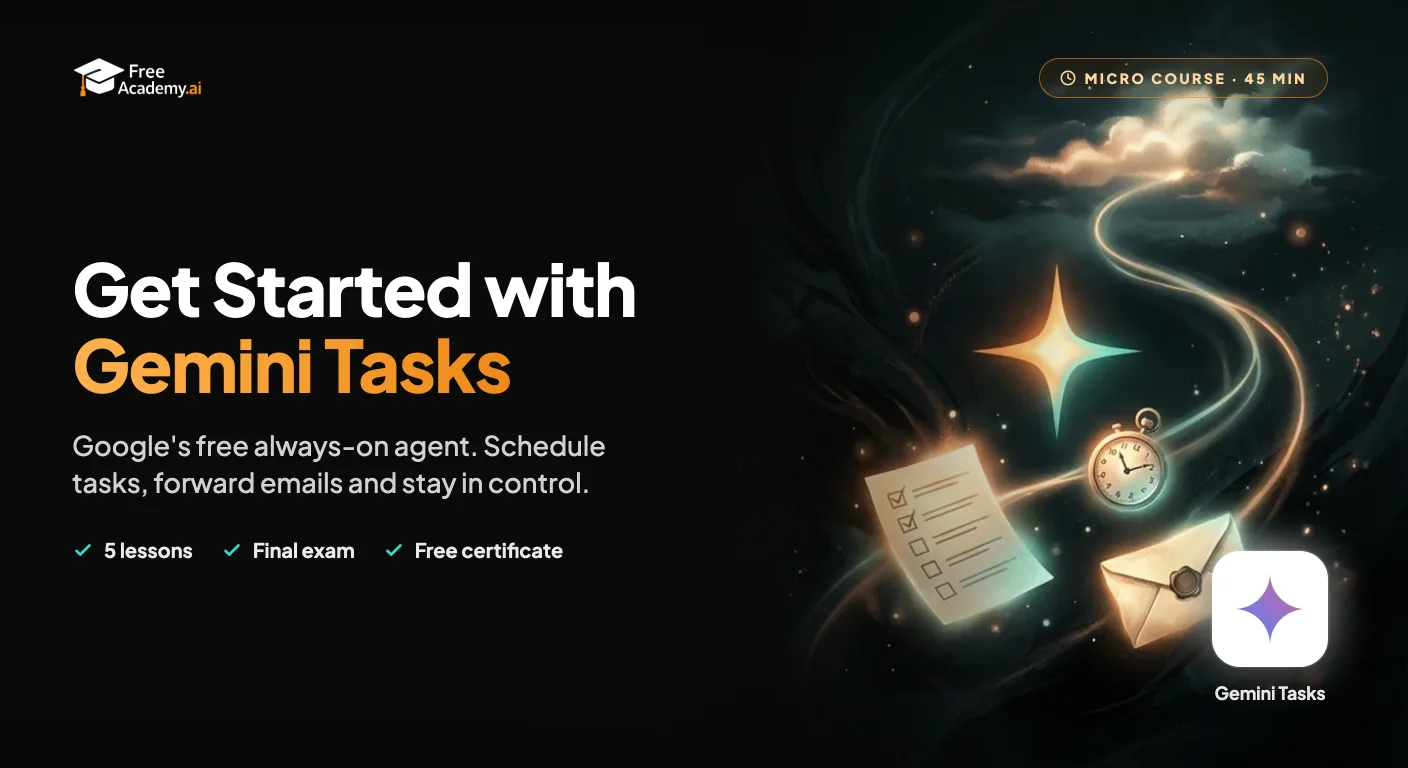
Learn Tasks in Gemini (formerly Gemini Spark), Google's always-on agent that works in the cloud even when your phone is off. Run your first task, set schedules, send work by email or text, control permissions and privacy, and try five free workflows. Free in six countries. Free certificate.
Learn ChatGPT dots, OpenAI's always-on agents that keep working between chats on their own cloud computer. Set up your dot, give it goals, schedules and triggers, set Custom Rules for what it may do alone, and try five real workflows. No coding needed. Free certificate.
Learn to use Muse, Meta's personal AI agent that does tasks for you on its own private cloud computer. Set it up, connect your apps, give it real tasks and stay safe with Sentinel approvals and privacy settings. A beginner-friendly micro course with five ready-to-use workflows and a free certificate.
Use AI to coordinate for one or more busy executives. Master calendar and scheduling, travel planning, expense reconciliation, multi-inbox triage, and meeting prep briefs.

Master Microsoft Copilot across the entire Microsoft 365 ecosystem. Learn to use Copilot in Word, Excel, PowerPoint, Outlook, and Teams to draft documents, analyze data, build presentations, manage email, and automate workflows. Includes prompt engineering techniques specific to Copilot.
Use ChatGPT, Claude, Gemini, and Perplexity to land your next job and grow your career. Learn to tailor resumes, write cover letters, optimize LinkedIn, research companies, network, run AI mock interviews, and negotiate salary — with hands-on prompts in every lesson. Built for university students and early-career learners. Earn a free certificate to add to your LinkedIn and resume.