Lesson 1: What Muse Is and Who Can Use It. No sign-up needed.
Every course, exam and certificate is free. Premium only removes ads and adds extras.
Want this course in your language?
Last updated
Learn to use Muse, Meta's personal AI agent that does tasks for you on its own private cloud computer. Set it up, connect your apps, give it real tasks and stay safe with Sentinel approvals and privacy settings. A beginner-friendly micro course with five ready-to-use workflows and a free certificate.
Muse is Meta's personal AI agent. It does tasks for you, like sending emails, booking a table, filling in forms or lowering a bill, on its own private cloud computer, and it keeps working after you close the app. Meta launched Muse on September 8, 2026 with a free tier, and this free micro course shows you how to use it well.
In five short lessons you will learn what Muse is and how it differs from Meta AI, set it up and connect your apps with the right level of access, and give it real tasks on its Secure VM. You will learn how to watch it work, take over when needed, and manage its memory.
Because an agent that acts for you needs real access, a full lesson covers Sentinel, the separate agent that approves Muse's actions, plus payments, passwords and privacy settings, with an honest look at its limits. The last lesson gives you ready-to-copy workflows for everyday life and study, and compares Muse with ChatGPT dots, Grok Bot and Hermes Agent.
No coding is needed. The course is free, and passing the final exam earns you a free certificate for your LinkedIn profile and resume.
3 modules • 5 lessons
Finish every lesson and pass the final exam to earn this free, shareable certificate.
Certificate of Completion
has successfully completed
5 lessons · Final exam passed

Michail Ouroumis
Founder, FreeAcademy.ai
Sample preview. Your name appears on the certificate when you complete the course. Learn more
Teaching a class or training a team? Assign this course for free
Muse is Meta's personal AI agent, launched on September 8, 2026. It runs on its own private cloud computer, works in its app, on the web and in WhatsApp, and does tasks like emails, bookings and forms for you.
Muse has a free tier with a weekly usage limit. Paid plans cost $20 a month (Power) and $100 a month. As of November 2026 it is available in the US, Canada, Singapore and Australia for people 18 and older.
Yes. The course is completely free. Finish the lessons and pass the final exam to earn a free certificate you can add to LinkedIn or your resume.
No. You talk to Muse in plain language in its app or in WhatsApp. The course gives you ready-to-copy requests for every workflow.
A separate agent called Sentinel approves every connector action and network request, and every purchase needs your approval. The course covers Sentinel, payments, passwords and privacy settings in a full lesson.
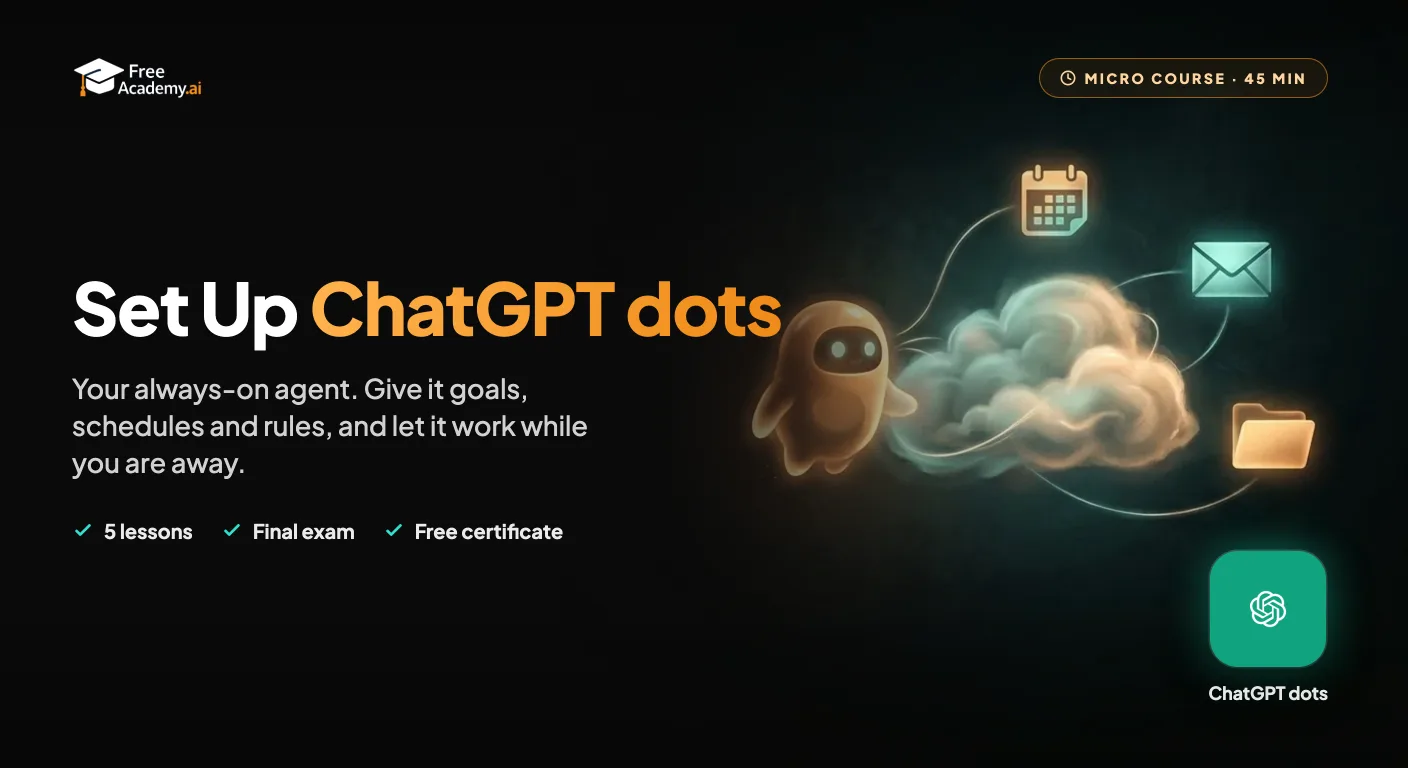
Learn ChatGPT dots, OpenAI's always-on agents that keep working between chats on their own cloud computer. Set up your dot, give it goals, schedules and triggers, set Custom Rules for what it may do alone, and try five real workflows. No coding needed. Free certificate.
Master Google NotebookLM from scratch. Learn to build source-grounded notebooks, ask questions with trustworthy citations, generate Audio and Video Overviews, create study guides and mind maps, share notebooks, and use the mobile app for study, work, and your personal knowledge base.
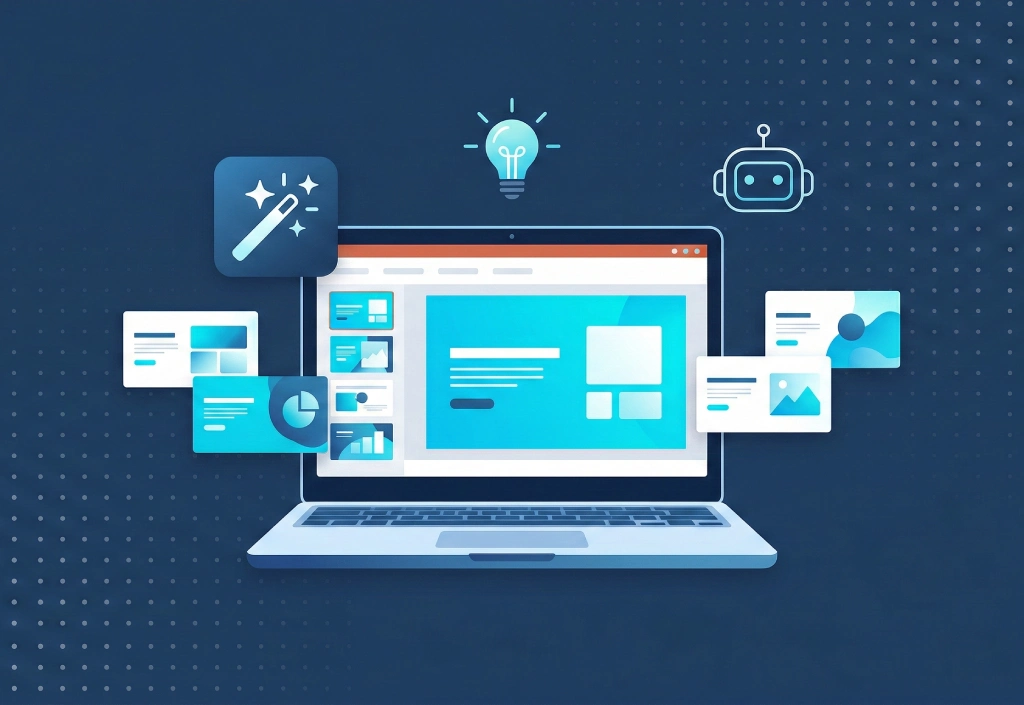
Learn to create professional presentations with AI in under 40 minutes. Master AI tools for generating outlines, designing slides, creating custom visuals, converting documents to decks, and writing speaker notes — no design skills required.
Learn to set up Grok Bot, xAI's always-on AI teammates that sign in to your tools and keep working across apps, inboxes and websites while you are away. Set up your first Bot, run it on schedules and triggers like Slack and email, and stay safe with approvals, rules and a usage checklist. No coding needed. Free certificate.

Master Microsoft Copilot across the entire Microsoft 365 ecosystem. Learn to use Copilot in Word, Excel, PowerPoint, Outlook, and Teams to draft documents, analyze data, build presentations, manage email, and automate workflows. Includes prompt engineering techniques specific to Copilot.

An advanced, workflow-specific course for litigation attorneys, paralegals, and in-house counsel. Go deeper than the basics with AI-assisted e-discovery, deposition prep, case law synthesis, motion and brief drafting, expert witness analysis, and trial preparation — with a strong focus on US/UK ethics, FRCP/CPR compliance, and hallucination prevention.