Master essential Linux command line skills through hands-on practice. Learn to navigate the filesystem, manage files, search for content, control permissions, manage processes, and write shell scripts. Interactive terminal exercises in your browser make learning practical and engaging.
Linux Command Line Basics is a free beginner course that walks you through the core skills every Linux user needs, from understanding what the terminal is to writing your first shell script. Starting with the fundamentals of the shell and filesystem structure, you'll practice navigating directories with commands like pwd, ls, and cd, then move into creating, copying, moving, and removing files. Each concept builds on the last through interactive terminal exercises you run directly in your browser, so you spend time doing rather than just reading.
As you progress, the course covers reading file contents with cat, less, head, and tail, setting file permissions with chmod and chown, and finding files or searching text using find and grep. You'll also learn how pipes and redirection let you chain commands together, how environment variables like PATH shape your shell session, and how to view and manage running processes. A module on package management introduces both APT for Debian and Ubuntu systems and YUM/DNF for RHEL and Fedora systems.
The final modules introduce shell scripting, where you'll write scripts with variables, conditionals, and loops, and a practical section on everyday command combinations and productivity tips. Whether you are a student, a developer getting started with servers, or someone curious about working at the command line, this course gives you a solid and practical foundation. Complete the course and pass the final exam to earn a certificate of completion you can add to your LinkedIn profile or resume, at no cost.
12 modules • 40 lessons
Finish every lesson and pass the final exam to earn this free, shareable certificate.
Certificate of Completion
has successfully completed
40 lessons · Final exam passed

Michail Ouroumis
Founder, FreeAcademy.ai
Sample preview. Your name appears on the certificate when you complete the course. Learn more
The course covers 12 modules including terminal fundamentals, filesystem navigation, file operations, viewing file contents, permissions, finding files, pipes and redirection, environment variables, process management, package management with APT and YUM/DNF, and an introduction to shell scripting. Practice challenges at the end help reinforce everything you have learned.
Yes, the entire course is free and no account or signup is required to start. You can work through all lessons and interactive exercises at your own pace without paying anything.
No prior Linux or command line experience is needed. The course starts from the very beginning by explaining what Linux is and how the terminal works, making it suitable for complete beginners.
You will work with commands including pwd, ls, cd, touch, mkdir, cp, mv, rm, cat, less, head, tail, wc, chmod, chown, find, grep, ps, top, kill, and basic shell scripting syntax. The course also covers how pipes, redirection, and environment variables like PATH connect these tools together.
Yes. After completing all lessons and passing the final exam, you earn a certificate of completion that you can share on LinkedIn or include on your resume, at no cost.
Master Docker containerization from fundamentals to production deployment. Learn to build, run, and manage containers, create Dockerfiles, work with Docker Compose, and deploy multi-container applications. Essential DevOps skills for modern development workflows.
Master npm and JavaScript package management from the ground up. Learn package.json configuration, dependency management, semantic versioning, npm scripts, and security best practices. Essential knowledge for any JavaScript developer.
Learn JavaScript programming with hands-on exercises. Practice variables, functions, arrays, objects, and more with live code execution in your browser. Master modern ES6+ features like arrow functions, destructuring, and spread operators.
A beginner-friendly journey through core JavaScript concepts. Learn fundamentals, variables, operators, control flow, functions, objects, arrays, DOM manipulation, events, async programming, ES modules, and modern ES6+ features.
Master the fundamentals of SQL from scratch. Learn to query, manipulate, and design databases using PostgreSQL. Build real-world database systems through hands-on exercises and a capstone project. No prior database experience required.
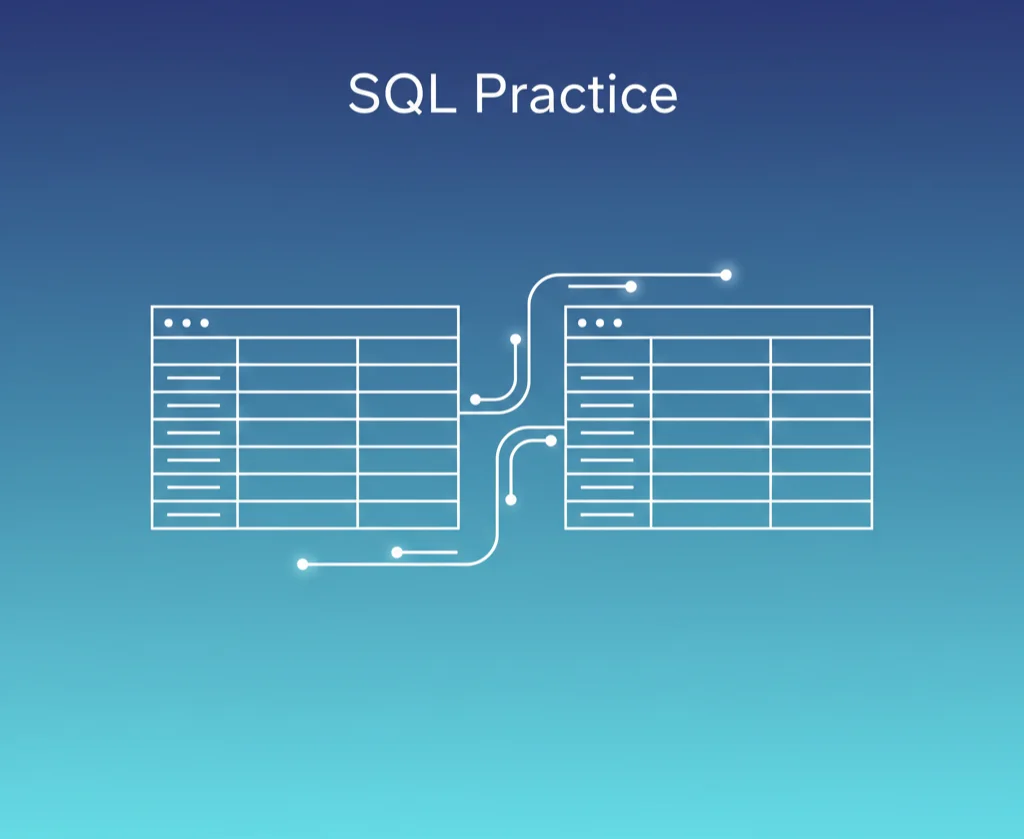
Practice SQL with hands-on exercises in your browser. Write real queries against a live database, get instant feedback, and build confidence through guided challenges. No setup required - start coding immediately.