Last updated
Use AI at work without putting your company, clients, or job at risk. Learn to classify work data, how company AI plans differ from personal accounts, what to ask before trying a new tool, extension, or agent, how to follow your AI policy and ask for approval, how to check and disclose AI output, and finish with a one-page checklist. No code.
AI tools can save you hours at work, but one rushed paste into the wrong tool can put company data, client trust, and your own job at risk. This short course explains how to use AI safely at work from the employee side, in plain language and with no code. You will start with the common ways AI incidents happen at work, such as confidential files going into personal accounts, browser extensions with too much access, and AI drafts with made-up figures reaching a client. Then you will learn a simple five-level model for work data: public, internal, confidential, personal, and client data, and what each level means for AI use, plus how to remove names and details so a task becomes safer. You will see how personal AI accounts differ from company plans in admin control, training on data, retention, and contracts, and why your IT team and your vendor's current terms are the source of truth. The second half covers shadow AI, the questions to ask before you connect a new tool, extension, or agent to your work accounts, how to read your company's AI policy, and how to write a clear approval request. You will learn four checks for AI output before it goes to a client or your boss: accuracy, confidentiality, copyright, and bias, and when to say that AI helped. You will finish with a one-page personal checklist and four practice scenarios. The course is free, and you earn a free certificate when you pass the final exam.
2 modules • 6 lessons
Finish every lesson and pass the final exam to earn this free, shareable certificate.
Certificate of Completion
has successfully completed
6 lessons · Final exam passed

Michail Ouroumis
Founder, FreeAcademy.ai
Sample preview. Your name appears on the certificate when you complete the course. Learn more
Teaching a class or training a team? Assign this course for free
It depends on your company's AI policy. Many companies approve certain tools and plans for certain kinds of data. This course shows you how to find those rules, what to ask IT, and how to request approval for a new tool.
No. It is for employees who use AI in their daily work. If you lead a team and need to write AI rules, SOPs, or a shared prompt library, see AI for Working Professionals: The Manager's Playbook.
No. Vendor terms on training and data retention change often and differ by plan. The course teaches you what to look for and tells you to confirm the current terms with your IT team.
That course covers personal AI safety, like what never to paste into a chatbot and how to change your own privacy settings. This course covers work: company data, AI policies, approvals, and checking output before it goes to a client or your boss.
No. The course mentions privacy laws like GDPR in general terms only. Your company's policy, legal team, and IT team are the right sources for rules that apply to you.
About 45 minutes across six short lessons. Each lesson has a quiz, and there is a final exam with a free certificate when you pass.
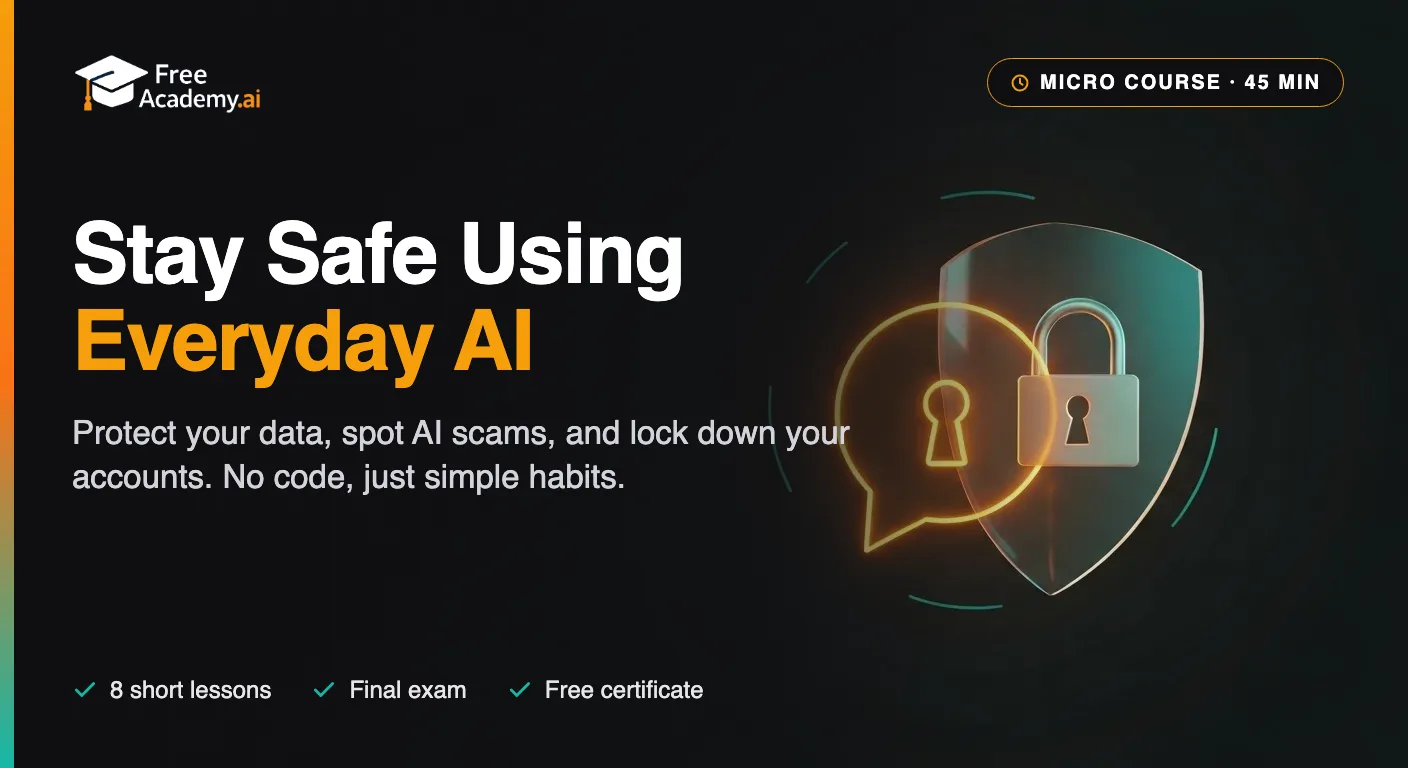
A short, no-code course on protecting yourself while you use AI. Learn what you should never paste into a chatbot, how to turn off data training in ChatGPT, Gemini, and Claude, how to spot voice-clone scam calls, deepfakes, and AI phishing, and how to keep your family safe. Practical safety habits for everyday AI users.

A tool-agnostic playbook for middle managers, team leads, and directors leading teams in the AI era. Pick the right tool (ChatGPT, Claude, Microsoft Copilot, Gemini) for each task, delegate between humans and AI, build team SOPs and a shared prompt library, write manager-grade prompts for status updates, 1:1s, performance reviews, and strategy memos, measure AI ROI on team output, and ship an acceptable-use policy for your team. No coding required.

Learn the principles, practices, and skills to use AI responsibly. Explore bias, fairness, privacy, transparency, hallucinations, deepfakes, AI agent permissions, human approval, and the EU AI Act through hands-on exercises with ChatGPT, Claude, and Gemini. Perfect for university students and early-career learners. No coding required, and you earn a free certificate to add to your LinkedIn and resume.
Master ChatGPT for workplace efficiency. Learn practical techniques for emails, meetings, reports, data analysis, presentations, research, problem-solving, and building personal productivity workflows. Each lesson solves one real work task - perfect for office workers, managers, and knowledge workers.
Use AI to coordinate for one or more busy executives. Master calendar and scheduling, travel planning, expense reconciliation, multi-inbox triage, and meeting prep briefs.
Use ChatGPT, Claude, Gemini, and Perplexity to land your next job and grow your career. Learn to tailor resumes, write cover letters, optimize LinkedIn, research companies, network, run AI mock interviews, and negotiate salary — with hands-on prompts in every lesson. Built for university students and early-career learners. Earn a free certificate to add to your LinkedIn and resume.