Learn to identify and automate repetitive tasks using AI. Master text transformation, data organization, template creation, batch processing, and simple AI workflows with tools like Zapier and Make. Calculate ROI on your automation efforts.
If you spend part of your day copying data between spreadsheets, reformatting text, or writing the same types of emails over and over, this free course shows you how to hand those tasks off to AI. In about 45 minutes you will work through the full cycle: spotting which tasks in your workflow are good candidates for automation, using AI to handle text transformation and data entry, and building prompt templates that turn repetitive communications into a one-click job.
The course walks you through batch processing so you can tackle large sets of similar items at once, then guides you through connecting AI tools into simple workflows using platforms like Zapier and Make. You will also learn how to measure the actual time you save, giving you a clear ROI calculation you can share with a manager or use to prioritize what to automate next.
This course is designed for students, office workers, freelancers, and anyone who wants to reclaim hours lost to routine work, with no prior automation or coding experience required. It is completely free, and finishing the module plus the final exam earns you a certificate of completion you can add to your LinkedIn profile or resume.
1 modules • 7 lessons
Finish every lesson and pass the final exam to earn this free, shareable certificate.

Certificate of Completion
has successfully completed
7 lessons · Final exam passed

Michail Ouroumis
Founder, FreeAcademy.ai
Sample preview. Your name appears on the certificate when you complete the course. Learn more
The course covers the full automation cycle for everyday tasks: identifying what to automate, using AI for text transformation and data entry, creating reusable prompt templates, batch processing, and building simple workflows with tools like Zapier and Make. It also shows you how to calculate the ROI of your automation efforts.
Yes, the course is completely free and requires no account to start. Completing the module and passing the final exam earns you a certificate of completion at no cost.
No coding or technical experience is needed. The course is built for beginners and focuses on practical AI tools and prompt techniques that anyone can apply immediately in their studies or job.
Lessons focus on using AI for text and data tasks, building prompt templates, and connecting tools through automation platforms like Zapier and Make to create simple multi-step workflows.
Yes. Completing the lessons and passing the final exam earns you a certificate of completion that you can add to your LinkedIn profile or resume to show practical AI automation skills.

Understand how AI automation works before you commit to a tool. Learn triggers, actions, and workflows, add AI models like ChatGPT and Claude to your automations, compare Zapier, Make, and n8n, and design your first reliable automation without writing code.

Learn to use AI to write, respond to, and manage emails faster. Master practical prompts and templates for professional emails, difficult conversations, batch processing, and follow-up sequences.
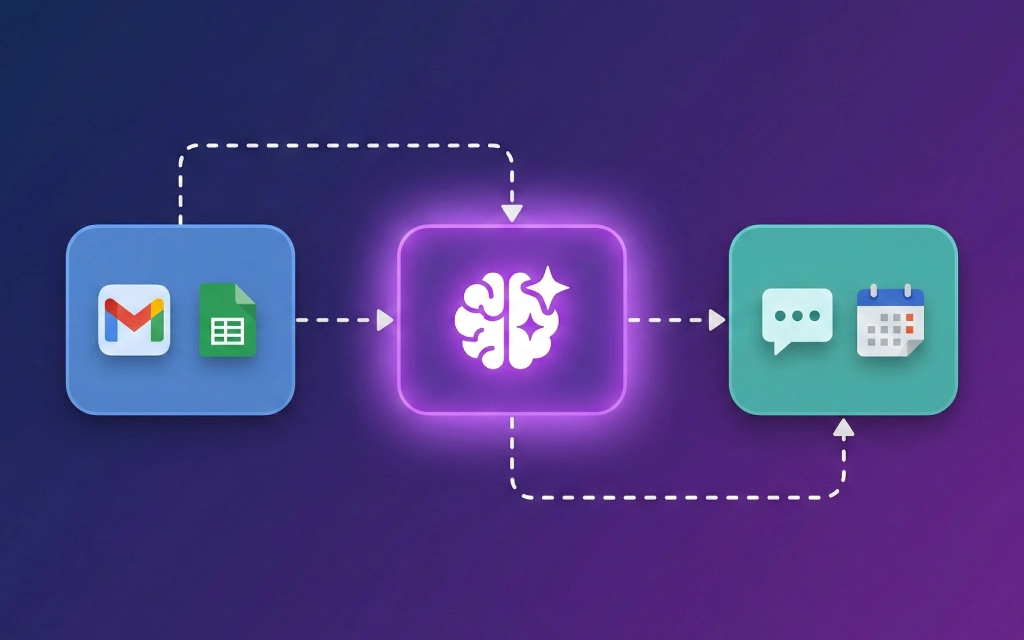
Learn to build powerful AI automations without writing code. Connect ChatGPT and Claude to Make and Zapier, automate email responses, schedule social media content, process data through AI pipelines, and build multi-step workflows using real-world templates.

Step-by-step guide to creating a custom GPT in ChatGPT. Learn to plan your GPT's purpose, write effective instructions, add knowledge files, configure conversation starters, and publish your creation. No coding required.
Build custom AI chatbots without writing any code. Learn to plan, create, and publish chatbots using Custom GPTs, Claude Projects, and Gemini Gems. Master conversation design, knowledge bases, and iteration strategies.

Master the complete job hunting process using AI. Learn to find relevant jobs, tailor applications, prepare for interviews, negotiate salaries, craft networking messages, and write effective follow-up emails.