

Master HTML from the ground up with hands-on exercises. Learn document structure, semantic elements, forms, tables, media, and accessibility best practices with live preview in your browser. No prior experience required.
Interactive HTML Fundamentals is a free beginner course that walks you through HTML from the very first line of code to confident, accessible web page construction. Starting with document structure, including the DOCTYPE declaration, the head, and the body, you progress through text elements, links, images, audio, video, lists, and tables. Every concept is practiced live in your browser so you can see results as you type, making the learning loop tight and concrete.
The course then moves into forms and input handling, covering input types, dropdowns, textareas, buttons, and client-side form validation. From there, Module 8 introduces semantic HTML5 elements, the kind of markup that makes pages meaningful to browsers, assistive technologies, and search engines alike. Module 9 covers accessibility basics including alternative text and ARIA attributes, while the final module ties everything together with code organization, HTML validation, and real practice challenges.
This course suits students, career changers, and anyone who works alongside developers and wants to understand how web pages are actually built. No prior experience is needed. Completing the course and passing the final exam earns you a certificate of completion you can add to your LinkedIn profile or resume.
10 modules • 32 lessons
Finish every lesson and pass the final exam to earn this free, shareable certificate.

Certificate of Completion
has successfully completed
32 lessons · Final exam passed

Michail Ouroumis
Founder, FreeAcademy.ai
Sample preview. Your name appears on the certificate when you complete the course. Learn more
Teaching a class or training a team? Assign this course for free
The course covers ten modules: document structure, text elements, links, images and media, lists, tables, forms and input, semantic HTML5, accessibility basics, and HTML best practices. Each module includes interactive lessons where you write and preview real HTML in your browser.
Yes, the entire course is free with no signup required. You can start the first lesson immediately and work through all ten modules at your own pace.
No prior experience is needed. The course begins with the very basics, explaining what HTML is and how a web page is structured, so complete beginners can follow along without difficulty.
Nothing to install. The course uses a live preview environment that runs directly in your browser, so you can write HTML and see the output side by side without setting up any local editor or server.
Yes. Completing all the modules and passing the final exam earns you a certificate of completion, which you can download and add to your LinkedIn profile or resume as proof of your HTML skills.
Design, build, and launch a real website using AI tools like Lovable, v0, Bolt, Framer, ChatGPT, and Claude, without writing code. Plan your site, generate pages from prompts, refine the design, add content and forms, connect a custom domain, and go live with SEO and analytics. Perfect for founders, freelancers, marketers, and complete beginners.

Master React with hands-on exercises in your browser. Learn components, props, state, hooks, and modern React patterns through interactive coding challenges. Build real UI components with live preview and instant feedback.

Master CSS selectors, specificity, Flexbox, and CSS Grid with hands-on exercises. Build modern layouts with live preview and instant feedback. Practice from basic selectors to complex grid layouts in your browser.

Learn to build search-engine-optimized Next.js applications from the ground up. Master metadata, structured data, technical SEO, and Core Web Vitals. Understand how Google crawls and indexes your pages, and implement best practices that drive organic traffic.
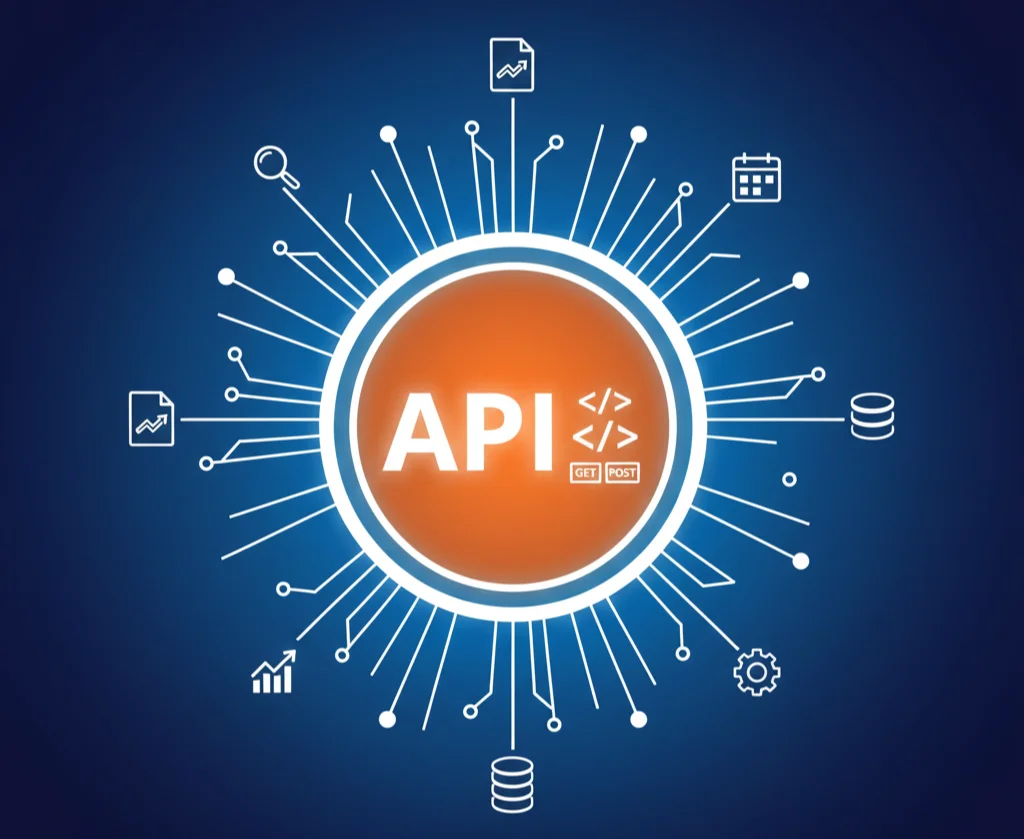
Master REST API design principles and best practices through hands-on exercises. Learn resource naming, HTTP methods, status codes, authentication, versioning, and documentation. Build real-world API designs with interactive request builders and response validation.

Master version control with Git and GitHub. Learn branching, merging, pull requests, and collaboration workflows.