

LangChain Functions, Tools, and Agents: Practical Guide 2026

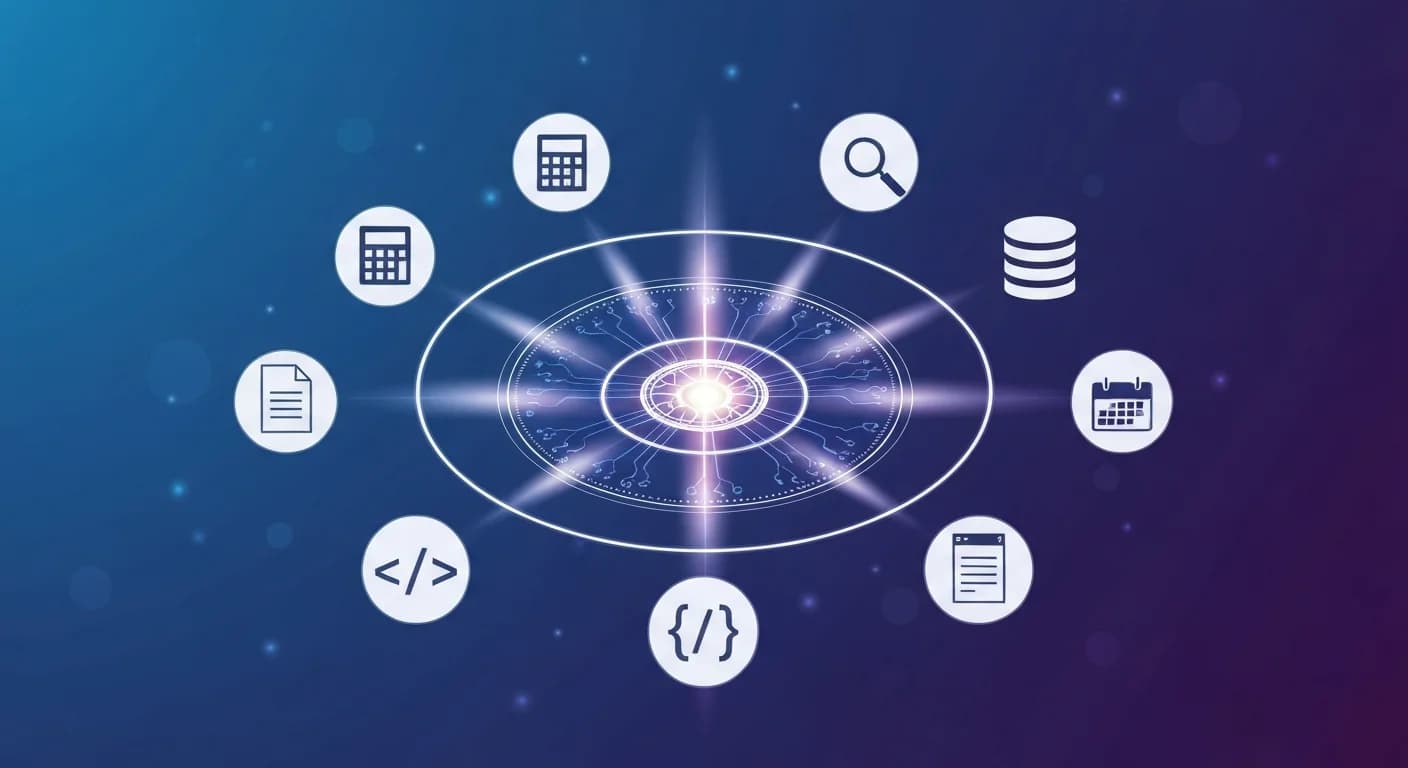
If you have been building with LLMs in 2026, you have probably noticed that prompts alone do not cut it anymore. Real applications need to call APIs, query databases, search the web, and chain reasoning across multiple steps. That is where langchain agents tools and functions come in — they give your model hands, eyes, and a planning brain.
This guide walks through the three core building blocks of modern LangChain — functions, tools, and agents — with practical examples you can adapt for your own projects. By the end, you will know when to reach for each one and how they fit together to build production-ready AI systems.
What Are LangChain Functions, Tools, and Agents?
Let's clear up the terminology first, because LangChain has evolved fast and the old vocabulary still floats around the docs.
- Functions are the lowest-level primitive: structured Python callables exposed to the LLM via the model's native function-calling interface (OpenAI, Anthropic, Google).
- Tools are LangChain's wrapper around functions, adding metadata like name, description, argument schema (via Pydantic), and runtime hooks for tracing.
- Agents are loops that let the LLM choose which tool to call, observe the result, and decide what to do next — until it reaches a final answer or hits a stop condition.
If you are new to the bigger picture, our explainer on what AI agents actually are is a good companion read before diving in. When it comes time to evaluate vendors that claim to be "agentic," Cynked's Agent Washing in 2026: How to Spot Fake AI Agents Before You Buy is a useful sanity check.
Why langchain agents tools Matter in 2026
Three shifts have made the langchain agents tools pattern dominant this year:
- Native tool-calling is now standard across Claude 4.x, GPT-5, and Gemini 3 — no more JSON-parsing hacks.
- Structured outputs with strict schemas mean tool calls actually validate, so production failures dropped dramatically.
- Long-context models (1M tokens on Opus 4.8) let agents carry richer state across multi-turn workflows without aggressive summarization.
The practical upshot: you can ship a working agent in an afternoon that would have taken weeks in 2024. That speed is exactly why use cases like 7 AI Agents Every E-Commerce Business Should Deploy in 2026 and AI Voice Agents for Customer Service: A 2026 Business Guide moved from "experimental" to "table stakes" this year.
Defining Your First Tool
LangChain's @tool decorator is the cleanest way to wrap a Python function. Here is a minimal example:
from langchain_core.tools import tool
from pydantic import BaseModel, Field

class WeatherInput(BaseModel):
    city: str = Field(description="City name, e.g. 'Athens'")
    units: str = Field(default="celsius", description="celsius or fahrenheit")

@tool(args_schema=WeatherInput)
def get_weather(city: str, units: str = "celsius") -> str:
    """Fetch current weather for a given city."""
    # Real implementation calls a weather API
    return f"22°{units[0].upper()} and sunny in {city}"
A few things matter here:
- The docstring becomes the tool description the LLM reads to decide when to call it. Treat it as a prompt, not internal documentation.
- The Pydantic schema enforces argument types — the model's tool call will be rejected if it sends garbage.
- Tool names should be verb-first and unambiguous (
get_weather, notweather_handler).
Building an Agent That Reasons and Acts
With a few tools defined, you can hand them to an agent. LangGraph (the agent runtime that replaced the legacy AgentExecutor) is the recommended path in 2026:
from langchain_anthropic import ChatAnthropic
from langgraph.prebuilt import create_react_agent

model = ChatAnthropic(model="claude-opus-4-7")
tools = [get_weather, search_web, query_database]

agent = create_react_agent(model, tools)

response = agent.invoke({
    "messages": [("user", "Should I bike to work in Athens today?")]
})
print(response["messages"][-1].content)
Under the hood, the agent runs a ReAct loop: Reason → Act → Observe → Repeat. The model sees the user request, decides get_weather is relevant, calls it, reads the result, and synthesizes a final answer. If you want a deeper look at this pattern, our piece on agentic workflows explained covers the design space.
Choosing the Right Agent Pattern
Not every problem needs a full ReAct agent. Common patterns to choose between:
- Single tool call — when the workflow is deterministic, just bind tools to the model and call once.
- ReAct loop — for open-ended tasks where the model needs to plan multiple steps.
- Plan-and-execute — when you want a separate planner model to draft steps before an executor runs them, useful for long horizons.
- Multi-agent graphs — when different specialists (researcher, writer, critic) need to collaborate via LangGraph state.
Practical Tips for Production langchain agents tools
Here is what separates a demo from a system you can put in front of users:
- Cap tool iterations. Set
max_iterations(or graph step limits) to prevent runaway loops. Five to ten is a sane default. - Validate tool outputs before returning them to the model. Bad data in tool responses is the #1 cause of hallucinated final answers.
- Use streaming.
agent.astream()lets you show tool calls as they happen — much better UX than a 30-second blank screen. - Add observability. LangSmith or OpenTelemetry traces are non-negotiable once you have more than two tools.
- Test against rubrics, not just unit tests. See our guide on how to evaluate AI agents for the metrics that matter, and Cynked's How to Test AI Agents Before They Reach Production (2026) for a complementary checklist aimed at engineering leads.
When to Pick LangChain vs Alternatives
LangChain is not always the right answer. If you are building inside Next.js, the Vercel AI SDK is often lighter. For RAG-heavy workloads, LlamaIndex has better retrievers. We compared all three in our LangChain vs LlamaIndex vs Vercel AI SDK breakdown — worth reading before you commit to a stack.
LangChain shines when you need: rich tool ecosystems, multi-step agent orchestration, model-provider portability, and integration with LangSmith for evals.
Next Steps
The fastest way to internalize langchain agents tools is to build something. Pick a workflow you already do manually — researching a competitor, summarizing your inbox, monitoring a metric — and wire up two or three tools to handle it.
When you are ready to go deeper, our free Python for AI & Data Science course covers the foundations, and the dedicated agentic AI tracks walk through full project builds with LangGraph, memory, and evaluation. If you are building agents for a company rather than yourself, Cynked has two playbooks worth bookmarking: The AI Org Chart: How Smart Companies Are Restructuring Around AI Agents in 2026 for the org-design side, and Fractional Chief AI Officer: A Mid-Market Guide for 2026 for who should own the strategy. The agent era is here — start shipping.
Enjoyed this article?
Join The FreeAcademy Weekly
One practical AI email every Tuesday. New free courses, AI tips, and a short note from the founder.
Free forever. Unsubscribe anytime.
Related articles

How to Build Your First AI Agent in 30 Minutes (Python)
Learn how to build an AI agent in Python using LangChain. This step-by-step tutorial covers tools, memory, and the ReACT pattern — everything you need to create your first working agent in 30 minutes.

LLM Parameters Explained: Temperature, Top-P, Top-K & Max Tokens
LLM parameters explained for beginners. Learn how temperature, top-p, top-k, and max tokens shape AI output — with practical examples and tuning tips.
How to Use the OpenAI Playground: Beginner's Guide (2026)
Learn how to use the OpenAI Playground to test models, tune parameters, and refine prompts before you write a single line of code. A practical 2026 walkthrough.