Claude vs ChatGPT for Writing: Which Is Better in 2026?

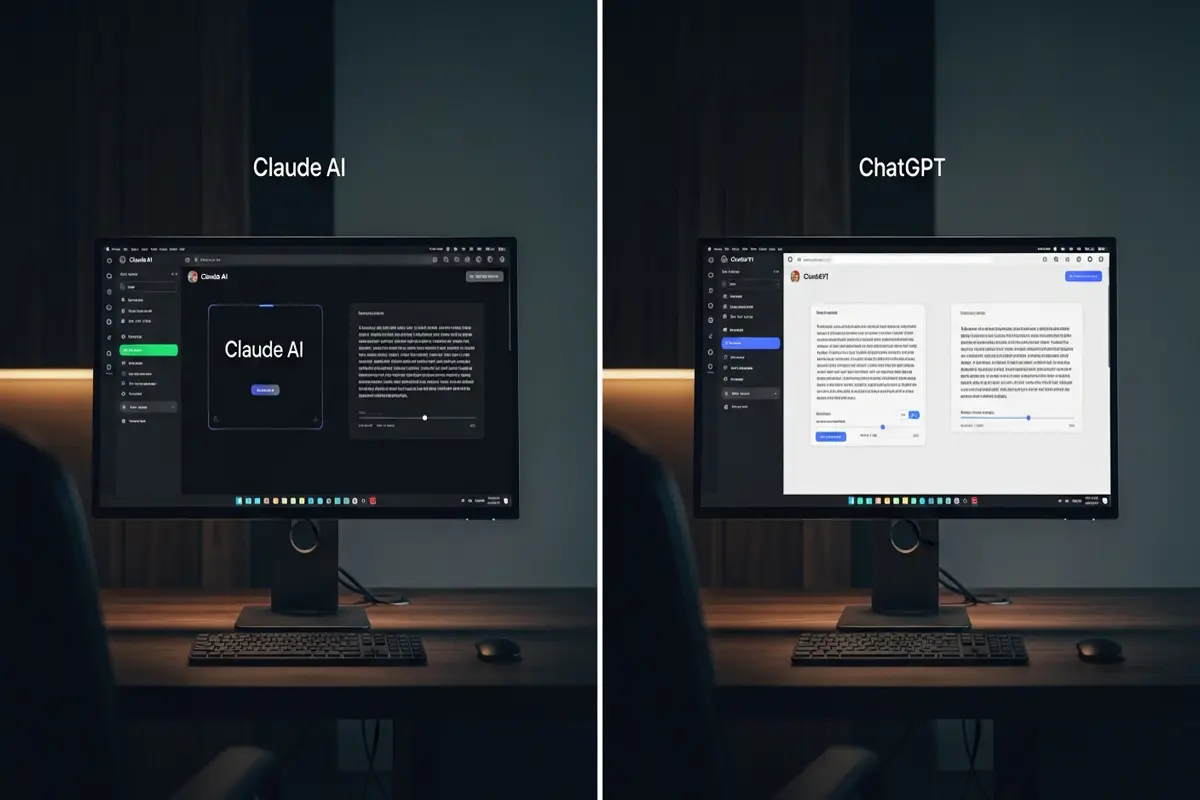
Both Claude and ChatGPT can write. But they write differently — and understanding those differences can save you hours of editing and frustration.
This isn't a generic "both are great!" comparison. We'll look at real outputs, real use cases, and give you a clear answer on which tool to reach for depending on what you're writing.
The Quick Answer
Use Claude when: you need nuanced, careful writing — long-form articles, sensitive topics, maintaining a specific voice, or anything that requires following complex instructions precisely.
Use ChatGPT when: you need fast drafts, creative brainstorming, structured content at scale, or you're integrating AI into a workflow with other tools.
Both have free tiers. Both are excellent. The choice depends on what you're writing.
How They Differ in Practice
Writing Style
Claude (made by Anthropic) tends to produce writing that feels more considered and less formulaic. It avoids the tell-tale AI patterns — excessive bullet points, overused phrases like "In today's fast-paced world," and hollow filler sentences. It follows nuanced instructions well and adapts tone with precision.
ChatGPT (OpenAI's GPT-5.4 mini on free tier) is more energetic and structured. It's excellent at producing well-organised content quickly and tends to excel at persuasive writing, marketing copy, and content with a clear call-to-action.
Instruction Following
This is where Claude consistently stands out. Give Claude a detailed brief — specific word count, exact tone, specific things to avoid, multiple constraints at once — and it tracks them. ChatGPT sometimes drifts or simplifies complex instructions, especially on longer pieces.
Example: Ask both to "write a 600-word introduction for a B2B SaaS blog post targeting CTOs, use a consultative but direct tone, avoid buzzwords, and don't start with a question."
Claude typically nails all constraints. ChatGPT often slips on one or two.
Long-Form Content
Claude has a significantly larger context window (up to 1M tokens on Claude Sonnet 4.6) compared to ChatGPT's standard context. For long documents — full blog posts, reports, ebooks — Claude can hold more context and stay consistent across thousands of words without "forgetting" earlier instructions.
ChatGPT handles long-form well too, but may need more prompting to maintain consistency in very long pieces.
Creative Writing
For fiction, poetry, and highly creative work, this is genuinely close. Claude is excellent at character voice and emotional nuance. ChatGPT is strong at plot structure and genre conventions. If you write fiction, try both and see which feels more natural for your style.
Speed and Convenience
ChatGPT has a slight edge in the overall ecosystem — better integrations, a more mature plugin/GPT store, and broader third-party tool support. If your workflow already involves other OpenAI tools, ChatGPT wins on convenience.
Use Case Breakdown
Blog Posts and Articles
Winner: Claude — for high-quality, human-sounding articles that don't need heavy editing. Claude's instruction-following means it's less likely to drift from your brief.
Try this prompt on Claude:
"Write a 900-word blog post for marketing managers about why email subject line testing is underrated. Tone: smart and direct, not motivational. Avoid 'game-changing', 'leverage', and 'synergy'. Include two specific examples with real data."
Marketing Copy
Winner: ChatGPT — faster at generating multiple variations of headlines, CTAs, and ad copy. The built-in "regenerate" and variant features work well for iterating quickly.
Emails
Winner: Tie — both are excellent. Claude handles complex, sensitive emails better (e.g. delivering bad news, navigating nuance). ChatGPT is faster for standard professional emails.
Technical Writing
Winner: Claude — more precise, better at following formatting rules, and more reliable at avoiding hallucinations in structured technical content.
Social Media
Winner: ChatGPT — quicker, punchier, and the free tier handles social content well. The ChatGPT interface also makes it easy to generate batches of posts quickly.
Free Tier Comparison
| Feature | Claude (Free) | ChatGPT (Free) |
|---|---|---|
| Model | Claude Sonnet 4.6 | GPT-5.4 mini |
| Daily limits | Moderate | Moderate |
| Web browsing | ✅ (limited) | ✅ (limited) |
| Image generation | ❌ | ✅ (limited) |
| Context window | Up to 1M tokens | Standard |
| Best free use | Long-form writing | Versatile tasks |
Both free tiers are genuinely useful. If you're doing writing-focused work, Claude's free tier often delivers better quality per prompt.
Real Example: Same Brief, Two Outputs
Brief: "Write a two-sentence opening for an article about burnout in remote workers. Make it feel human, not clinical."
Claude output: "Something shifts when your commute disappears and your laptop becomes your entire world. For millions of remote workers, what started as freedom has quietly become exhaustion."
ChatGPT output: "Remote work promised flexibility and freedom, but for many employees, it has created a new kind of burnout. Without clear boundaries between work and home, stress has become harder than ever to escape."
Both are competent. Claude's version has more voice. ChatGPT's is cleaner and more direct. Neither is objectively better — but you can feel the difference in style.
Which Should You Learn First?
If you're new to AI writing tools, start with ChatGPT — the interface is more forgiving for beginners and the ecosystem is larger. Once you're comfortable with prompting, add Claude for tasks that need more precision and quality.
We have free courses for both:
- Prompt Engineering with Claude — master Claude's strengths for writing and complex tasks
- ChatGPT for Complete Beginners — start here if you're new to AI writing tools
Still deciding which model to commit to? Our free ChatGPT vs Claude: When to Use Which course walks through real use-case comparisons so you can build a workflow that uses both intelligently.
Final Verdict
Don't think of this as an either/or decision. Most serious AI users keep both open. Use ChatGPT for speed and versatility. Use Claude when quality and precision matter more than convenience.
The best AI writing workflow uses both.
Enjoyed this article?
Join The FreeAcademy Weekly
One practical AI email every Tuesday. New free courses, AI tips, and a short note from the founder.
Free forever. Unsubscribe anytime.
Related articles
ChatGPT vs Claude vs Gemini 2026: Coding Benchmarks, Essay Writing & Complete Comparison
ChatGPT vs Claude vs Gemini compared with latest coding benchmarks, hallucination rates, and essay writing tests (February 2026). See SWE-bench, HumanEval & MBPP scores side-by-side.
Grammarly vs ChatGPT for Writing: Which Improves Your Writing More?
Grammarly vs ChatGPT for writing, compared across grammar, tone, rewriting, pricing, and the best tool for academic, business, creative, and ESL writing.
50 ChatGPT Prompts for Writers: Brainstorming, Editing & Headlines
Overcome writer's block with these 50 ChatGPT prompts for writers. Get help with brainstorming ideas, writing blog posts, editing your work, crafting headlines, and more.