Última atualização
Run a free, private ChatGPT-style AI model right on your own laptop with Ollama and LM Studio. A beginner micro course: understand why local AI is private and free, check what your computer can actually run, install both tools, choose the right model, and use it every day to chat, draft, and summarize documents. No coding background needed, and your data never leaves your machine.
3 módulos • 8 aulas
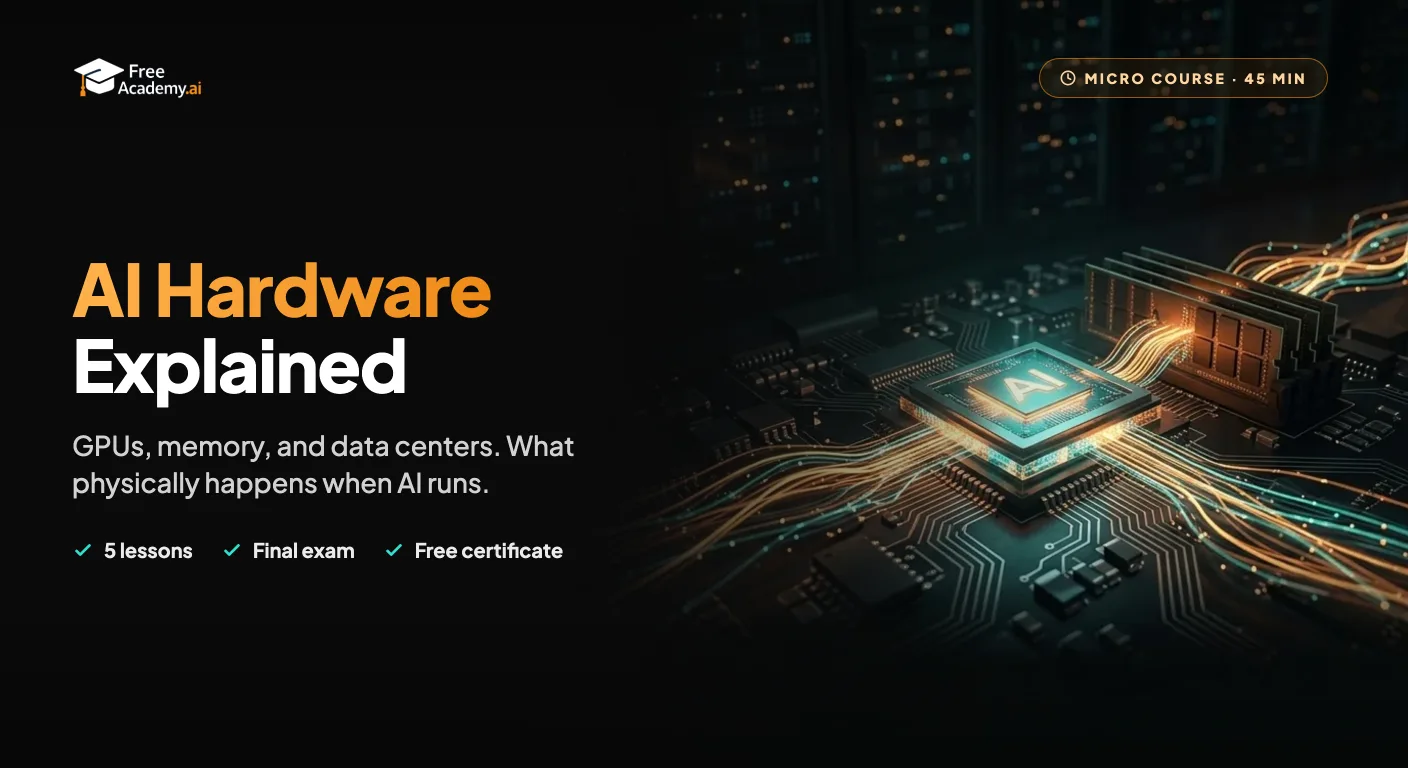
Learn what physically happens when AI runs. See which parts of a computer matter for AI, why GPUs and AI chips took over, why memory is the real limit on model size and speed, how quantization shrinks models, and what goes on inside the data centers that train and serve them. No code, no math.
Get productive with DeepSeek, the low-cost, open-weight AI from China. Learn what DeepSeek is, how to use the free chat app, DeepThink reasoning and web search, strong prompting, coding help, the API, running models locally, and the privacy trade-offs you should understand.
Build a private, offline knowledge base over your own notes and PDFs using a local AI model. A hands-on beginner micro course: run a model with Ollama, turn documents into embeddings, store them in a local Chroma database, and ask questions answered from your own files. No cloud APIs, no fees, your data stays on your machine. Want to deploy it as a web app instead? See the Full-Stack RAG course (/courses/fullstack-rag-nextjs-supabase-gemini).
Set up Hermes Agent, the open-source self-hosted AI assistant from Nous Research that writes its own reusable skills and keeps all your data on your own machine. A beginner-friendly micro course: understand what makes Hermes different, install it with a single command, run your first useful tasks, and stay safe with a practical permissions checklist. Prefer a chat-app interface instead? Try the OpenClaw micro course (/courses/micro-openclaw-ai-agent).
Get productive with Grok, the AI assistant from xAI. Learn what Grok is, how to set it up, how to use its real-time web and X integration, and how to prompt it for everyday work and study tasks.
Master Google Gemini from scratch, then go deeper. Learn what Gemini is, set up your account, write effective prompts, and use it across Google Workspace. Then run Deep Research reports you can actually trust, build and tune custom Gems, and analyze whole document sets and long video in one pass.