

Última atualização
Set up Hermes Agent, the open-source self-hosted AI assistant from Nous Research that writes its own reusable skills and keeps all your data on your own machine. A beginner-friendly micro course: understand what makes Hermes different, install it with a single command, run your first useful tasks, and stay safe with a practical permissions checklist. Prefer a chat-app interface instead? Try the OpenClaw micro course (/courses/micro-openclaw-ai-agent).
3 módulos • 6 aulas
Run a free, private ChatGPT-style AI model right on your own laptop with Ollama and LM Studio. A beginner micro course: understand why local AI is private and free, check what your computer can actually run, install both tools, choose the right model, and use it every day to chat, draft, and summarize documents. No coding background needed, and your data never leaves your machine.
Build a private, offline knowledge base over your own notes and PDFs using a local AI model. A hands-on beginner micro course: run a model with Ollama, turn documents into embeddings, store them in a local Chroma database, and ask questions answered from your own files. No cloud APIs, no fees, your data stays on your machine. Want to deploy it as a web app instead? See the Full-Stack RAG course (/courses/fullstack-rag-nextjs-supabase-gemini).
Learn OpenClaw, the viral open-source autonomous AI agent. Understand the Gateway architecture, install and configure your own agent, master skills and memory, secure your setup with Docker sandboxing, build multi-agent teams, publish skills to ClawHub, and optimize performance.
Build a working AI agent from scratch in Python. Learn the think-act-observe loop, call an LLM, give your agent a tool it can use, and handle a failed tool call. Framework-agnostic and beginner-friendly.
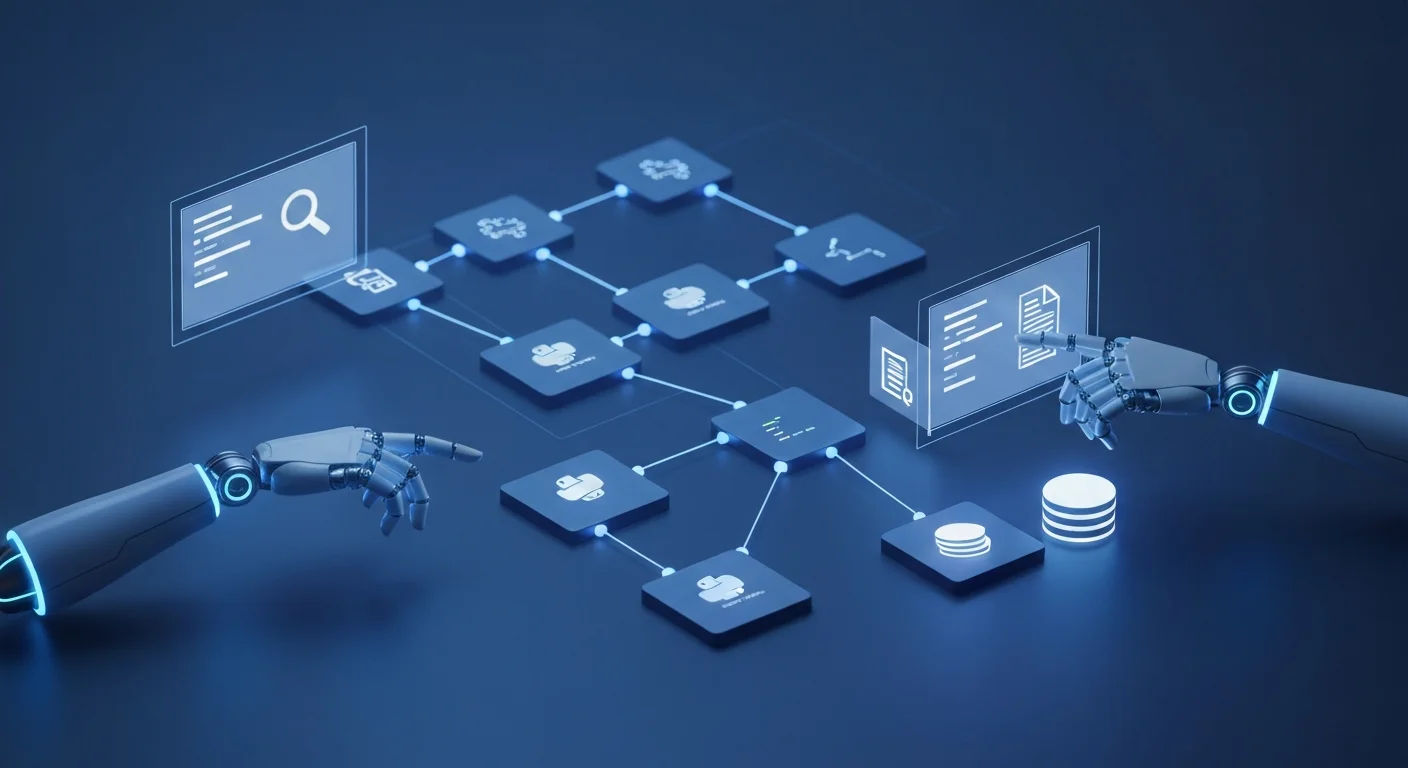
Build autonomous AI agents with Python using LangChain and LangGraph. Learn tool calling, stateful workflows, RAG-powered agents, multi-agent systems, and production deployment. From the ReACT pattern to a full customer support agent capstone.

Master Cursor, the AI-powered code editor. Learn Agent, Ask, and Plan modes, Tab completion, Cmd+K inline editing, multi-file refactoring, context mentions, Project Rules and AGENTS.md, model selection with Auto, plus parallel agents, Cloud Agents, and Bugbot.