

Última atualização
Make professional social graphics, resumes, and one-pagers in minutes using Canva built-in AI tools. Learn Magic Design, Magic Write, text-to-image, Background Remover, and Magic Resize with hands-on workflows. No design experience required.
1 módulos • 5 aulas
Edit the photos you already have using free AI tools. Remove and replace backgrounds, erase unwanted objects and people, retouch portraits naturally, upscale and restore old photos, and make quick edits by typing plain English. No design skills or paid software required.
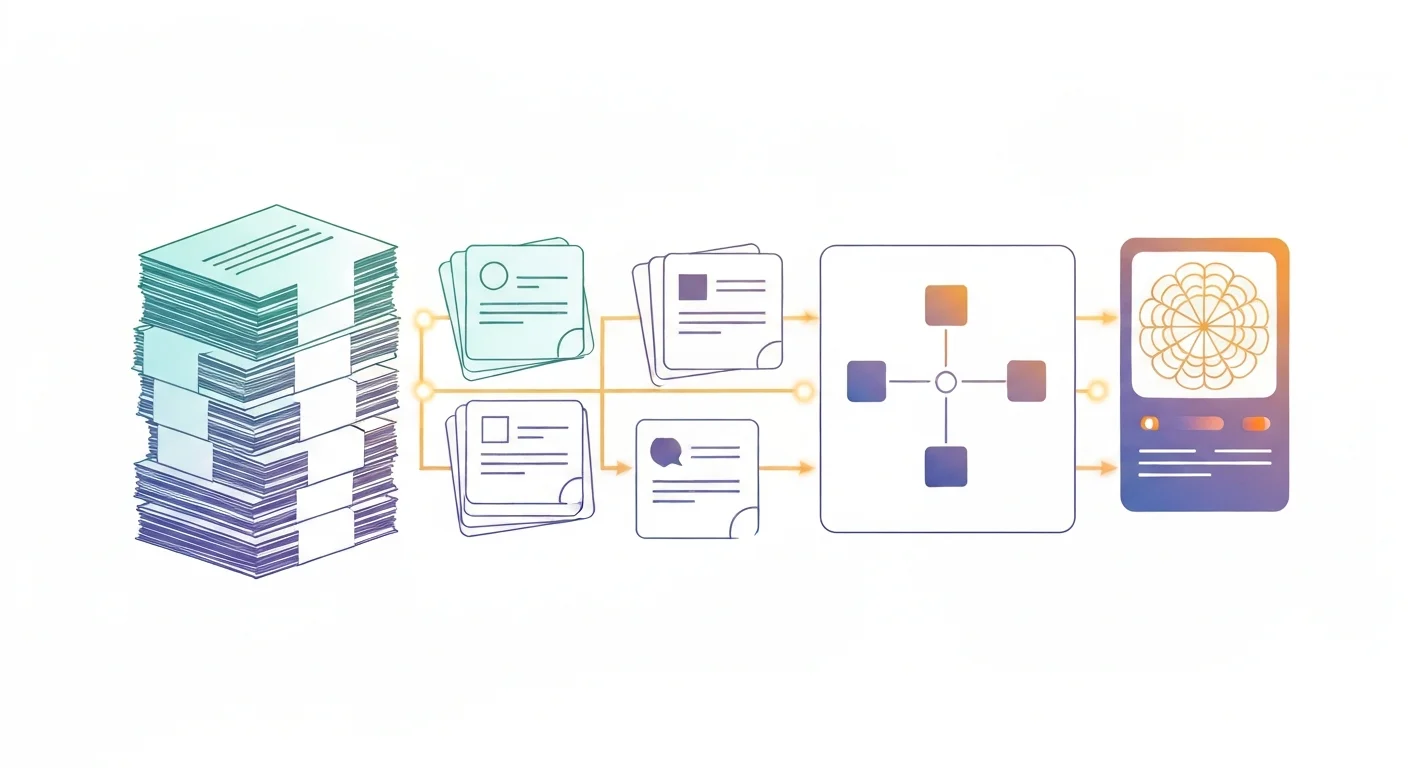
Turn dense notes, textbooks, and lecture slides into flashcards, summaries, diagrams, and simple visuals using free AI tools like ChatGPT, Claude, and Gemini. A hands-on micro course for students and teachers who want to study smarter and teach clearer. No design or coding skills required, and you earn a free certificate.
Master Figma's built-in AI in under an hour. Use First Draft to turn a prompt into an editable design, speed up work with AI editing and layer tools, extend Figma with plugins like Magician and Automator, and build a fast prototype with Figma Make. For designers and non-designers.
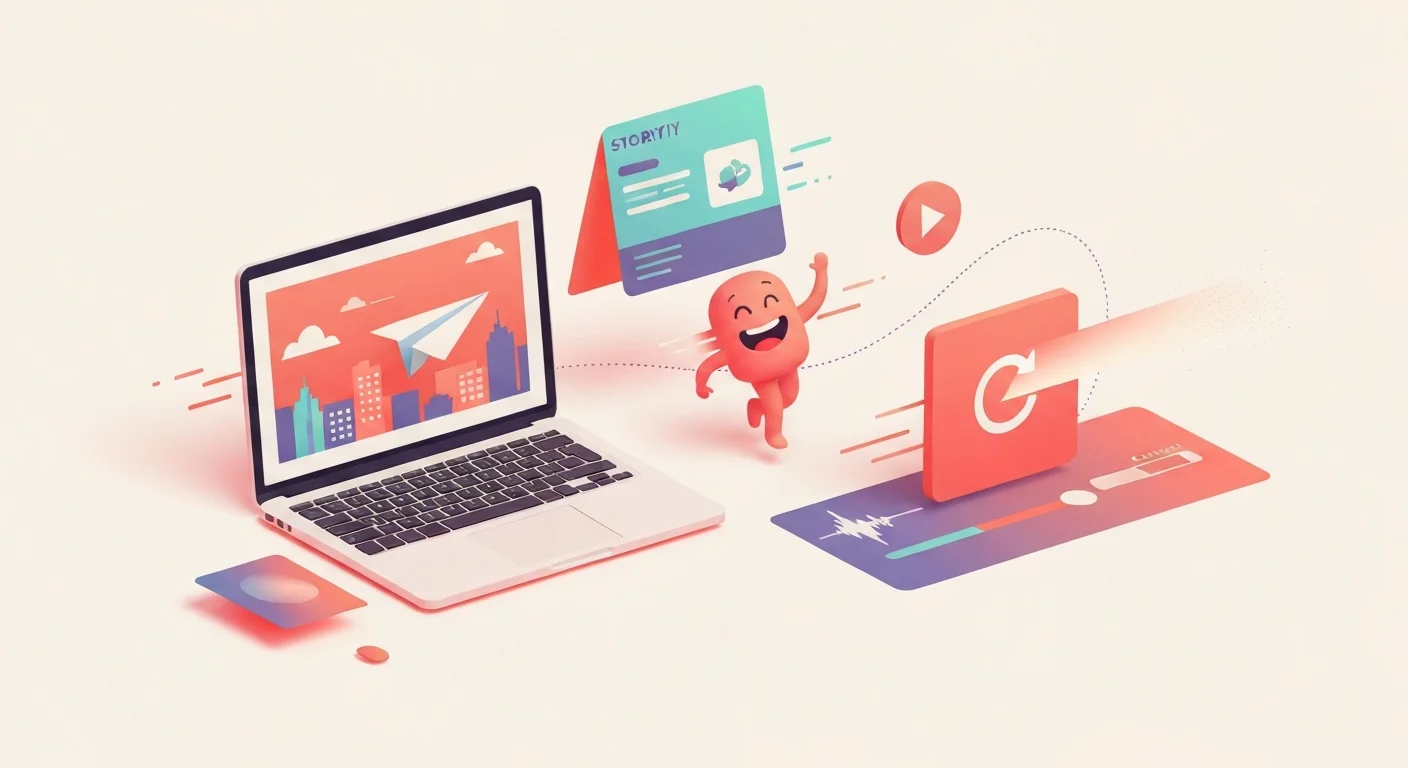
Make your first AI animations with zero design or coding experience. Turn text prompts into short video clips, animate characters and motion, and assemble simple explainer videos using Runway, Pika, and Canva. Every lesson has a hands-on exercise and reusable prompt templates, and you finish with a free certificate for your LinkedIn and resume.
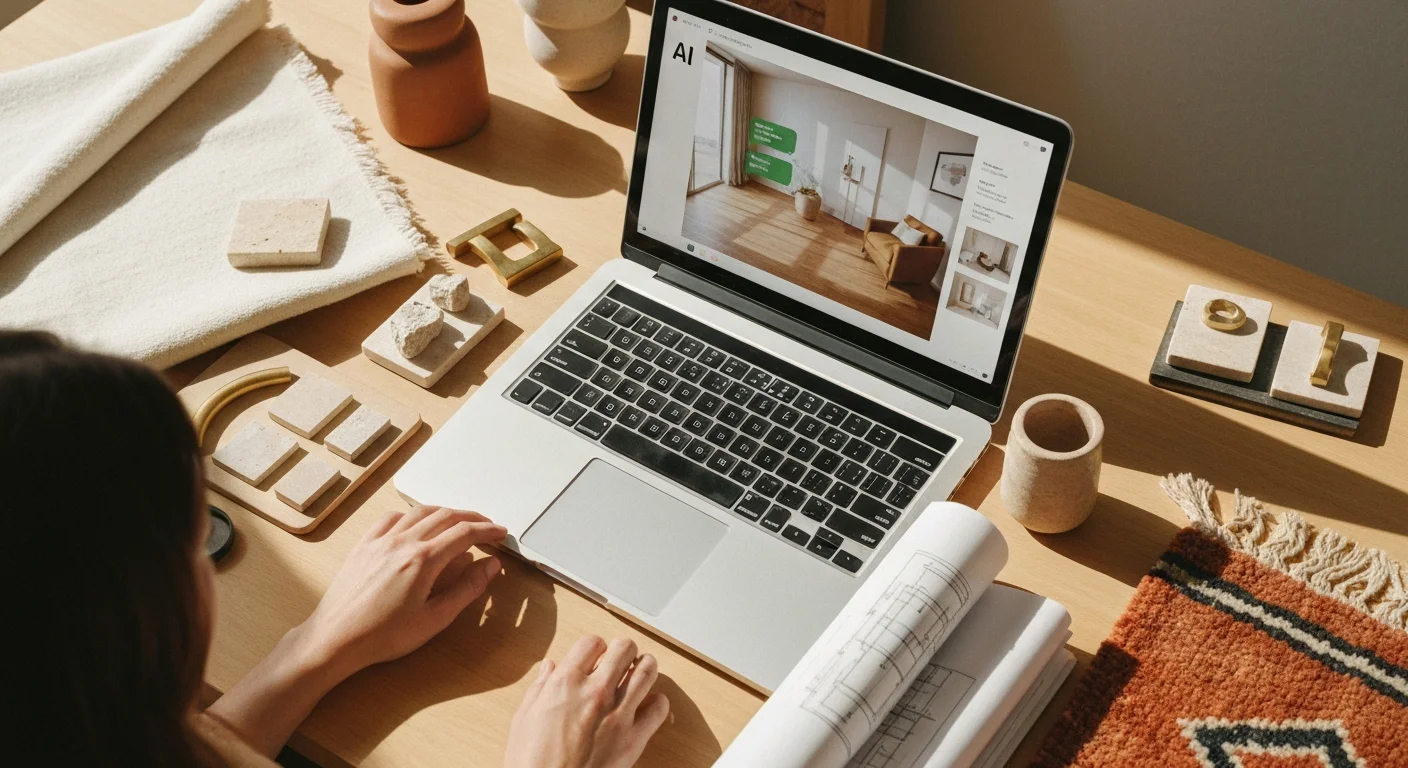
Learn how to use AI tools to transform your interior design practice. Discover practical techniques for mood boards, room renderings, client proposals, product sourcing, and project management. No coding required.
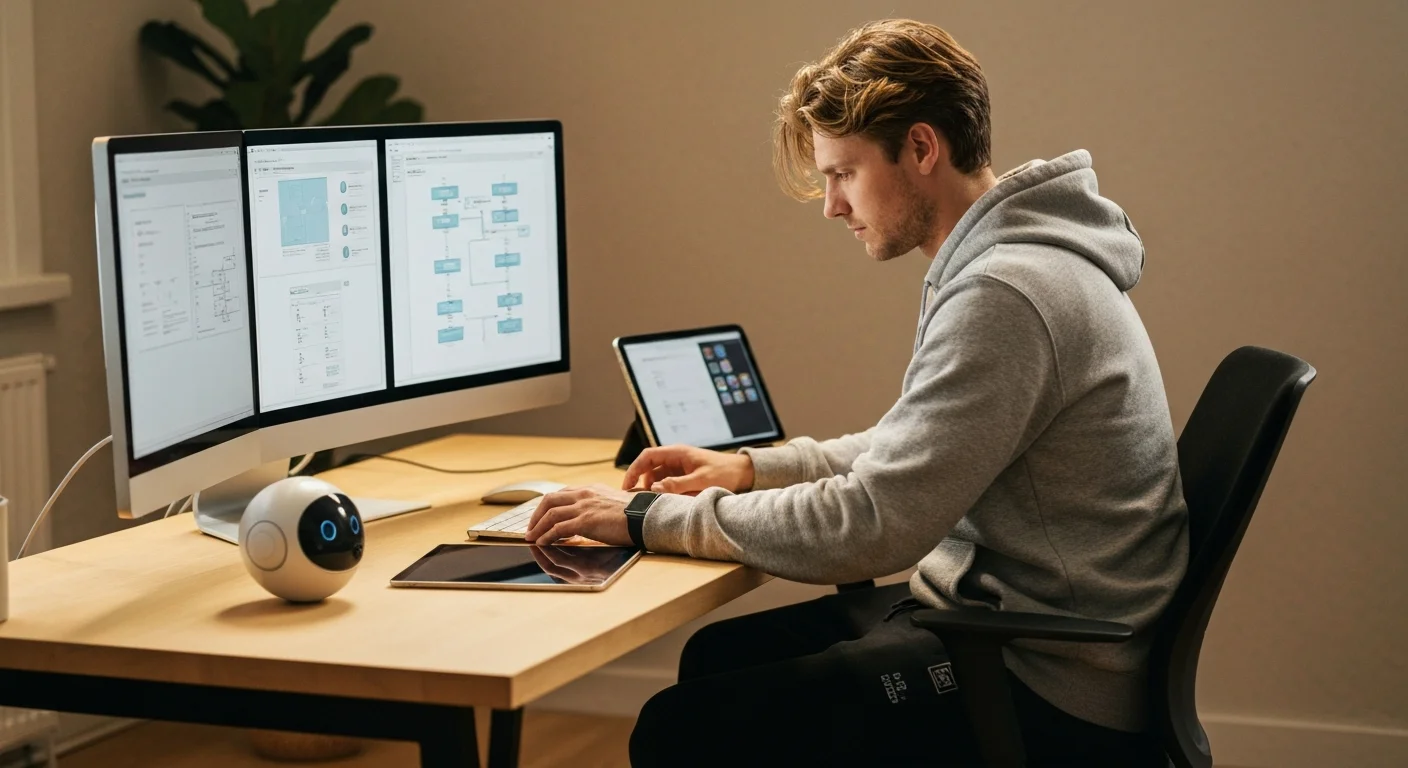
Learn how to use AI tools to transform your UX design workflow. From user research synthesis and persona creation to wireframing, UX copy, usability testing analysis, and accessibility auditing — discover practical AI techniques that save hours every week. No coding required.