

Última atualização
Master Figma's built-in AI in under an hour. Use First Draft to turn a prompt into an editable design, speed up work with AI editing and layer tools, extend Figma with plugins like Magician and Automator, and build a fast prototype with Figma Make. For designers and non-designers.
1 módulos • 5 aulas
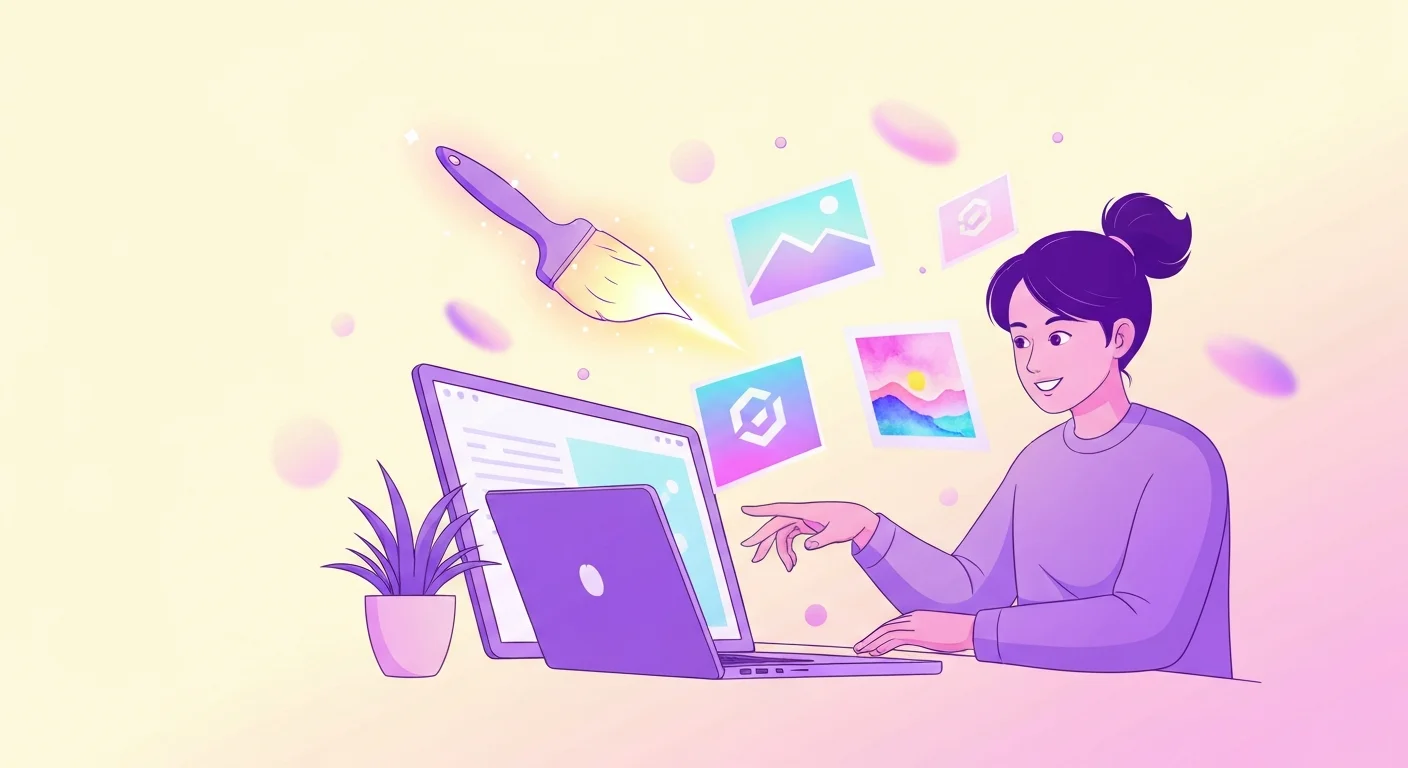
Learn to create stunning images with AI tools like DALL-E, Midjourney, Gemini, and Stable Diffusion. From your first prompt to logos, social posts, and presentations, master practical AI image generation step-by-step. Built for university students and early-career learners with zero prior experience. Earn a free certificate to add to your LinkedIn and resume.
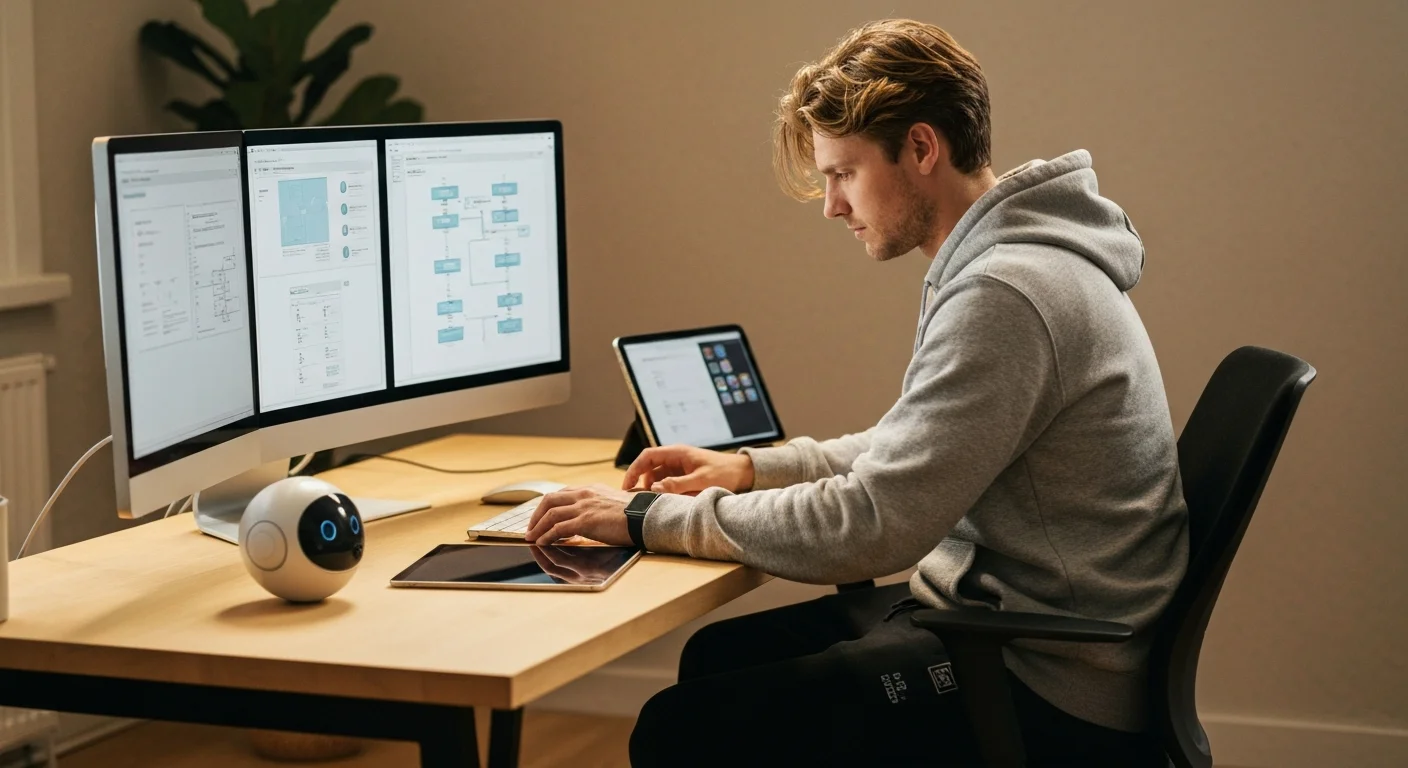
Learn how to use AI tools to transform your UX design workflow. From user research synthesis and persona creation to wireframing, UX copy, usability testing analysis, and accessibility auditing — discover practical AI techniques that save hours every week. No coding required.
Make professional social graphics, resumes, and one-pagers in minutes using Canva built-in AI tools. Learn Magic Design, Magic Write, text-to-image, Background Remover, and Magic Resize with hands-on workflows. No design experience required.
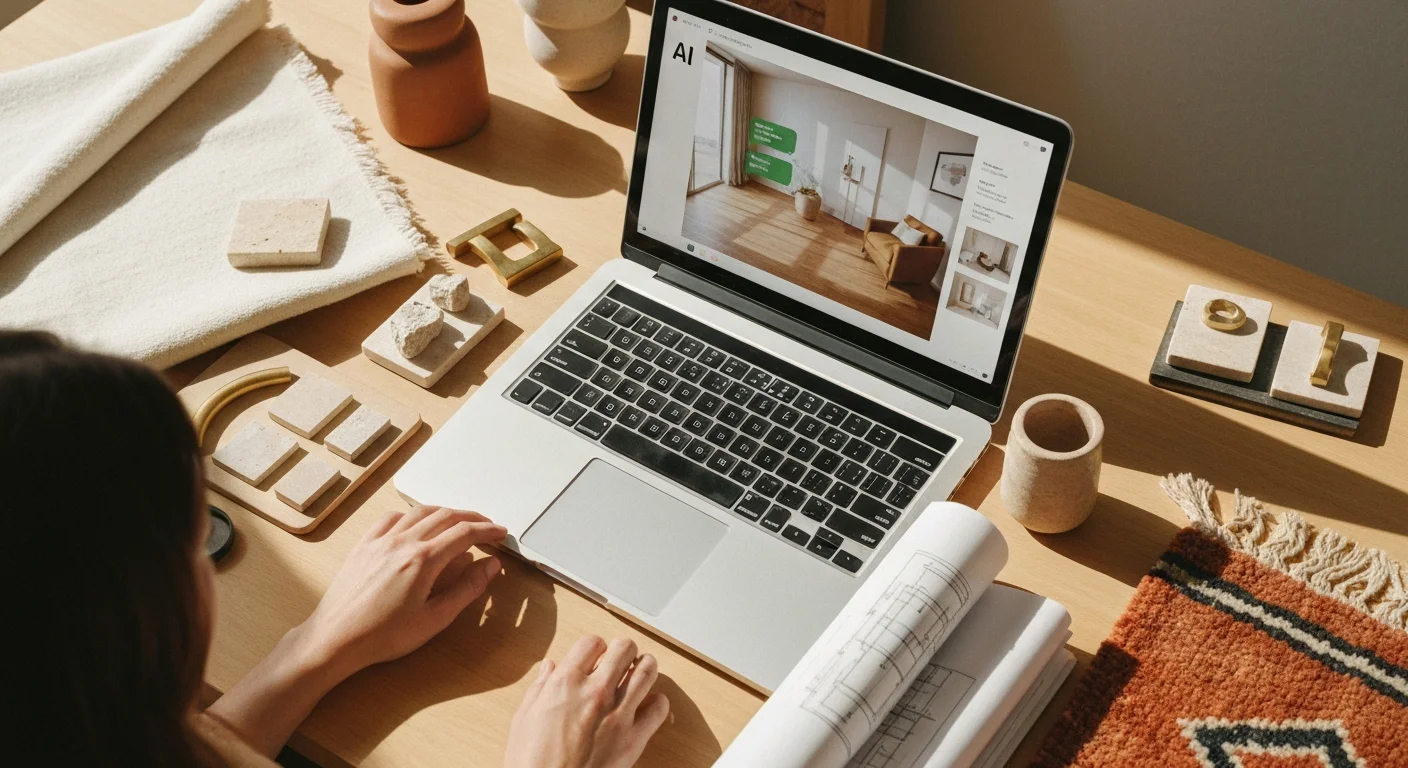
Learn how to use AI tools to transform your interior design practice. Discover practical techniques for mood boards, room renderings, client proposals, product sourcing, and project management. No coding required.
Turn text into natural narration, clone a voice with consent, transcribe and caption audio, dub into other languages, and build a full podcast or voiceover workflow using free AI tools.

A practical, no-code course on how aerospace and mechanical engineers actually use AI in 2026. Learn AI-accelerated CFD/FEA workflows, generative design in Fusion 360, AI-assisted MATLAB/Simulink, digital twins, predictive maintenance, AI for materials selection, and how to use LLMs for requirements engineering and standards research without compromising safety or traceability. Built for engineering students and early-career engineers. Earn a free certificate to add to your LinkedIn and resume.