Última atualização
Edit the photos you already have using free AI tools. Remove and replace backgrounds, erase unwanted objects and people, retouch portraits naturally, upscale and restore old photos, and make quick edits by typing plain English. No design skills or paid software required.
3 módulos • 6 aulas
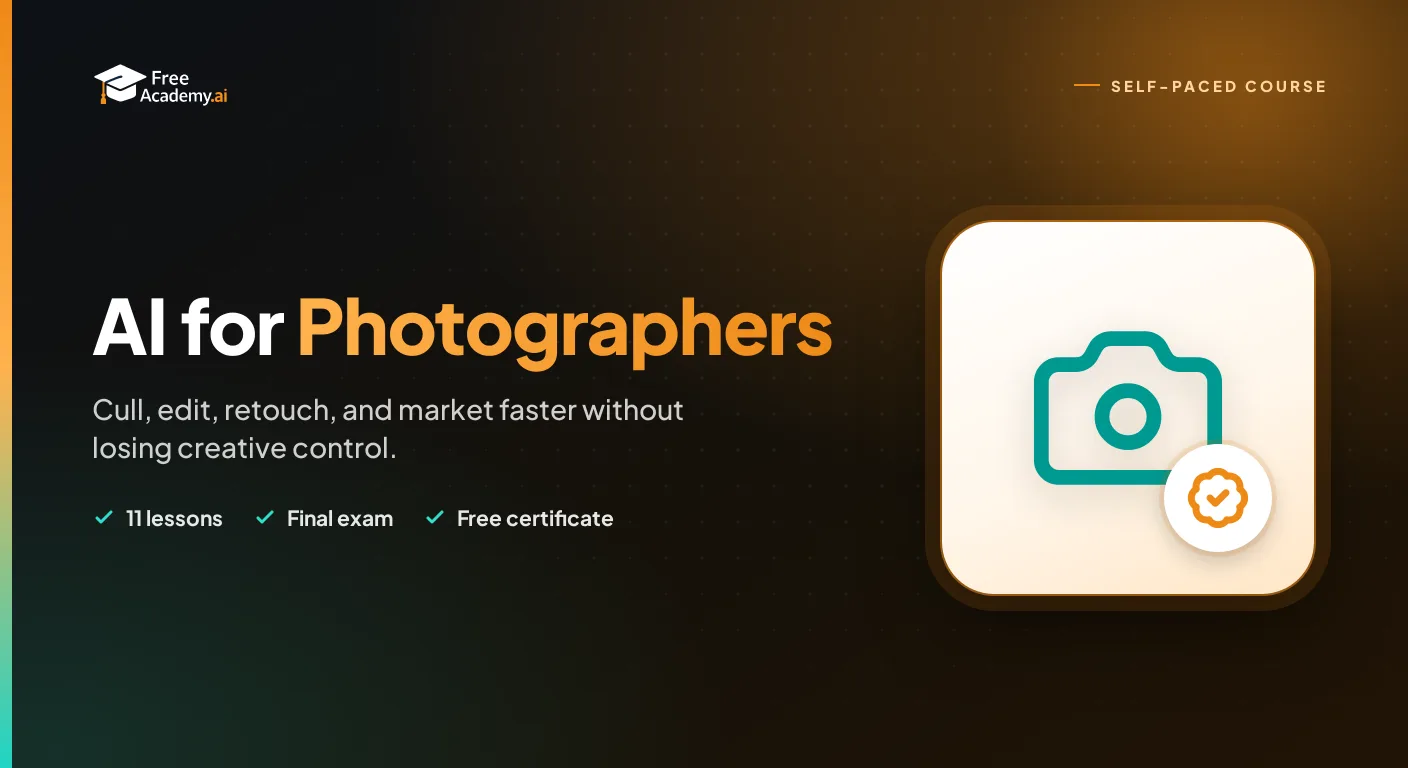
Learn how to use AI tools to speed up and improve your photography workflow. Discover practical techniques for AI culling, editing, retouching, upscaling, generative fill, color grading, keywording, client delivery, and marketing. No coding required.
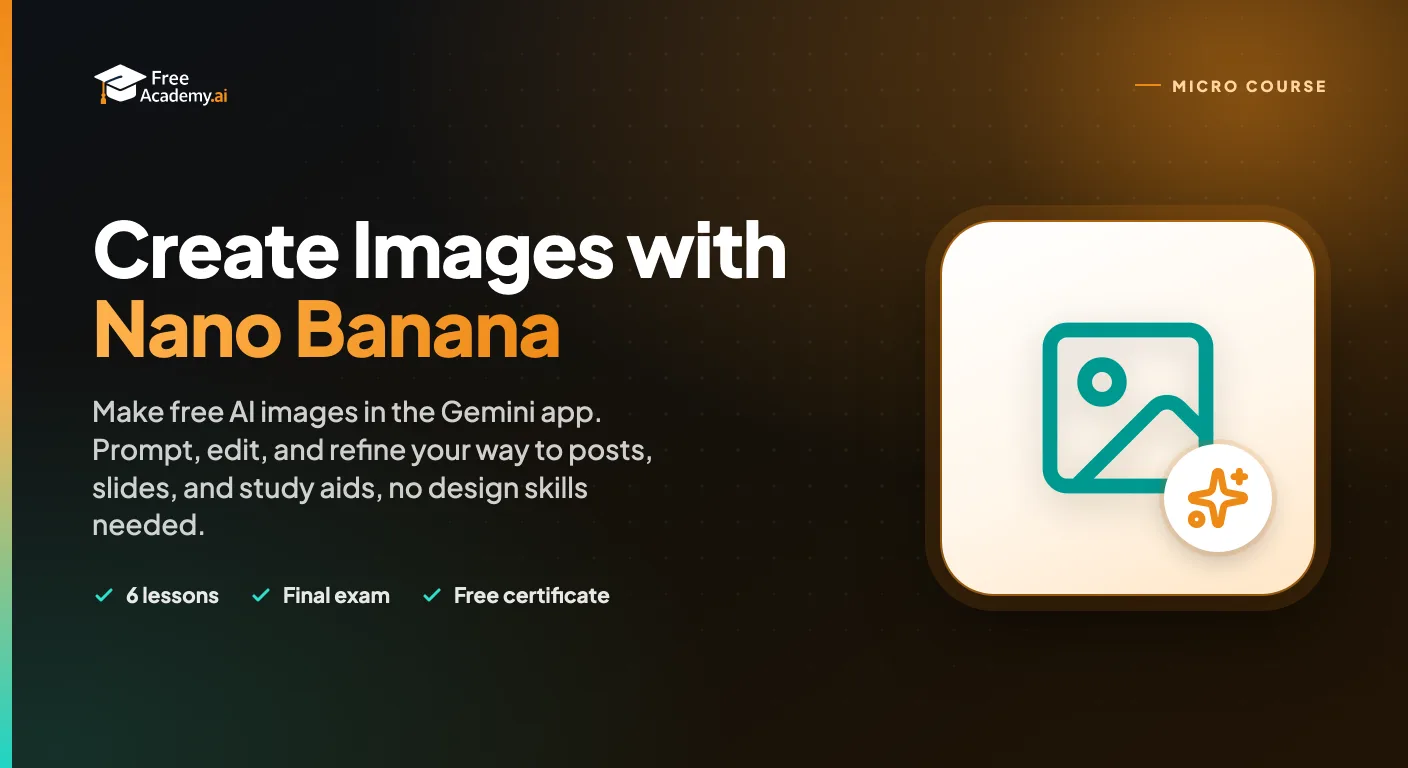
Make free AI images with Google's Nano Banana in the Gemini app. Learn to access it, write clear prompts, edit and refine, and create social posts, slides, and study aids without any design skills.
Make professional social graphics, resumes, and one-pagers in minutes using Canva built-in AI tools. Learn Magic Design, Magic Write, text-to-image, Background Remover, and Magic Resize with hands-on workflows. No design experience required.
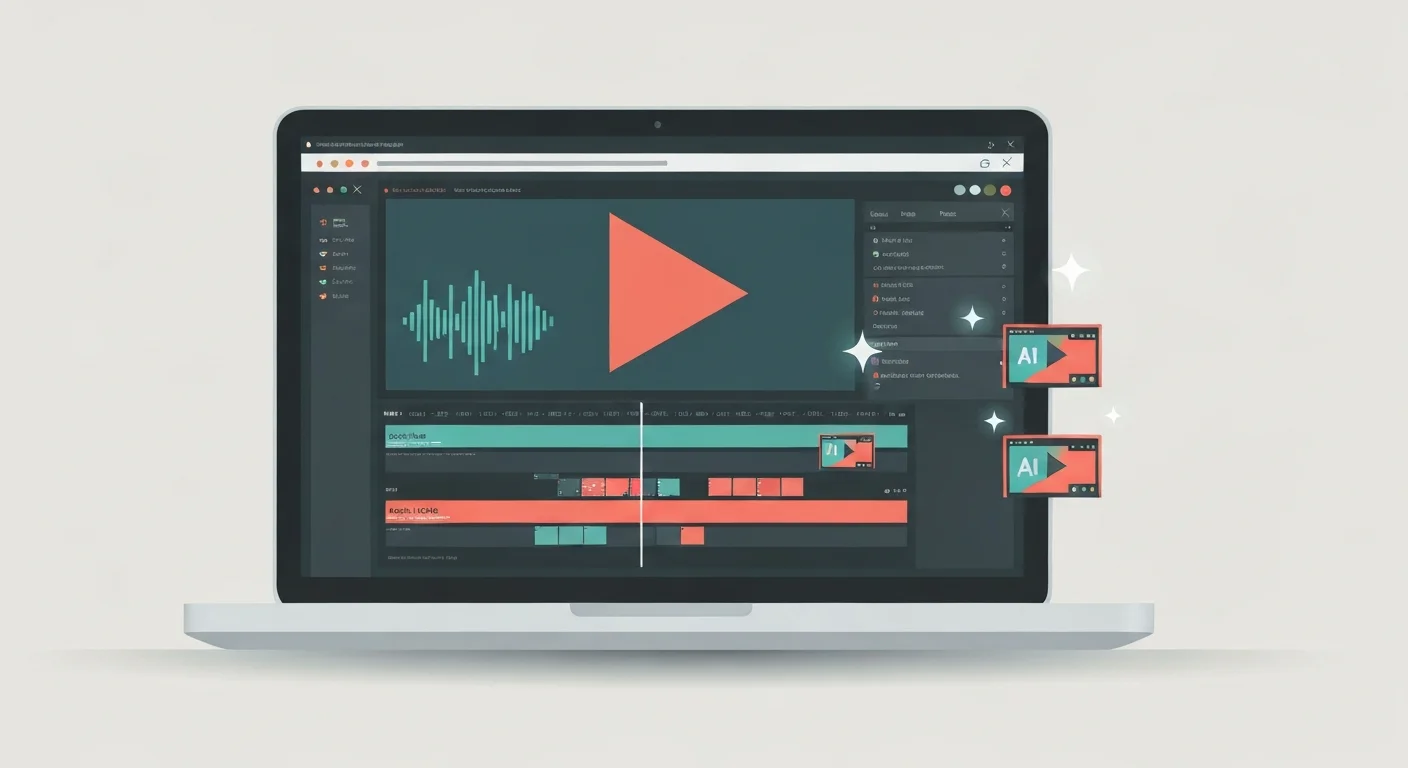
Turn raw talking-head footage into a clean, watchable video using CapCut and AI. You will add auto-captions, cut silences and filler words, and layer in B-roll, using ChatGPT, Claude, and Gemini to plan cuts and fix caption text. Edit-focused, no filming or AI video generation, and it awards a free certificate.

Learn to write effective prompts for AI image generators like Midjourney, DALL-E, and Stable Diffusion. Master the anatomy of good prompts, style keywords, composition techniques, and avoid common mistakes.
Create full songs from a text prompt with Suno, the AI music generator. Learn to prompt for genre, style, and mood, write and format lyrics, control song structure and vocals, extend and remix tracks, download stems, and understand copyright and commercial-use rules so you can use your music with confidence.