
How to Use Perplexity AI for Research: The Complete Free Guide

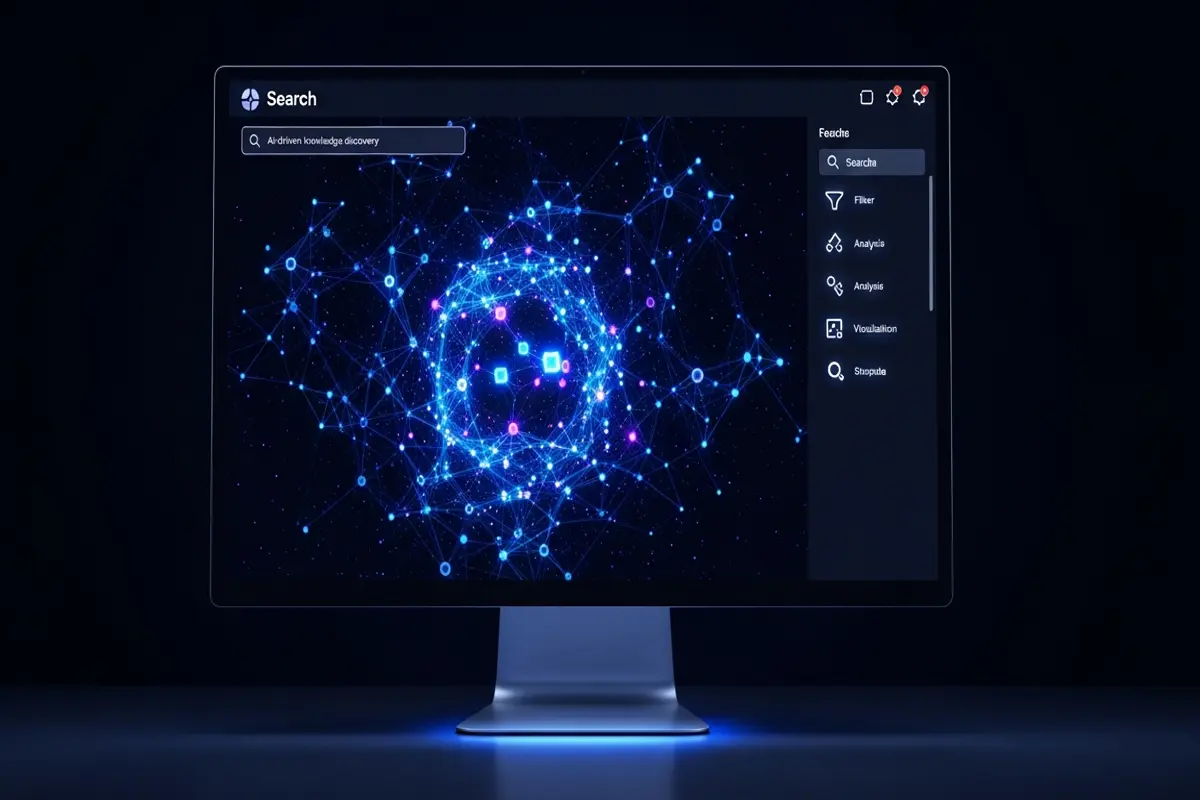
If you've ever typed a question into Google and spent 20 minutes sifting through ads, SEO-bloated articles, and Reddit threads just to find a simple answer — Perplexity AI was built for you.
Perplexity is an AI-powered search engine that doesn't just return links. It reads the web in real time, synthesises information from multiple sources, and gives you a direct, cited answer. Think of it as a research assistant that's already done the reading before you even finish typing.
This guide covers everything you need to know to use Perplexity AI effectively — for free.
What Is Perplexity AI?
Perplexity AI launched in 2022 and has quickly become one of the most useful tools for anyone who does serious research online. Unlike ChatGPT (which has a training cutoff and doesn't browse the web by default on free plans), Perplexity is always connected to the internet. Every answer comes with numbered citations you can verify instantly.
The free tier is genuinely useful. You get:
- Unlimited standard searches
- Real-time web results with citations
- Follow-up question threads (Perplexity calls these "Threads")
- Access to its "Focus" modes for different source types
The Pro plan ($20/month) adds GPT-4o and Claude integration, image generation, and higher limits — but for most research tasks, free is enough.
Perplexity AI vs Google Search
Here's the honest comparison:
| Feature | Perplexity AI | Google Search |
|---|---|---|
| Direct answers | ✅ Yes, synthesised | ❌ You find them yourself |
| Citations | ✅ Numbered inline | Partial (featured snippets) |
| Real-time data | ✅ Always live | ✅ Always live |
| Follow-up questions | ✅ Threaded | ❌ New search each time |
| Ads | ❌ None | ✅ Many |
| Best for | Deep research, summaries | Quick lookups, local search |
Google still wins for local searches ("best pizza near me"), navigating to specific websites, and finding images or videos. But for any question that needs synthesis — comparing options, understanding a concept, summarising a topic — Perplexity is faster and cleaner.
Step-by-Step: How to Use Perplexity AI for Research
Step 1: Go to perplexity.ai (No Account Needed)
Head to perplexity.ai. You can start searching immediately without creating an account. Sign up with Google or email if you want to save your research threads.
Step 2: Choose Your Focus Mode
Before searching, look at the icons below the search bar. Perplexity's Focus modes filter where it searches:
- All — general web search (best default)
- Academic — prioritises peer-reviewed papers (great for science/research)
- YouTube — finds relevant video content
- Reddit — surfaces community discussions and real user experiences
- Writing — uses Perplexity's own knowledge without live web search
For most research, start with All or Academic.
Step 3: Ask a Real Question, Not a Keyword
This is the biggest shift from Google. Don't type keywords — ask a proper question.
Google style (weak): perplexity ai features 2026
Perplexity style (strong): What are the main differences between Perplexity AI's free and Pro plans in 2026, and is the upgrade worth it for students?
The more context you give, the better the answer.
Step 4: Read the Answer and Check Citations
Perplexity returns a synthesised answer with numbered citations (e.g. [1], [2], [3]). Click any number to see the source. This is the superpower — you can verify every claim in seconds and dive deeper into the sources you find most useful.
Step 5: Ask Follow-Up Questions
This is where Perplexity really shines. Each search creates a Thread — a conversation where follow-ups maintain full context.
For example:
- "What are the best free tools for competitive analysis?"
- (Follow-up) "Which of those work best for B2B SaaS companies?"
- (Follow-up) "Show me how to use SEMrush's free tier for this"
You never lose context. It's like talking to a researcher who takes notes.
Step 6: Use the "Copilot" Feature for Deep Research
On the free plan, you get a limited number of Copilot searches per day. These are more thorough — Perplexity asks clarifying questions before searching, then gives a more detailed, tailored response. Save these for your most important research questions.
Real Research Use Cases
Academic research: Switch to Academic focus, ask about your topic, and get a summary of recent papers with direct citations. Great starting point before going into Google Scholar.
Competitive research: "What are the main features of [Competitor X] and how do users rate it on G2 and Trustpilot?" — Perplexity pulls from reviews, news, and product pages at once.
Learning a new topic: "Explain transformer neural networks to someone who understands basic Python but has never studied ML" — ask with your exact background for tailored explanations.
Fact-checking: Paste a claim and ask "Is this accurate? What do recent sources say?" — Perplexity will cross-reference multiple sources and flag inconsistencies.
Tips to Get Better Results
- Be specific about your audience or context — "for a small business owner" gets different results than "for an enterprise CTO"
- Ask for comparisons — "Compare X and Y across cost, features, and ease of use"
- Request formats — "Give me this as a bullet-point checklist" or "Summarise this in 3 sentences"
- Use Academic mode for anything scientific — cuts through opinion pieces and surfaces actual studies
- Save threads — sign up for a free account so you don't lose good research threads
Go Deeper with Our Free Course
If you want to master Perplexity AI for research — including advanced prompting techniques, workflow integration, and how to combine it with other AI tools — check out our free course: Perplexity AI for Research.
It's completely free, no credit card needed, and covers everything from beginner setup to advanced research workflows.
Final Thoughts
Perplexity AI won't replace Google entirely — but for research, learning, and synthesis tasks, it's genuinely better. The citations alone save hours of source-hunting. The threaded conversations make complex research feel natural.
Start with a topic you're already researching. Compare the experience to your usual workflow. Most people don't go back.
Enjoyed this article?
Join The FreeAcademy Weekly
One practical AI email every Tuesday. New free courses, AI tips, and a short note from the founder.
Free forever. Unsubscribe anytime.
Related articles
Perplexity vs ChatGPT vs Google: Which AI Research Tool Should You Use in 2026?
Compare Perplexity AI, ChatGPT, and Google for research. Discover which AI tool is best for academic research, fact-checking, market research, and learning new topics.
Google Deep Research vs Perplexity vs ChatGPT: AI Research Tools Comparison 2026
Google Deep Research vs Perplexity vs ChatGPT compared for accuracy, citations, depth, and speed. Find the best AI research tool for academic work, fact-checking, and market research in 2026.
NotebookLM vs ChatGPT vs Perplexity: Best AI Study Tool in 2026
Compare Google NotebookLM, ChatGPT, and Perplexity for studying. Discover which AI tool is best for source-based learning, exam prep, research papers, and self-study in 2026.