
Best Free TypeScript Course for JavaScript Developers

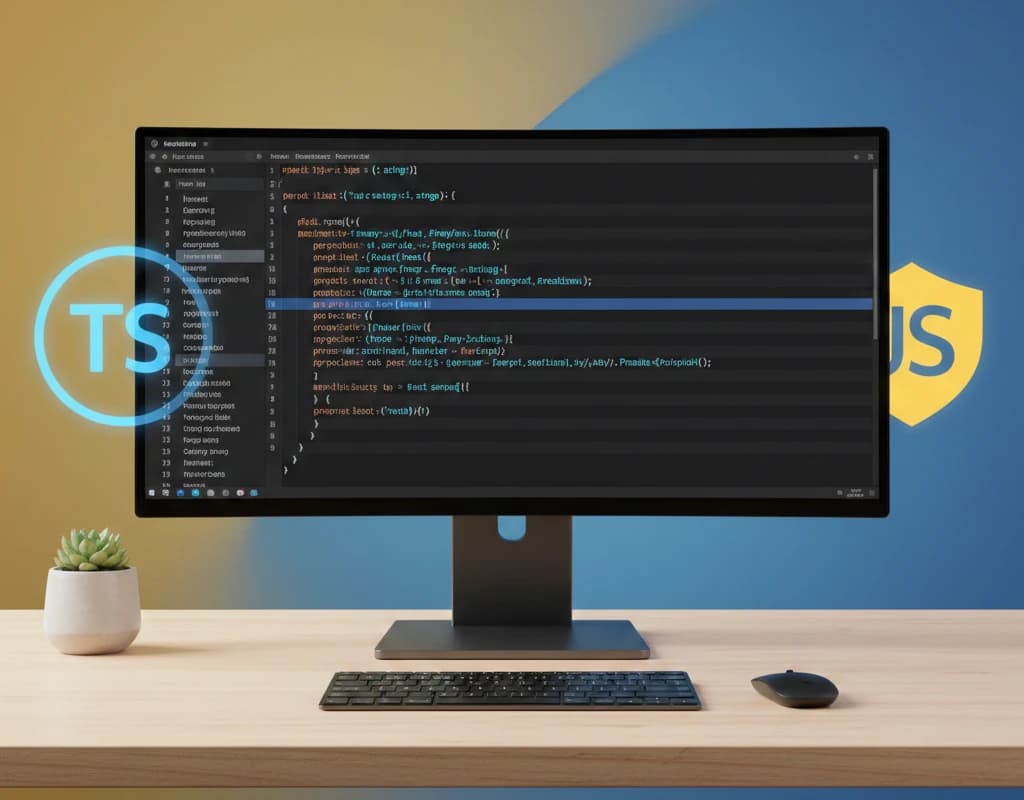
If you're a JavaScript developer looking to level up your skills, TypeScript is the natural next step. TypeScript adds static typing to JavaScript, catching errors before they reach production and making your code more maintainable. The best part? Your JavaScript knowledge transfers directly, making the learning curve surprisingly gentle.
In this guide, we've reviewed the best free TypeScript courses specifically designed for JavaScript developers. We'll compare platforms, course depth, and help you find the perfect learning path for your experience level.
Why JavaScript Developers Should Learn TypeScript in 2026
Before exploring courses, let's address why TypeScript has become essential for modern JavaScript developers:
- Industry adoption: Over 78% of JavaScript developers now use TypeScript, according to the State of JS survey
- Job market demand: TypeScript is a required skill in most senior frontend and full-stack positions
- Better tooling: Autocomplete, refactoring, and error detection become significantly more powerful
- Smoother collaboration: Type definitions serve as living documentation for your codebase
- Gradual adoption: You can introduce TypeScript incrementally into existing JavaScript projects
Your JavaScript expertise is the foundation. TypeScript simply adds a layer of safety on top.
Best Free TypeScript Course Platforms Compared
| Platform | Best For | Certificate | Hands-on Practice | JS Developer Focus |
|---|---|---|---|---|
| FreeAcademy.ai | Practical skills | Free | Yes - Interactive | Yes |
| TypeScript Official Docs | Reference learning | No | Limited | Partial |
| Microsoft Learn | Enterprise patterns | Free | Yes | Yes |
| Codecademy | Interactive basics | Paid | Yes | Yes |
| Scrimba | Video + coding | Paid | Yes | Yes |
| Execute Program | Spaced repetition | Trial only | Yes | Yes |
Top 7 Free TypeScript Courses for JavaScript Developers
1. Interactive TypeScript Practice (FreeAcademy.ai)
Best for: JavaScript developers wanting a practical, project-based introduction
Our Interactive TypeScript Practice course is designed specifically for developers who already know JavaScript. We skip the basics you already understand and focus on what TypeScript adds to your workflow.
What you'll learn:
- Type annotations and type inference
- Interfaces, types, and when to use each
- Generics for reusable, type-safe code
- Union types and type narrowing
- Working with existing JavaScript libraries
- Migrating a JavaScript project to TypeScript
Why it stands out:
- Assumes JavaScript knowledge, no redundant content
- Interactive TypeScript playground in your browser
- Real-world examples from production codebases
- Covers common migration patterns
- Free certificate upon completion
Certificate: Yes, free upon completion
Start Interactive TypeScript Practice
2. TypeScript for JavaScript Programmers (TypeScript Official Docs)
Best for: Developers who prefer reading documentation to watching videos
The official TypeScript documentation includes a dedicated section for JavaScript developers. It's thorough, authoritative, and always up-to-date.
What you'll learn:
- Types by inference
- Defining types with interfaces
- Composing types
- Structural type system
- TypeScript with common JavaScript patterns
Why it stands out:
- Written by the TypeScript team
- Always reflects the latest language features
- Excellent reference material
- Free and accessible
Certificate: No
Pros:
- Authoritative and accurate
- Comprehensive coverage
- Always current
Cons:
- Documentation format, not a structured course
- No interactive exercises
- Can feel dense for beginners
3. TypeScript Fundamentals (Microsoft Learn)
Best for: Developers working in enterprise environments or with Azure
Microsoft created TypeScript, and their learning platform offers a solid fundamentals path. It's particularly valuable if you work with Microsoft technologies.
What you'll learn:
- TypeScript basics and setup
- Type system fundamentals
- Interfaces and classes
- Generics and modules
- Integrating with existing JavaScript
Why it stands out:
- Created by TypeScript's parent company
- Enterprise-focused examples
- Integrates with other Microsoft Learn paths
- Free completion badges
Certificate: Free digital badge
Pros:
- Official Microsoft content
- Well-structured learning path
- Good for enterprise contexts
Cons:
- Can feel corporate
- Less focus on modern frontend patterns
- Slower updates than community resources
4. Learn TypeScript (Codecademy)
Best for: Developers who learn best through interactive, browser-based coding
Codecademy's TypeScript course offers their signature interactive learning experience. You write code directly in the browser with immediate feedback.
What you'll learn:
- TypeScript syntax and types
- Functions with type annotations
- Complex types and union types
- Type narrowing
- Object types and interfaces
Why it stands out:
- Interactive coding environment
- Immediate feedback on exercises
- Progress tracking
- Mobile-friendly
Certificate: Pro subscription required ($40/month)
Pros:
- Excellent interactive platform
- Gamified learning experience
- Works well for visual learners
Cons:
- Certificate requires paid subscription
- Content can be surface-level
- Limited advanced topics
5. TypeScript Course for Beginners (Academind/YouTube)
Best for: Developers who prefer video-based learning at no cost
Maximilian Schwarzmuller's free YouTube course is comprehensive and well-produced. It covers TypeScript from basics to advanced topics in video format.
What you'll learn:
- TypeScript basics and compiler
- Core types and type inference
- Classes and interfaces
- Advanced types
- Generics
- Decorators
- TypeScript with React
Why it stands out:
- Completely free on YouTube
- High production quality
- Covers advanced topics
- Instructor has excellent teaching style
Certificate: No
Pros:
- Free and comprehensive
- Excellent instructor
- Covers real framework integration
Cons:
- No interactive exercises
- Video format requires more passive learning
- No certificate or progress tracking
6. Execute Program: TypeScript
Best for: Developers who want long-term retention through spaced repetition
Execute Program uses spaced repetition to help concepts stick. You learn TypeScript through daily practice sessions that reinforce previous material.
What you'll learn:
- TypeScript fundamentals
- Type system in depth
- Advanced patterns
- Real-world applications
Why it stands out:
- Spaced repetition for retention
- Daily practice sessions
- Written by industry experts
- Builds deep understanding
Certificate: No
Pros:
- Excellent retention through spaced repetition
- Deep coverage of concepts
- Written exercises
Cons:
- Free trial limited to first lessons
- Full access requires $39/month subscription
- Requires daily commitment
7. No BS TS (Jack Herrington/YouTube)
Best for: Experienced developers who want practical, real-world TypeScript patterns
Jack Herrington's "No BS TS" series on YouTube focuses on practical TypeScript patterns used in production. It's ideal for developers who already understand the basics.
What you'll learn:
- Advanced generics patterns
- Utility types
- Type-safe event handling
- React TypeScript patterns
- Type challenges explained
Why it stands out:
- No fluff, practical focus
- Real production patterns
- Covers advanced topics
- Active community
Certificate: No
Pros:
- Practical, real-world focus
- Advanced topic coverage
- Free and accessible
Cons:
- Assumes basic TypeScript knowledge
- Not structured as a beginner course
- Video-only format
Course Comparison: Pros and Cons Summary
| Course | Pros | Cons |
|---|---|---|
| FreeAcademy Interactive TypeScript | Interactive, JS-focused, free certificate | Newer platform |
| TypeScript Official Docs | Authoritative, always current | Documentation format, no exercises |
| Microsoft Learn | Enterprise focus, free badge | Can feel corporate |
| Codecademy | Great interactivity | Certificate requires subscription |
| Academind YouTube | Free, comprehensive videos | No exercises or certificate |
| Execute Program | Excellent retention | Limited free content |
| No BS TS | Advanced, practical | Not beginner-friendly |
How to Choose the Right TypeScript Course
Based on Your Learning Style
- Prefer reading? Start with TypeScript Official Docs
- Learn by doing? Choose Interactive TypeScript Practice or Codecademy
- Video learner? Try Academind's YouTube course
- Need long-term retention? Consider Execute Program
Based on Your Experience Level
- JavaScript beginner: Strengthen JS first, then return to TypeScript
- Intermediate JS developer: Interactive TypeScript Practice or Microsoft Learn
- Advanced JS developer: No BS TS or Execute Program for advanced patterns
Based on Your Goals
- Quick overview: TypeScript Official Docs (1-2 hours)
- Solid foundation: Interactive TypeScript Practice (4-6 hours)
- Deep mastery: Execute Program + No BS TS (40+ hours)
- Enterprise skills: Microsoft Learn path
TypeScript Learning Path for JavaScript Developers
Here's our recommended progression:
Week 1-2: Foundation
- Interactive TypeScript Practice - Build your foundation
- TypeScript Official Docs - Use as reference alongside the course
- Practice: Convert a small JavaScript project to TypeScript
Week 3-4: Intermediate Skills
- Microsoft Learn TypeScript modules for enterprise patterns
- Academind YouTube for framework integration
- Practice: Build a small TypeScript project from scratch
Month 2+: Advanced Mastery
- No BS TS for advanced patterns
- Execute Program for retention
- Practice: Contribute to open-source TypeScript projects
Common Mistakes When Learning TypeScript
Avoid these pitfalls that trip up many JavaScript developers:
1. Overusing any
The any type defeats TypeScript's purpose. When you're tempted to use it, try unknown instead and narrow the type properly.
2. Not Using Type Inference
TypeScript is smart. You don't need to annotate everything:
// Unnecessary - TypeScript infers this
const name: string = "Alice";

// Better - let TypeScript infer
const name = "Alice";
3. Fighting the Type System
If you're constantly casting types or adding assertions, step back. The type system is usually right, and your code design might need adjustment.
4. Ignoring Strict Mode
Enable strict: true in your tsconfig.json from the start. It's harder to add later and catches many bugs early.
5. Not Learning Generics
Generics are what make TypeScript truly powerful. Don't skip this topic, even if it seems complex at first.
Frequently Asked Questions
What is the best free TypeScript course for JavaScript developers?
For JavaScript developers, we recommend Interactive TypeScript Practice as it's specifically designed for developers who already know JavaScript. It skips redundant basics and focuses on what TypeScript adds to your existing knowledge. The course includes interactive exercises and a free certificate.
Can I learn TypeScript for free online?
Yes, excellent free TypeScript resources exist. FreeAcademy.ai offers complete courses with free certificates. The TypeScript Official Docs are free and comprehensive. YouTube has quality content from Academind and Jack Herrington. Microsoft Learn offers free modules with badges.
How long does it take to learn TypeScript as a JavaScript developer?
JavaScript developers can learn TypeScript basics in a weekend (4-8 hours) since the core JavaScript knowledge transfers directly. Becoming proficient with advanced features like generics, utility types, and complex type patterns typically takes 2-4 weeks of regular practice.
Is TypeScript harder than JavaScript?
TypeScript isn't harder than JavaScript, it's JavaScript with additional features. For JavaScript developers, the learning curve is gentle because all your existing knowledge applies. The main adjustment is thinking about types, which becomes natural with practice.
Should I learn JavaScript before TypeScript?
Yes, learning JavaScript first is recommended. TypeScript is a superset of JavaScript, so understanding JavaScript fundamentals is essential. If you're new to programming, start with JavaScript, then transition to TypeScript once comfortable with the basics.
Do employers prefer TypeScript over JavaScript?
Most employers now prefer TypeScript for production applications, especially for larger codebases. TypeScript is often listed as a required or preferred skill in job postings. However, JavaScript knowledge remains essential since TypeScript compiles to JavaScript.
Can I use TypeScript with React, Node.js, and other frameworks?
TypeScript works excellently with all major JavaScript frameworks. React has first-class TypeScript support, Node.js runs TypeScript natively (with ts-node) or compiled, and frameworks like Next.js, Express, and Vue all support TypeScript out of the box.
What's the difference between TypeScript and JavaScript?
TypeScript is JavaScript with static typing. It adds type annotations, interfaces, generics, and other features that help catch errors during development rather than runtime. TypeScript compiles to regular JavaScript, so it runs anywhere JavaScript runs.
Start Your TypeScript Journey Today
TypeScript has become an essential skill for professional JavaScript developers. The type safety, better tooling, and improved collaboration it enables are too valuable to ignore. With your JavaScript foundation, you're already halfway there.
Our recommendation: Begin with Interactive TypeScript Practice for a structured introduction that respects your existing JavaScript knowledge. Supplement with the official TypeScript documentation as a reference, and practice by converting your own JavaScript projects.
The transition from JavaScript to TypeScript is one of the highest-ROI investments you can make as a developer. These free resources make it accessible to everyone.
Ready to add type safety to your JavaScript skills? Start learning TypeScript today.
Enjoyed this article?
Join The FreeAcademy Weekly
One practical AI email every Tuesday. New free courses, AI tips, and a short note from the founder.
Free forever. Unsubscribe anytime.
Related articles

Best JavaScript Course in 2026: Learn JavaScript Free
We ranked the best free JavaScript courses for beginners and beyond. Compare freeCodeCamp, FreeAcademy, The Odin Project, and more — start building websites today.
Best Free Courses to Learn Web Development Without a Degree
Discover the best free web development courses in 2026. Learn HTML, CSS, JavaScript, and modern frameworks without a degree. Complete learning path with comparison table and success strategies.
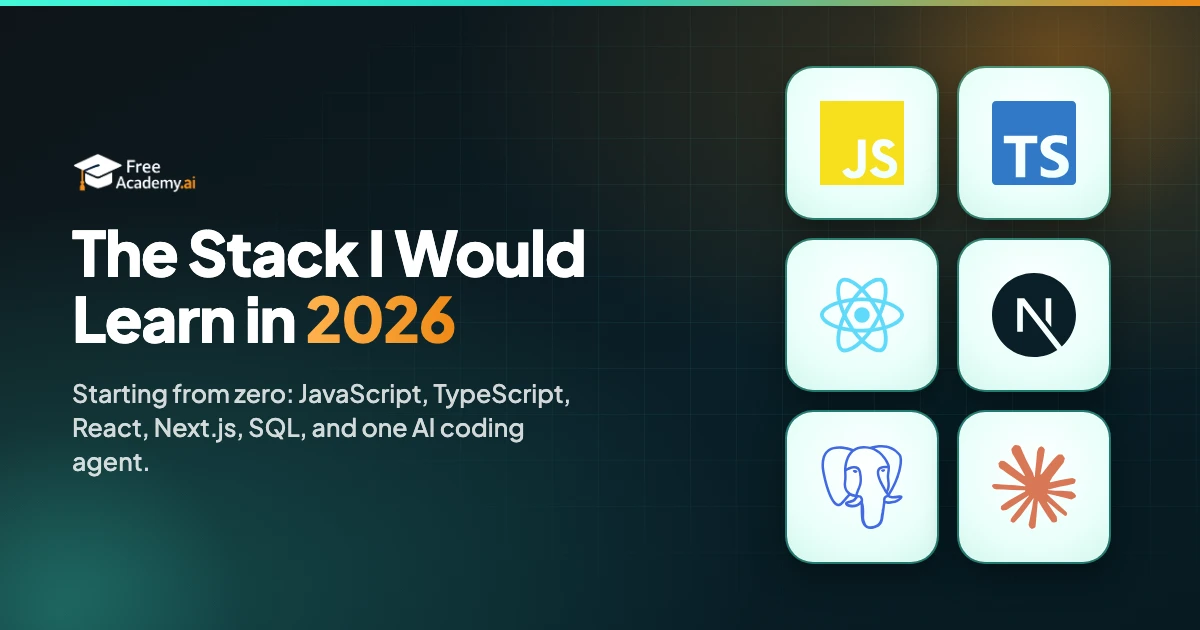
The Stack I Would Learn in 2026 If I Were Starting Over
The tech stack I would learn in 2026 if I were starting from zero: JavaScript, TypeScript, React, Next.js, SQL, and one AI coding agent. With the order and the reasons.